Best CRM software 2026: our comparison for SMBs
A CRM (Customer Relationship Management) platform centralizes your contacts, your sales pipeline and your follow-ups. We continuously compare the leading tools on the market. Here is our 2026 shortlist, ranked on features, ease of onboarding, real-world price and how well each one scales with a growing small or midsize business.

Our picks at a glance
Our pickHubSpot CRM, the most complete platform (marketing + sales), with one of the most generous free plans to get started.
See ↓ Simplest to usePipedrive, the most intuitive visual sales pipeline, up and running in minutes without an admin.
See ↓ Best valueZoho CRM, advanced features from ~$14/user and an ecosystem of 55+ connected apps.
See ↓ Most customizablemonday CRM, an ultra-visual no-code CRM (billed from 3 seats).
See ↓ Best to scaleSalesforce, the most powerful and extensible CRM once you outgrow a lightweight tool.
See ↓At a glance
The best CRM software compared
| CRM | Rating | Free plan | Best for | Built-in AI | Starts at | |
|---|---|---|---|---|---|---|
 HubSpot CRM Our pick HubSpot CRM Our pick | ★★★★½ 4.4 | ✓ | Marketing + sales | Breeze AI | $15 | See → |
 Pipedrive Simple Pipedrive Simple | ★★★★½ 4.4 | ✗ | B2B sales teams | AI assistant | $14 | See → |
 Zoho CRM Zoho CRM | ★★★★½ 4.4 | ✓ ≤ 3 | SMBs that scale | Zia AI | $14 | See → |
 monday CRM monday CRM | ★★★★★ 4.6 | ✗ | Teams of 3+ | monday AI | $12 | See → |
 Salesforce Salesforce | ★★★★☆ 4.3 | ✗ | Scaling companies | Einstein AI | $25 | See → |
Indicative prices per user/month on annual billing, checked in July 2026. Month-to-month plans cost more. monday CRM enforces a 3-seat minimum. Promotional first-year rates may apply on HubSpot and Salesforce Starter tiers.
Want to start with no budget?
HubSpot CRM ships one of the most complete free plans (2 users, 1,000 contacts) so you can test without a credit card.
The top picks in detail
Our top 5 best CRMs, analyzed
HubSpot CRM
The best all-in-one CRM for most teams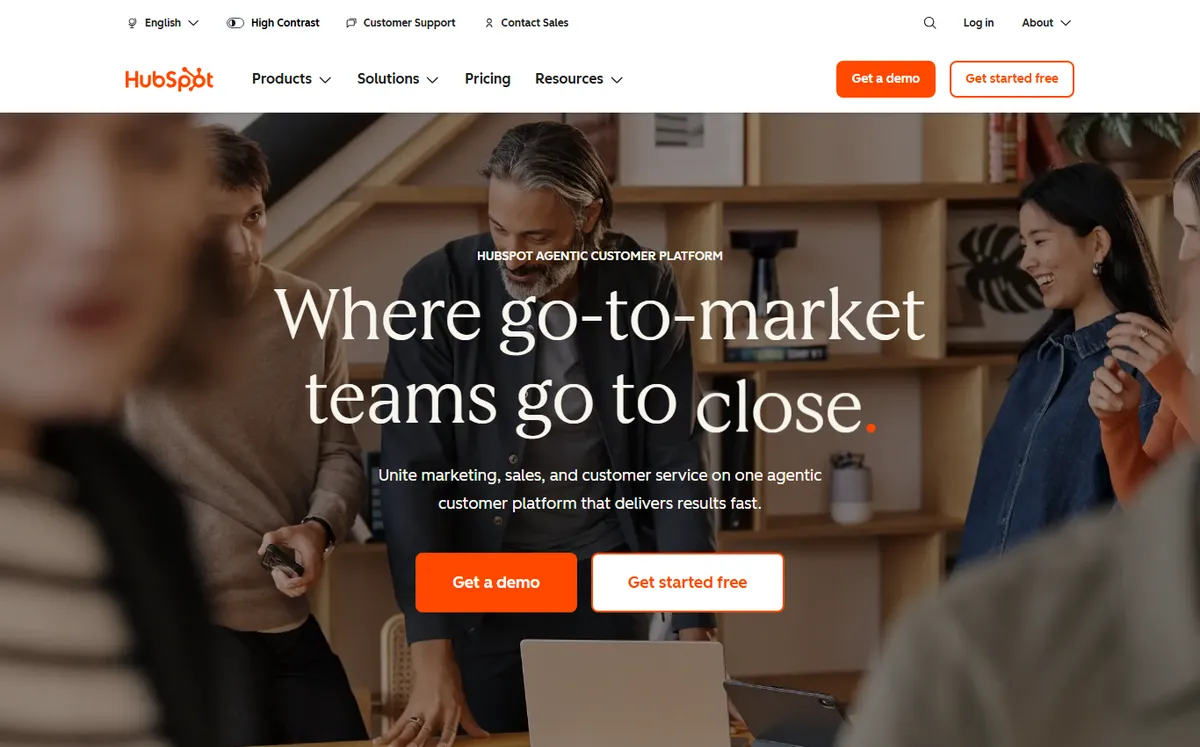
- +
One of the most generous free plans on the market: 2 users, up to 1,000 contacts.
- +
The most complete all-in-one platform (marketing, sales, service) for inbound teams.
- +
1,700+ integrations, plus a well-regarded onboarding and the free HubSpot Academy.
- –
Costs ramp up fast as you move upmarket (Professional tier ~$90/seat plus onboarding fees).
- –
Some useful features (advanced automation) are locked behind higher tiers.
Our verdict
HubSpot CRM takes the top spot because it covers the entire customer lifecycle, from the first marketing email to the signed deal, without leaving the tool. Its free plan is the most generous in this comparison and scaling up (sequences, workflows, reporting) feels smooth. The real caveat is the price of the upper tiers: moving to Professional gets expensive, onboarding fees included. For an SMB that wants to align marketing and sales, it is the safest choice.
Pipedrive
The best pick for a simple, fast sales pipeline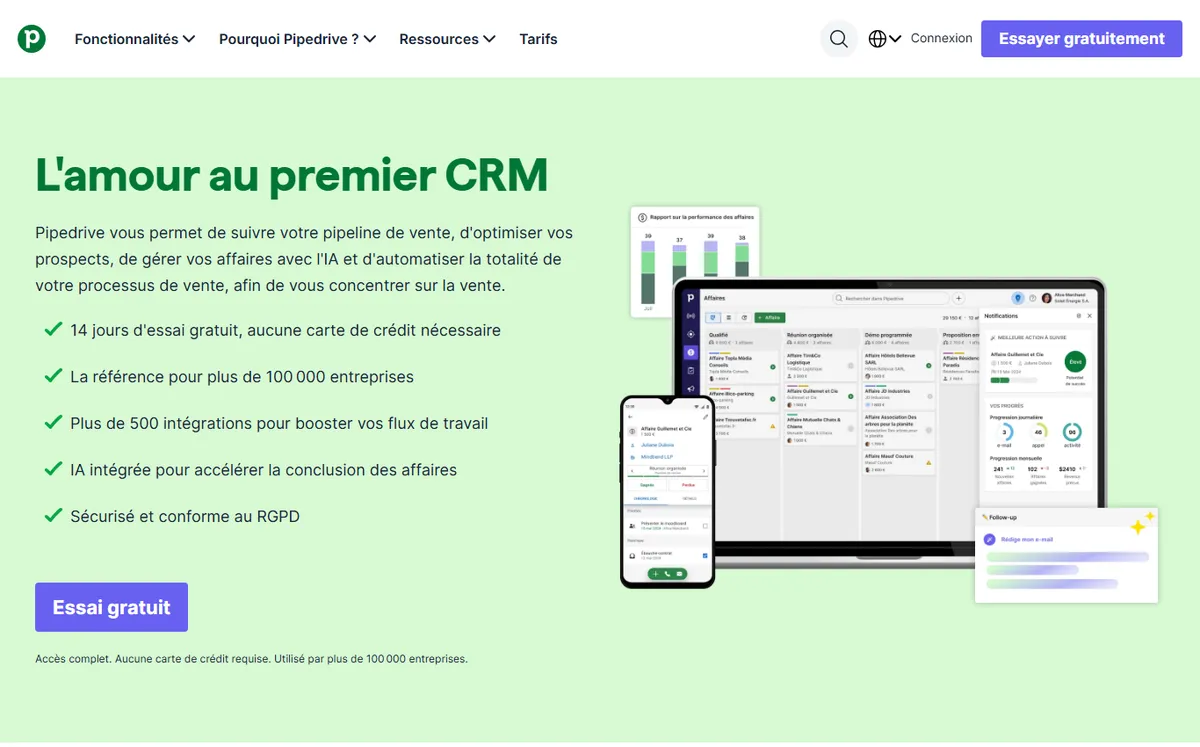
- +
The most intuitive drag-and-drop visual pipeline, built by and for salespeople.
- +
Very fast to learn, no dedicated CRM administrator required.
- +
500+ integrations and a built-in AI sales assistant.
- –
No free plan (14-day trial only).
- –
Paid add-ons (LeadBooster, Campaigns) push the real bill up quickly.
Our verdict
Pipedrive is the CRM you adopt in an afternoon. Its strength is a visual pipeline where every deal moves with drag-and-drop, no heavy setup or dedicated admin: ideal for a small sales team that wants to sell, not configure a tool. The trade-off is the lack of a free plan and paid add-ons (LeadBooster, Campaigns) that inflate the bill as soon as you want lead generation or marketing.
Zoho CRM
The best value for a growing SMB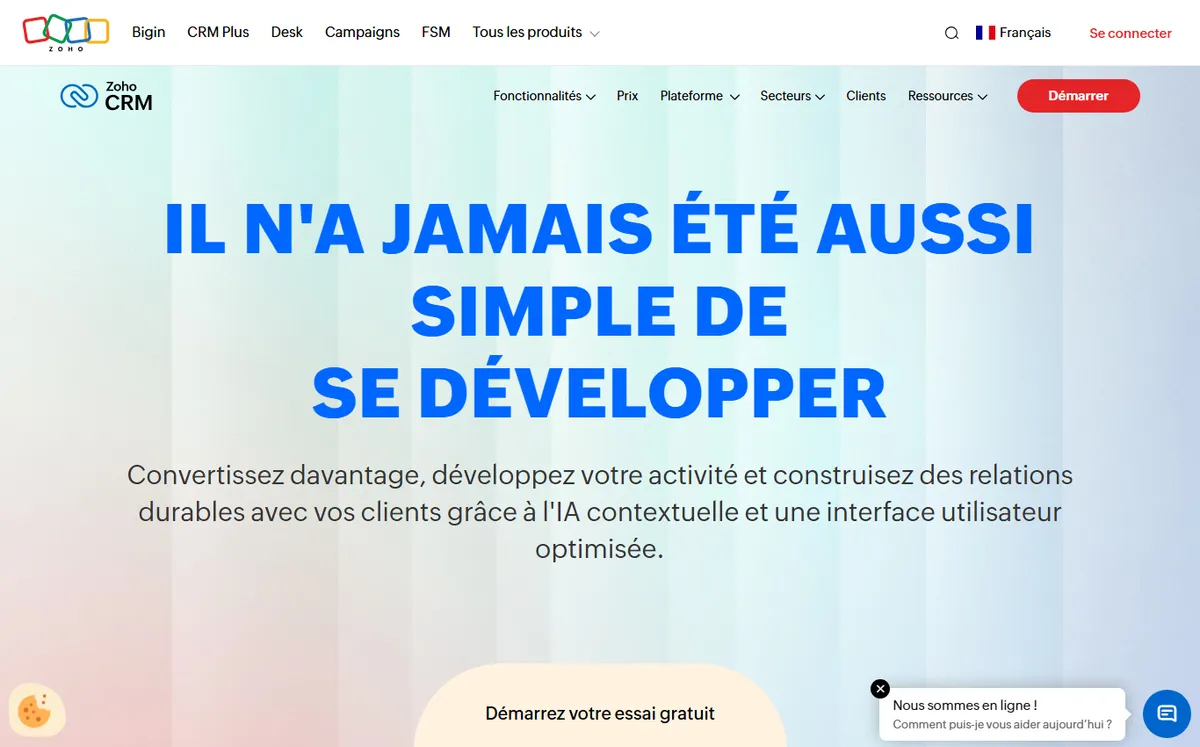
- +
Unbeatable feature-to-price ratio: workflows, forecasting and dashboards from ~$14.
- +
Ecosystem of 55+ Zoho apps (Books, Desk, Campaigns and more).
- +
Free edition for up to 3 users and the Zia AI assistant included on paid tiers.
- –
Dense interface: the learning curve is longer than HubSpot or Pipedrive.
- –
A small team with no technical lead can feel overwhelmed by the options.
Our verdict
Zoho CRM packs more advanced features than any competitor at this price: workflows, forecasting, dashboards and the Zia AI assistant are there from the Standard plan at ~$14. Add an ecosystem of 55+ in-house apps and you get the best value in this comparison for an SMB that plans to grow. The downside is a dense interface that takes time to master, and a very small team without a technical lead can feel overwhelmed.
Need help deciding between these CRMs?
Zoho CRM packs the most advanced features for the money. Try it free for up to 3 users before you commit.
monday CRM
The best pick to customize without code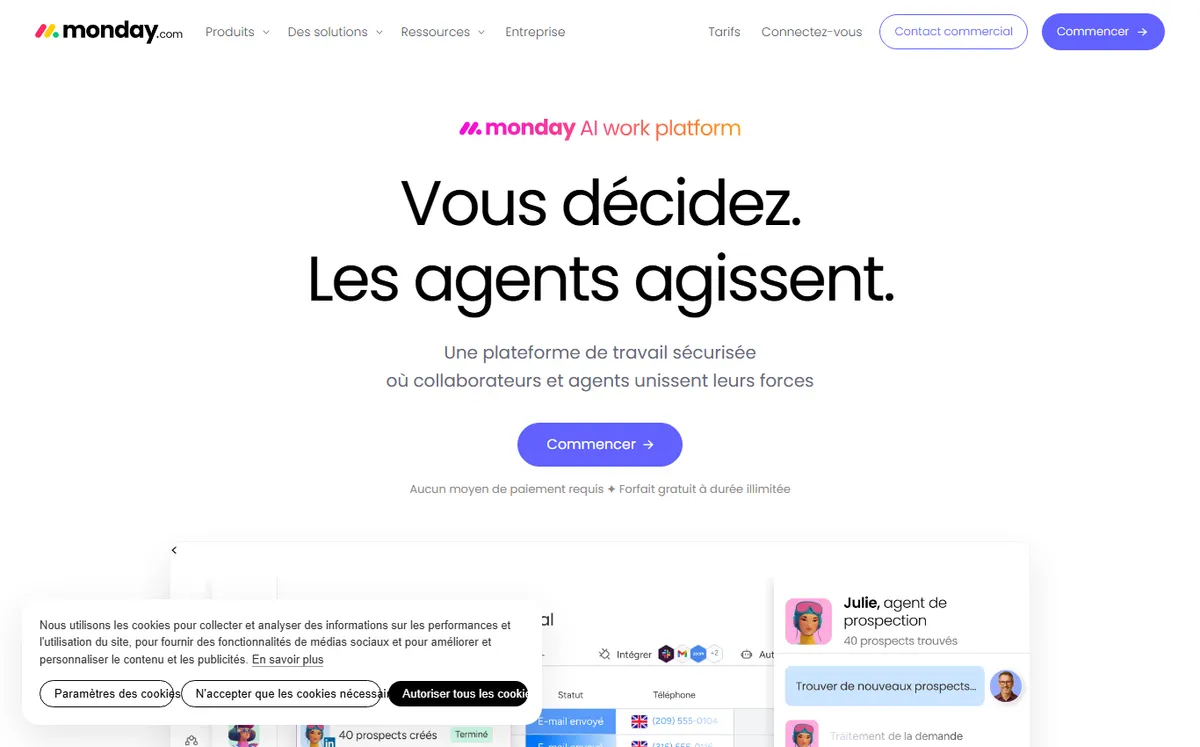
- +
Extreme visual customization (boards, Kanban, timeline and calendar views).
- +
All-in-one no-code platform (CRM and project management unified).
- +
Playful, fast onboarding; among the highest user satisfaction scores on the market.
- –
Minimum 3 billed seats: a poor fit for solo founders and 1-to-2-person teams.
- –
Boards can get cluttered as your activity grows.
Our verdict
monday CRM earns the highest satisfaction score in our panel thanks to a visual, playful experience: you build your CRM like assembling blocks, without writing a line of code. It is the ideal pick when every team wants its own views (listings, projects, deals) and the CRM must match a precise process. Two limits to know: billing starts at 3 seats, which rules out solo founders, and boards can get cluttered as activity grows.
Salesforce
The most powerful CRM for scaling companies- +
The deepest customization and reporting once your processes get complex.
- +
Massive AppExchange marketplace and Einstein AI across the platform.
- +
Starter Suite bundles sales, service and marketing (plus Slack) in one entry plan.
- –
Steep learning curve and setup often needs an admin or a partner.
- –
No free plan, and higher tiers get expensive fast with add-ons.
Our verdict
Salesforce is the CRM you grow into rather than start with. Once your processes get complex, nothing matches its depth of customization, reporting and the AppExchange marketplace, with Einstein AI woven across the platform. The Starter Suite makes the entry point friendlier by bundling sales, service, marketing and Slack. The trade-off is real: a steeper learning curve that often needs an admin or partner, no free plan, and a bill that climbs fast on the higher tiers.
Our analysis
Comparison: ease of use, automation and integrations
Beyond the spec sheets, three criteria really make the difference day to day: how fast the team adopts the tool, how powerful its automation is and how rich its integrations are. The scores below summarize our hands-on tests of the current apps (July 2026) and our analysis of each vendor’s public feature grid. Starting from scratch? Our guide on how to choose a CRM lays out the method step by step.
Our method. Each tool is tested on the same B2B sales scenario: import 200 contacts, build a pipeline, set up follow-up automations and a dashboard. Ease-of-use and automation scores are assigned by our editors on that basis, then cross-checked against G2 and Capterra reviews.
Ease of use
A CRM your reps do not adopt is useless. Here is the ease-of-use score we give each tool, from the first import to a working pipeline.
Ease-of-use score assigned by our editors · out of 5
The longer the bar, the faster the tool is to adopt without a dedicated admin.
- Pipedrive and monday are the fastest to adopt: a visual interface, up and running in minutes with no heavy setup.
- HubSpot stays approachable despite its depth, helped by its onboarding and academy.
- Zoho and Salesforce need a longer ramp-up, because of dense interfaces and many options.
Key takeaway. To be productive right away without a CRM admin, Pipedrive is the safest bet; monday is close behind if you want customization.
Automation power
Automatic follow-ups, lead assignment, email sequences, scoring: this is where a CRM saves time. This score reflects the reach and flexibility of each automation engine from the entry tiers.
Automation & workflows score · out of 5
Reach of rules, sequences, scoring and AI available without jumping to the most expensive tiers.
- Salesforce (Flow) and Zoho (workflows, macros, Zia) offer the most complete engines.
- HubSpot shines on marketing and sales sequences once you reach the paid workflows.
- monday excels at no-code automations triggered by a simple “when this, then that” rule; Pipedrive covers the essentials.
Key takeaway. To automate marketing AND sales without overpaying, Zoho CRM offers the best power-to-price ratio; Salesforce wins outright once budget is no object.
Key integrations by product
A CRM lives connected to the rest of your stack (email, calendar, marketing, accounting). Here are the most requested connectors and their availability, as of July 2026.
✓ native integration or official connector · ✗ missing or limited. Scroll the table horizontally if needed.
| CRM | Integrations | Gmail / Outlook | Slack | Zapier / Make | Open API |
|---|---|---|---|---|---|
| HubSpot CRM | 1,700+ | ✓ | ✓ | ✓ | ✓ |
| Pipedrive | 500+ | ✓ | ✓ | ✓ | ✓ |
| Zoho CRM | 800+ | ✓ | ✓ | ✓ | ✓ |
| monday CRM | 200+ | ✓ | ✓ | ✓ | ✓ |
| Salesforce | 7,000+ | ✓ | ✓ | ✓ | ✓ |
- Salesforce and HubSpot lead with the largest marketplaces (AppExchange and the HubSpot App Marketplace).
- Pipedrive and Zoho cover every common tool, with an open API for edge cases.
- monday offers fewer connectors but the essentials, and everything else is reachable through Zapier.
Key takeaway. If your stack is already rich (Slack, Shopify, marketing tools), HubSpot and Salesforce minimize friction; for a simple need, any of them works through Zapier.
Advanced features
Visual pipeline, automations, built-in AI, reporting, native invoicing: here is what each CRM offers out of the box, with no add-on.
| CRM | Visual pipeline | Auto workflows | Built-in AI | Reporting | Native invoicing |
|---|---|---|---|---|---|
| HubSpot CRM | ✓ | ✓ (Pro) | Breeze | ✓ | ✗ |
| Pipedrive | ✓ | ✓ | AI assistant | ✓ | ✗ (add-on) |
| Zoho CRM | ✓ | ✓ | Zia | ✓ | ✓ (Books) |
| monday CRM | ✓ | ✓ | monday AI | ✓ | ✗ |
| Salesforce | ✓ | ✓ | Einstein | ✓ | ✗ |
Only Zoho (via Zoho Books) bundles native invoicing; on HubSpot, Pipedrive, monday and Salesforce it comes through an integration or add-on. The most advanced AI features are often reserved for higher tiers.
Which CRM for which use case?
In short, here is our recommendation based on your profile:
| Your profile | Our pick | Why |
|---|---|---|
| Solo / freelancer | HubSpot CRM | Free forever plan, no credit card |
| Growing SMB | Zoho CRM | The most advanced features for the money |
| Sales teams | Pipedrive | The most effective visual pipeline to close |
| Real estate | monday CRM | No-code boards for listings, deals and follow-ups |
| E-commerce | HubSpot CRM | Unified marketing + sales, Shopify / WooCommerce integrations |
| Enterprise | Salesforce | Deepest customization, reporting and AppExchange |
How we built this ranking
Every CRM is scored on six weighted criteria: ease of use (speed of adoption, interface, learning curve), automation (workflows, sequences, scoring, AI), integrations (native connectors, API, marketplace), reporting & analytics (dashboards, forecasting), support (responsiveness, documentation) and value for money (cost per user, tiers, seat minimums, free plan). We favor tools that genuinely fit small and midsize businesses. Scores rely on our tests of the current apps and our analysis of the public pricing grids; we re-check every offer whenever a vendor changes its pricing, which is why the update date sits at the top of the page.
Frequently asked questions
What is the best CRM software in 2026?
For most small and midsize businesses, HubSpot CRM offers the best balance of features, a free plan and room to scale. If your sales team wants pure simplicity, Pipedrive is the most intuitive; if you expect to grow into complex processes, Salesforce is the most powerful and extensible option.
Which free CRM should I choose?
HubSpot offers one of the most complete free plans: 2 users and up to 1,000 contacts. Zoho CRM also has a free edition, capped at 3 users. The others (Pipedrive, monday, Salesforce) limit you to a 14 to 30-day free trial instead of a permanent free tier.
What is the best CRM for a small business?
For a small business, HubSpot CRM and Pipedrive are the easiest to adopt with little setup, while Zoho CRM delivers the most features for the money. monday CRM is a strong pick for teams that want to customize their workflow visually, provided you can meet its 3-seat minimum.
How much does a CRM cost for an SMB?
Expect roughly $12 to $30 per user/month on annual billing for a solid entry plan, and more for advanced features. You can start free (HubSpot, Zoho) and upgrade later. Watch for seat minimums (3 on monday) and paid add-ons that can inflate the real cost.