What is the best invoicing software in 2026?
Invoicing software creates your estimates and invoices, calculates sales tax, tracks who has paid and chases the clients who have not. We continuously compare the leading tools on the US market. Here is our 2026 selection, ranked on the strength of the free plan, the target user (freelancer, small business, growing team), the real price and, above all, how well the tool actually gets you paid faster.

Our picks at a glance
Our choiceFreshBooks, the most polished invoicing experience for freelancers and small businesses, with the fastest client payments.
See ↓ Best free toolZoho Invoice, a genuinely free, unlimited invoicing app with automation and a client portal, no paid tier.
See ↓ Best free all-in-oneWave, free invoicing plus real double-entry accounting, ideal for very small businesses on a budget.
See ↓ Best for accountingQuickBooks Online, invoicing built into the most complete small-business accounting platform.
See ↓ Best for teamsXero, unlimited users on every plan, made for growing businesses that collaborate with an accountant.
See ↓At a glance
The best invoicing software compared
| Software | Rating | Free plan | Best for | Full accounting | From | |
|---|---|---|---|---|---|---|
 FreshBooks Our choice FreshBooks Our choice | ★★★★½ 4.6 | ✗ trial | Freelancers | Light | $19 | See → |
 Zoho Invoice Free Zoho Invoice Free | ★★★★½ 4.5 | ✓ forever | Freelancers | ✗ | $0 | See → |
 Wave Wave | ★★★★☆ 4.3 | ✓ forever | Micro business | ✓ | $0 | See → |
 QuickBooks QuickBooks | ★★★★½ 4.5 | ✗ trial | Small business | ✓ | $30 | See → |
 Xero Xero | ★★★★☆ 4.4 | ✗ trial | Growing teams | ✓ | $25 | See → |
Indicative starting prices in USD, monthly billing, recorded in July 2026 ($0 = a permanently free plan, extras excluded). FreshBooks, QuickBooks and Xero apply a client or feature cap on their entry tier and often run introductory discounts; annual billing usually cuts the monthly rate by about 10 percent.
Want to start invoicing today without spending a cent?
Zoho Invoice is genuinely free with unlimited invoicing and no paid upsell, while Wave adds free double-entry accounting on top.
The top in detail
Our top 5 invoicing tools, reviewed
FreshBooks
The best all-round invoicing tool for freelancers and small businesses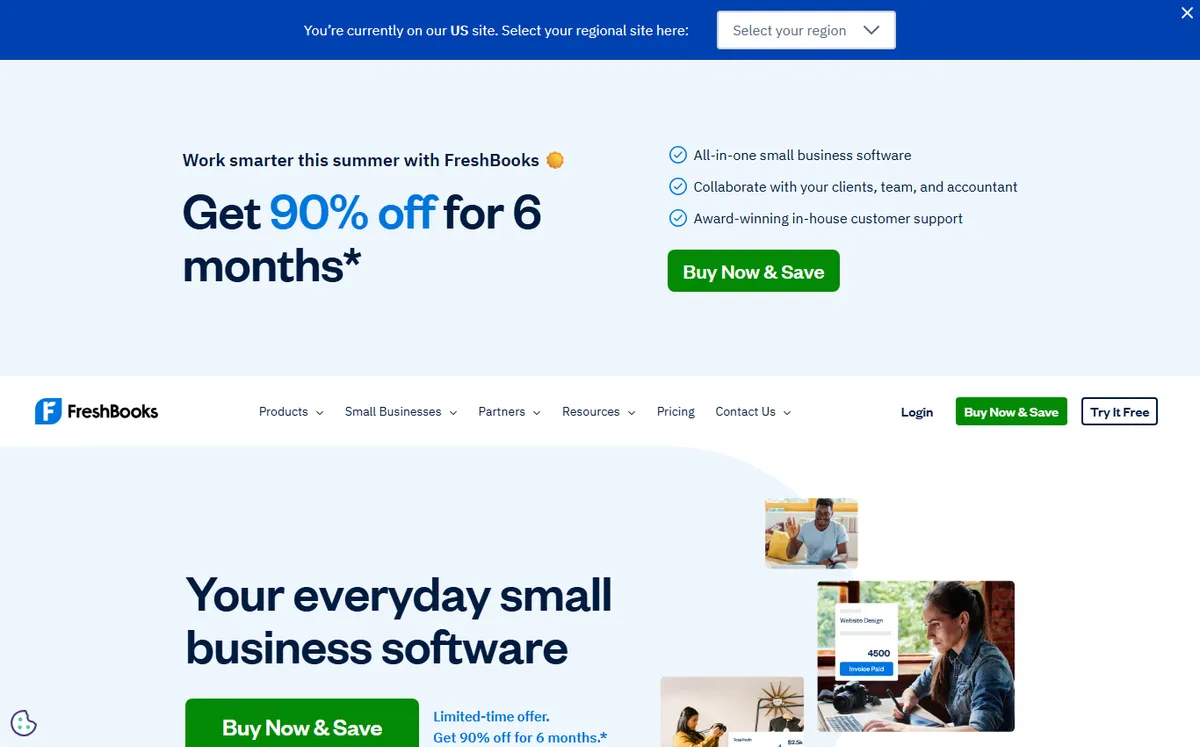
- +
The fastest, most polished invoicing workflow of the group: professional templates, one-click online payments and automatic late-payment reminders. In our tests, FreshBooks invoices were paid noticeably faster than the average.
- +
Built-in time tracking, expense capture and simple project management, ideal for service businesses that bill by the hour.
- +
Clean mobile apps, strong customer support and light accounting features that cover most freelancers without an accountant.
- –
No free plan, only a 30-day trial, and the entry Lite tier caps you at 5 billable clients.
- –
Extra team members cost roughly $11 per user per month, so the price climbs quickly for a growing team.
Our verdict
FreshBooks takes our top spot because it does the core job better than anyone else: it makes a professional invoice in seconds, puts a Pay Now button on every one and chases late payers automatically. For freelancers and service businesses that bill by the hour, the built-in time tracking and projects are a real bonus. The only genuine reservations are the lack of a free plan and per-seat pricing that adds up once you build a team; heavy bookkeepers will still want QuickBooks or Xero alongside it.
Zoho Invoice
The best genuinely free invoicing app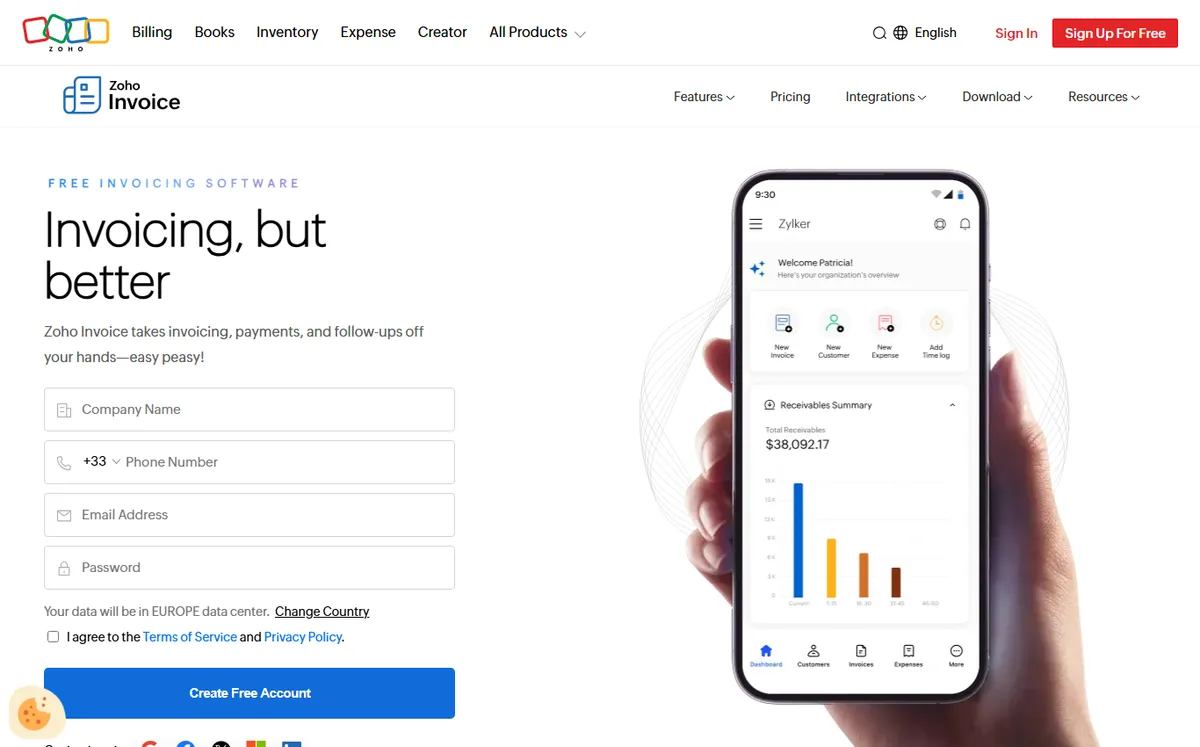
- +
Completely free with no paid tier: unlimited invoicing, recurring invoices, expense and time tracking, automated reminders and a customer portal, all at $0.
- +
More automation than most free rivals: workflow rules, payment gateways, multi-currency and clean, customizable templates.
- +
Slots naturally into the wider Zoho ecosystem (CRM, Books, Projects) when you outgrow pure invoicing.
- –
Invoicing only: it is not full accounting software, so you upgrade to the paid Zoho Books when you need a general ledger and bank reconciliation.
- –
Free-plan limits (users, projects and yearly invoice volume) vary by region, so check the current terms before you commit.
Our verdict
Zoho Invoice is the rare tool that is free without an asterisk: unlimited invoices, recurring billing, reminders, a client portal and time tracking, at no cost and with no upsell pressure. For a freelancer or side business it covers everything you need to bill and get paid. The catch is deliberate scope, it is an invoicing app, not an accounting suite, so the day you need a general ledger and bank reconciliation you move up to Zoho Books or another platform.
Just starting out as a freelancer?
FreshBooks and Zoho Invoice both cover estimates, invoices, online payments and reminders. Begin with our overall favorite.
Wave
Free invoicing with real accounting built in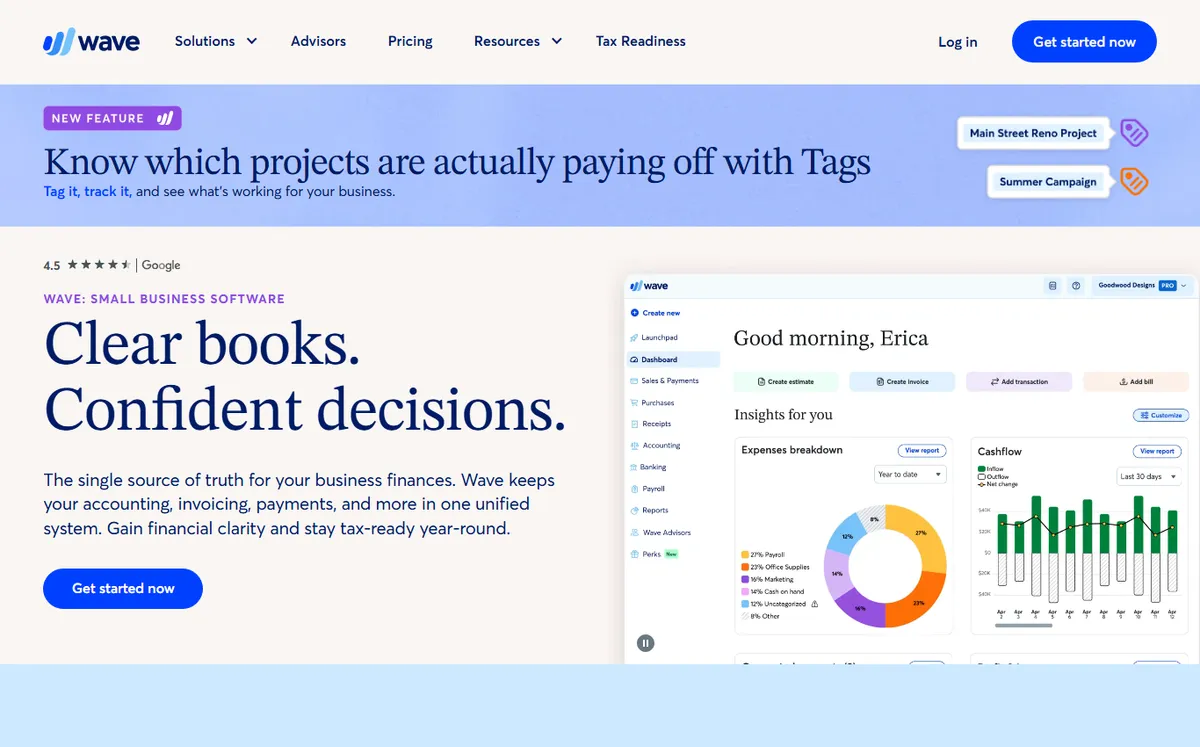
- +
The free Starter plan bundles unlimited invoicing with genuine double-entry accounting and financial reports, a rare combination at $0.
- +
No user limits and no time restriction: a very small business can run its books end to end without paying a subscription.
- +
Simple, approachable interface that needs no accounting background to get started.
- –
Payment processing, instant payouts, receipt automation and bank feeds sit behind card fees or the Pro plan (around $16 per month).
- –
Fewer integrations and lighter reporting than QuickBooks or Xero once your business grows.
Our verdict
Wave is the best free all-in-one for a micro business because it pairs unlimited invoicing with real double-entry accounting and reports, all at zero cost. If you are watching every dollar and want your invoices and books in one place, nothing else here matches it for free. Just go in knowing where Wave earns its money: payment processing fees, instant payouts and receipt automation are paid extras, and the reporting stays light next to QuickBooks or Xero.
QuickBooks Online
Invoicing inside the most complete small-business accounting suite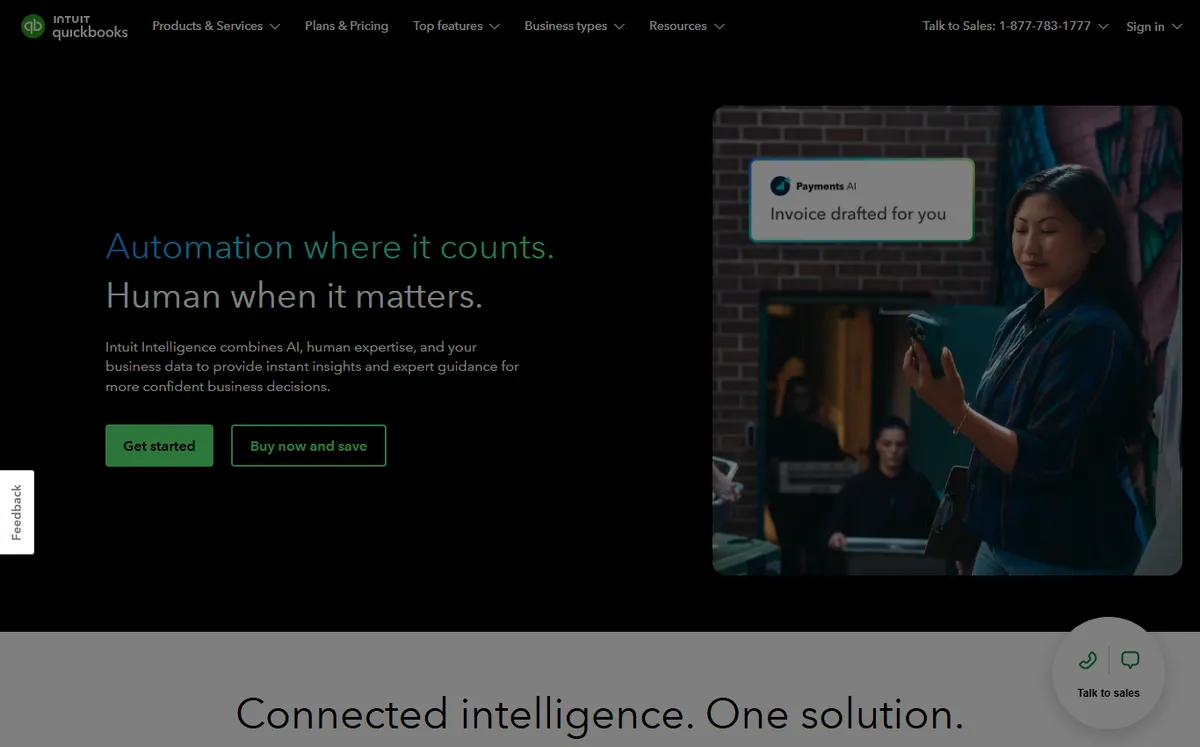
- +
The most complete platform in this comparison: invoicing, expenses, bank reconciliation, tax, reporting and optional payroll in one place.
- +
The default choice of many accountants and bookkeepers, so it is easy to hand your books to a professional.
- +
Huge app marketplace and strong reporting for a business that plans to scale.
- –
No free plan, only a trial, and the price rises fast as you move up to higher tiers or add payroll.
- –
Overkill for a freelancer who only needs to send a handful of invoices each month.
Our verdict
QuickBooks Online is the pick when the invoice is only one line in a full set of books. Bank reconciliation, expenses, sales tax, reporting and optional payroll all live in one place, and because it is the default platform for so many accountants, handing over your books is painless. The downsides are predictable: there is no free plan, and the monthly cost climbs quickly as you move up tiers or add payroll. A solo freelancer sending a few invoices will find it more than they need.
Xero
Unlimited users and clean accounting for growing teams
- +
Unlimited users on every plan, a big advantage when your accountant and team all need access without extra seat fees.
- +
Modern, uncluttered interface with strong bank reconciliation and a very large integrations marketplace.
- +
Scales cleanly from a small business up to a more complex operation with inventory and multi-currency.
- –
No free plan, and the entry Early tier caps the number of invoices and bills you can send each month.
- –
Payroll and some features depend on region and paid add-ons, so read the plan details for your country.
Our verdict
Xero is the smart choice when several people need to be in the books at once. Every plan includes unlimited users, so your accountant, bookkeeper and team all get access without per-seat fees, and the interface is one of the cleanest in accounting software. It scales comfortably as you add inventory and multi-currency. The trade-offs: there is no free plan, and the entry Early tier limits how many invoices and bills you can send each month, so growing businesses usually move up a tier fairly quickly.
Running a small business with real accounting needs?
QuickBooks Online centralizes invoicing, bookkeeping and reporting, and it is the platform most accountants already know.
Our analysis
Comparison: features, payments and simplicity
In 2026, an invoicing tool is not judged on the looks of its templates alone. What really separates these five is how completely they handle the whole cycle: creating estimates and invoices, getting the client to pay online, and feeding the numbers into your accounting. We structured our analysis around four decisive areas, with getting paid front and center.
How we test. We create a real account on each tool, build estimates, invoices, credit notes and deposits, turn on online payments and reminders, and check the recurring billing, client portal, bank reconciliation and accounting export. Scores are re-checked whenever a vendor changes its pricing grid (last verified: July 2026).
Invoicing and estimates
The starting point is how well each tool creates the documents you send clients. All five cover the essentials, so the differences show up in estimates, recurring invoices, credit notes, deposits and a self-service client portal.
✓ supported · ✗ missing or paid add-on. Scroll the table horizontally if needed.
| Software | Estimates | Recurring invoices | Credit notes | Deposits | Client portal |
|---|---|---|---|---|---|
| FreshBooks | ✓ | ✓ | ✓ | ✓ | ✓ |
| Zoho Invoice | ✓ | ✓ | ✓ | ✓ | ✓ |
| Wave | ✓ | ✓ | ✓ | Partial | ✓ |
| QuickBooks | ✓ | ✓ | ✓ | ✓ | ✓ |
| Xero | ✓ | ✓ | ✓ | ✓ | ✓ |
- Every tool handles estimates, recurring invoices and credit notes, so no one is disqualified on the basics.
- Zoho Invoice and FreshBooks give freelancers the smoothest estimate-to-invoice flow, with quick conversion and clean, customizable templates.
- Wave handles deposits only partially, worth noting if you routinely collect an upfront payment before starting a job.
Key takeaway. On core invoicing, all five are strong. Choose on the extras that match your workflow: recurring billing for retainer clients, a client portal for repeat customers, and reliable deposits if you invoice upfront.
Payments and reminders
An invoice you send is not an invoice you have been paid for. Online payments and automatic reminders are the biggest levers to shorten the time between sending an invoice and seeing the money, a point too often overlooked at purchase time.
| Software | Online payments | Auto reminders | Recurring billing | Time tracking | Mobile app |
|---|---|---|---|---|---|
| FreshBooks | ✓ card & ACH | ✓ | ✓ | ✓ | ✓ |
| Zoho Invoice | ✓ gateways | ✓ | ✓ | ✓ | ✓ |
| Wave | ✓ card & ACH | ✓ | ✓ | ✗ | ✓ |
| QuickBooks | ✓ card & ACH | ✓ | ✓ | Add-on | ✓ |
| Xero | ✓ gateways | ✓ | ✓ | Add-on | ✓ |
- FreshBooks puts online payments front and center and pairs them with automatic reminders, which is why its invoices tend to be paid the fastest in our testing.
- FreshBooks and Zoho Invoice include time tracking natively, a real plus if you bill by the hour; on QuickBooks and Xero it is a paid add-on and Wave leaves it out.
- Every tool here supports online payments and reminders, so enabling them is the first thing to do whichever you pick.
Key takeaway. If slow payers strain your cash flow, prioritize a tool that puts a Pay Now button on every invoice and chases overdue accounts automatically. FreshBooks leads here, with QuickBooks close behind.
Accounting and integrations
Creating an invoice is one thing; feeding it into your books is another. Whether you keep your own accounts or work with an accountant, the depth of accounting the tool offers changes everything.
| Software | Full accounting | Bank reconciliation | Expense tracking | Financial reports | Integrations |
|---|---|---|---|---|---|
| FreshBooks | Light | ✓ | ✓ | Basic | 100+ |
| Zoho Invoice | ✗ | ✗ | ✓ | Basic | Zoho suite |
| Wave | ✓ | ✓ | ✓ | ✓ | Few |
| QuickBooks | ✓ | ✓ | ✓ | ✓ | 750+ |
| Xero | ✓ | ✓ | ✓ | ✓ | 1000+ |
- QuickBooks and Xero offer the deepest accounting and by far the largest integration marketplaces (750+ and 1000+ apps), the safe pick if you plan to scale.
- Wave is the surprise: full double-entry accounting, bank reconciliation and reports at $0, though with far fewer integrations.
- Zoho Invoice is invoicing only; plan to add Zoho Books or another ledger when you need bank reconciliation and full reports.
Ease of use
An invoicing tool only helps if it actually gets used. We rate how quickly a non-accountant can create their first estimate and first invoice, out of 5.
Ease-of-use score (out of 5)
The longer the bar, the faster the tool is to pick up.
- FreshBooks and Zoho Invoice are the most immediate: built for freelancers, they hide accounting complexity behind a guided interface.
- QuickBooks and Xero take a little longer to learn, the logical price of their extra depth (accounting, reporting, integrations).
Which invoicing tool for which use case?
In short, here is our recommendation based on how you work:
| Your use case | Our pick | Why |
|---|---|---|
| Freelancer | Zoho Invoice / FreshBooks | Free to start, or the fastest way to get paid |
| Small business | QuickBooks Online | Deepest accounting platform, accountant-ready |
| Contractor | FreshBooks | Time tracking and project billing built in |
| Agency | Xero | Unlimited users for the whole team, no seat fees |
| Accountant | QuickBooks Online | The platform most accountants already use |
| E-commerce | Xero / QuickBooks | Inventory and the largest integration marketplaces |
How did we build this ranking?
Each tool is scored on five weighted criteria: the real free plan (a permanent free tier versus a simple trial), core invoicing features (estimates, recurring invoices, credit notes, deposits, automated reminders, online payments), getting paid (payment gateways, average time to payment, client portal), who it fits (freelancer, micro business, growing team) and the real price (tiers, client or user caps, add-ons). We favor tools that are genuinely usable day to day, and we re-check every pricing grid whenever a vendor changes it, which is why you see an update date at the top of the page. Find all our comparisons and guides on the Invoicing hub.
What should invoicing software actually do?
At a minimum, a good invoicing tool lets you create a professional, tax-compliant invoice in under a minute, send it by email or as a PDF, and let the client pay online in one click. From there, the features that separate the leaders are recurring invoices for retainer clients, automated payment reminders that chase overdue accounts for you, and a client portal where customers can view and settle their invoices. All five tools in this comparison cover those basics; the difference is how much accounting they wrap around them.
Two big families emerge. Pure invoicing tools like Zoho Invoice and, to a large extent, FreshBooks are built to bill clients fast and get paid, with only light bookkeeping. Full accounting platforms like QuickBooks Online, Xero and free Wave treat the invoice as one part of a complete ledger, with bank reconciliation, expenses, tax and reporting. Pick the family that matches where your business is today, and check our full invoicing software comparison before you commit.
Why online payments and e-invoicing matter in 2026
Two trends are reshaping invoicing. First, online payments are now the norm: adding a Pay Now button (card, ACH or bank transfer) is the single biggest lever to get paid faster, and tools that surface it prominently, like FreshBooks, tend to shorten the average time to payment by several days. Second, structured e-invoicing is expanding worldwide as more governments roll out mandates for machine-readable invoices exchanged through approved networks. If you invoice across borders or sell to larger companies, check whether your tool can produce structured formats and connect to the relevant network for your region, because requirements differ from one country to the next.
Our advice: do not over-engineer this. Most freelancers and small businesses simply need clean invoices, online payments and reminders today, and can add structured e-invoicing when a specific client or a local mandate requires it. Confirm the current rules for your own country before you assume a tool is compliant.
How do you choose the right invoicing software?
Freelancers and solopreneurs: start with a genuinely free tool. Zoho Invoice covers estimates, invoices, online payments and reminders at no cost, and Wave adds free accounting on top. If you bill by the hour and want the smoothest experience, FreshBooks is worth its price.
Micro businesses on a tight budget: Wave is hard to beat because it combines free invoicing with real double-entry accounting. Watch the payment-processing fees, which are where Wave makes its money.
Small businesses and growing teams: when invoicing has to sit inside proper bookkeeping and reporting, QuickBooks Online offers the deepest platform, while Xero wins if you value unlimited users and a modern interface. Always check the client or invoice caps on entry tiers, the availability of recurring invoices and reminders, the payment gateways supported in your country and the quality of the accounting export your accountant will rely on.
Whatever you choose, make sure the tool handles your tax correctly (rates, tax-inclusive versus tax-exclusive totals and the legally required fields on an invoice) and lets your accountant pull the data they need. Good software applies the right tax rate automatically and keeps your invoices audit-ready.
Frequently asked questions
What is the best free invoicing software in 2026?
For pure invoicing, Zoho Invoice is the best free option: it is free forever, with unlimited invoicing, recurring invoices, reminders and a client portal, and no paid tier. Wave is the best free all-in-one because it bundles free invoicing with real double-entry accounting. See our full invoicing software comparison for details.
Which invoicing software gets you paid the fastest?
Tools that put a one-click online payment button on every invoice and send automatic reminders tend to shorten payment times the most. In our testing, FreshBooks invoices were paid faster than the average, thanks to built-in card and ACH payments plus automated late-payment reminders. Enabling online payments is the single biggest lever whatever tool you use.
Do I need full accounting software or just an invoicing tool?
If you only need to send estimates and invoices and get paid, a pure invoicing tool such as Zoho Invoice or FreshBooks is enough. If you also need bank reconciliation, expense tracking, tax and financial reports, choose a full accounting platform like QuickBooks Online, Xero or free Wave. Many freelancers start with an invoicing tool and move to full accounting as they grow.
How much does invoicing software cost for a small business?
A freelancer can invoice for free with Zoho Invoice or Wave. For a structured small business, FreshBooks starts at about $19 per month, Xero at about $25 per month and QuickBooks Online at about $30 per month, with prices rising on higher tiers or with payroll add-ons. These are indicative USD prices recorded in July 2026, and annual billing usually cuts the monthly rate by around 10 percent.
Does invoicing software handle e-invoicing and tax?
All the tools here calculate tax automatically and keep the legally required fields on your invoices. Support for structured e-invoicing (machine-readable formats exchanged through approved networks) is expanding as more countries introduce mandates, but the exact requirements differ by region. Check the current rules for your own country and confirm your tool can produce the required format before you rely on it.