Best employee time clock software 2026: our comparison
A time clock or time tracking software records when your employees clock in and out, tracks hours worked, calculates overtime and time off, then feeds that data into payroll and scheduling. The clock can be virtual (mobile app, web portal, QR code) or physical (kiosk). We continuously compare the leading solutions for deskless and shift work teams in the US. Here is our 2026 selection, ranked on feature completeness, scheduling integration, fraud prevention, ease of use and real per-employee cost.

Our pick in short
Our pickConnecteam, the most complete all-in-one for deskless teams, with GPS clocking, scheduling, forms and team comms in one app; free plan up to 10 users.
See ↓ Best for schedulingDeputy, the strongest planning and labor cost optimization, with built-in compliance and shift management for retail and hospitality.
See ↓ Best valueWhen I Work, the lowest entry price and simplest mobile clock for small teams, with shift exchange and PTO self-service.
See ↓ Best for small businessesHomebase, unlimited employees per location for a flat fee, ideal for a single restaurant or retail site with many part-timers.
See ↓ Budget optionClockify, an affordable time tracker with kiosk mode and free plan (≤5 users), but primarily project-focused, not field time clock first.
See ↓At a glance
What is the best time clock software comparison?
| Time clock software | Score | Clock type | Scheduling | Anti-fraud | Best for | From | |
|---|---|---|---|---|---|---|---|
| Connecteam Our pick | ★★★★½ 4.6 | Mobile GPS | ✓ native | ✓ GPS + geofence | Deskless teams | $29/30 users | See → |
| Deputy Scheduling | ★★★★½ 4.6 | Mobile + web | ✓ AI scheduling | ✓ compliance | Retail & hospitality | $5/user/mo | See → |
| When I Work | ★★★★☆ 4.4 | Mobile + web | ✓ shifts | ✓ geofencing | Small teams | $2.50/user/mo | See → |
| Homebase | ★★★★½ 4.6 | Mobile + web | ✓ native | ✓ optional GPS | Single-site SMBs | $30/location | See → |
| QuickBooks Time | ★★★★½ 4.6 | Mobile + kiosk | ✓ optional | ✓ facial recognition | QBO ecosystem | $20 + $8/user | See → |
| Buddy Punch | ★★★★½ 4.8 | Mobile + kiosk | ✗ basic | ✓ GPS + face | Anti-fraud focus | $19 + $4.99/user | See → |
| Clockify (bonus) | ★★★★☆ 4.1 | Web + kiosk | ✗ basic | ✗ none | Budget projects | $3.99/user/mo | See → |
Indicative prices per employee/month, checked in July 2026 on vendor sites. Most time clock software bills per employee, per module or per location. Connecteam includes 30 users in its base plan; Homebase bills per location regardless of employee count (flat fee per site). Prices exclude tax and are in USD. Actual cost depends on your team size, modules and commitment term (annual discounts available).
Unsure where to start and want all-in-one?
Connecteam bundles GPS time clock, scheduling, forms and team comms for deskless workers, with a free plan up to 10 users.
The shortlist in detail
Our top time clock tools, analyzed

Connecteam
The most complete all-in-one for deskless field teams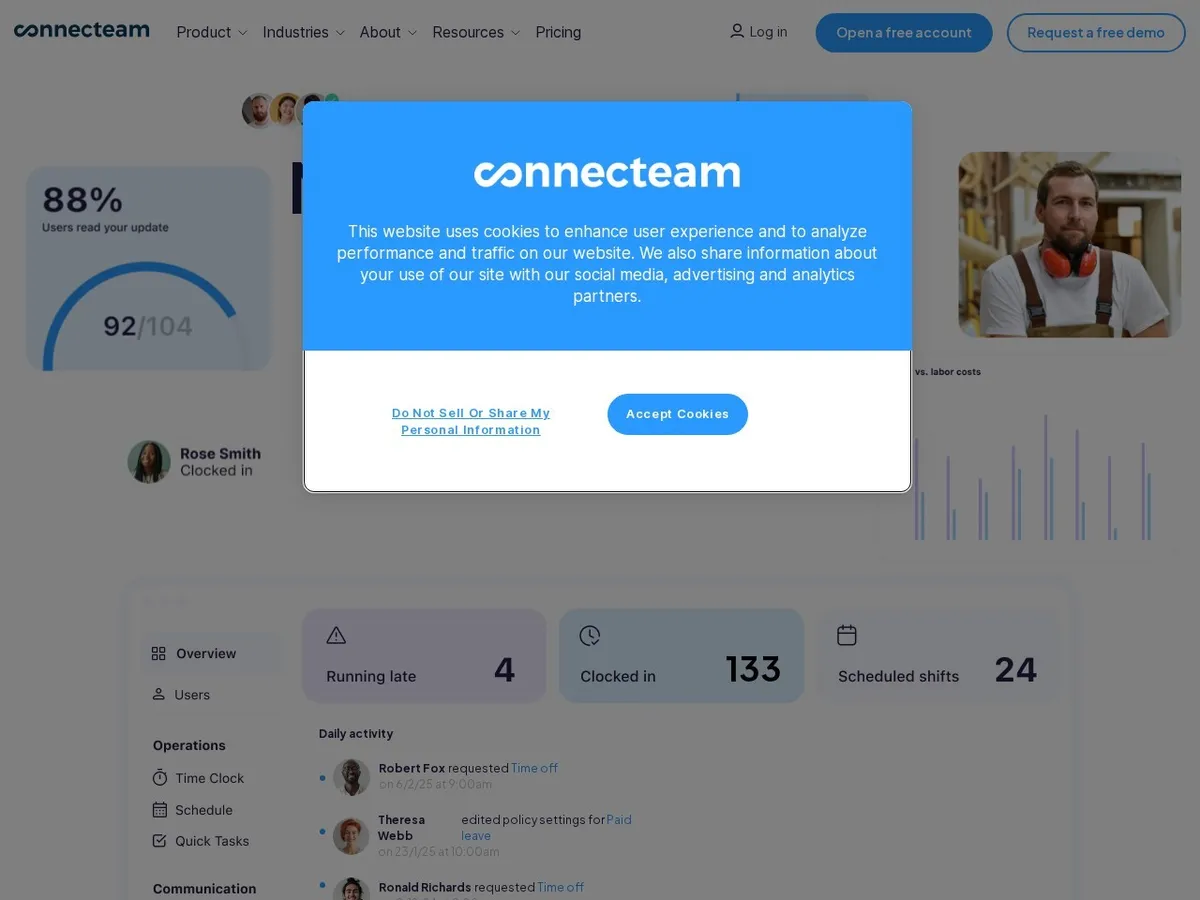
- +
True all-in-one for deskless teams: GPS time clock, shift scheduling, mobile forms, task checklists, team messaging and HR training consolidated in one app; no tool switching.
- +
Generous free plan: up to 10 users with full premium features (Operations Hub, GPS clocking, scheduling), no credit card required, rare on this market.
- +
Modular pricing: pay only for the hubs you need (Operations, Communications, HR & Skills), with per-user overage at $0.50-$0.80.
- –
Feature gating by plan: live GPS tracking and geofencing are reserved for Expert plan ($99/mo), pushing costs up for teams that need real-time location proof.
- –
Admin dashboard rated as cluttered for complex multi-site scheduling; mobile app stability issues reported on some older devices.
Our verdict
Connecteam is our balanced pick for deskless teams: GPS clocking, shift scheduling, mobile forms, checklists and team messaging live in a single app, and the free plan covers up to 10 users with full premium features. Two caveats: live GPS tracking and geofencing are gated behind the Expert plan at $99 a month, and the admin dashboard gets cluttered on complex multi-site scheduling.

Deputy
The strongest planning and labor cost optimization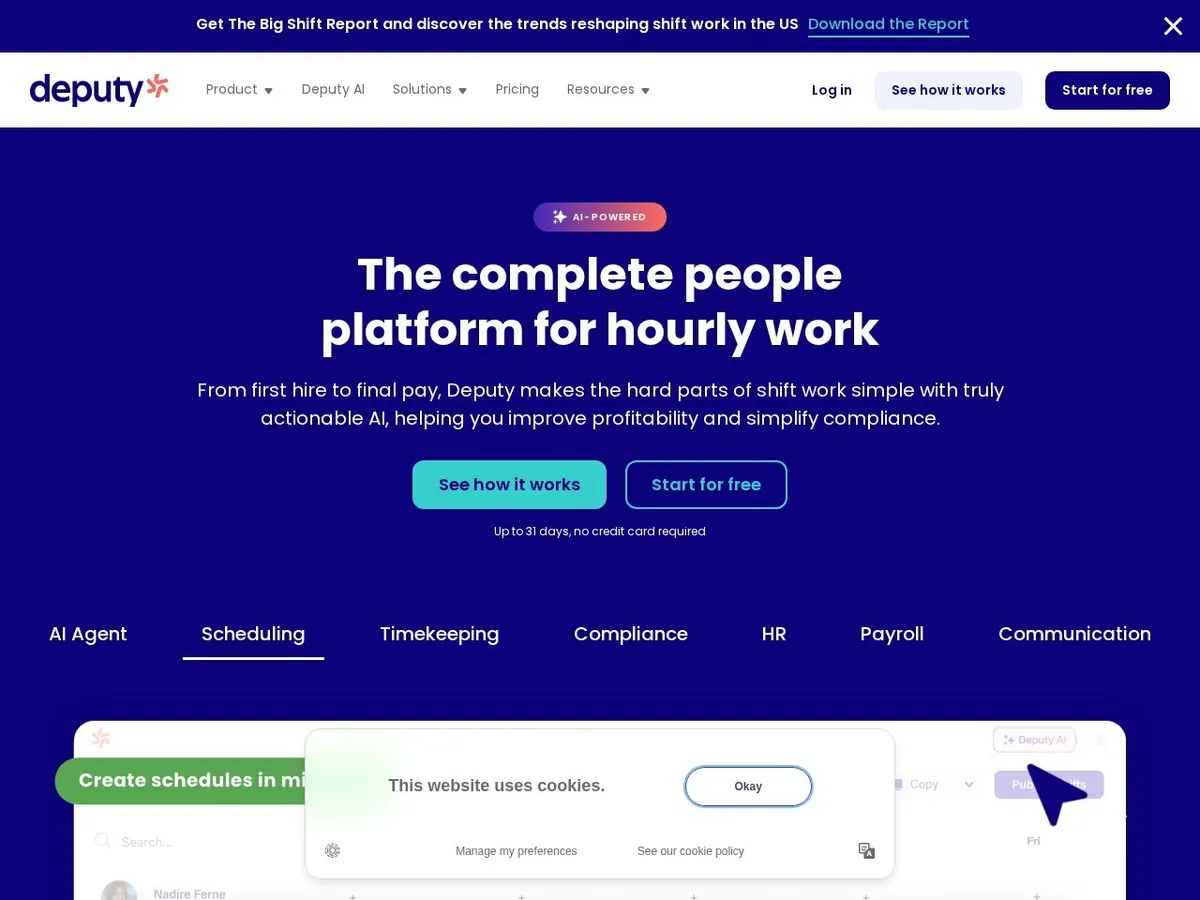
- +
Best-in-class AI scheduling: suggests optimal shifts, predicts labor costs and overtime, and flags compliance issues (breaks, max shift length) automatically.
- +
Complete shift management: time clock, scheduling, employee swap requests, PTO approvals and messaging all in one platform; widely used in multi-site retail and hospitality.
- +
Payroll and HR add-ons available: can bundle full payroll processing and compliance modules without leaving the platform.
- –
Support criticised on Capterra: chat and email only, no phone support; setup can be steep for sites with non-standard shift patterns.
- –
Pricing climbs quickly: the advertised $5/user/month (Lite) is entry-level; most teams end up on Core ($6.50/user) or higher with add-ons.
Our verdict
Deputy is the strongest planner of the six: its AI suggests optimal shifts, predicts labor cost and overtime, and flags break and shift-length compliance automatically. The trade-offs are support limited to chat and email with no phone line, and a bill that climbs past the advertised $5 per user once most teams land on Core at $6.50 or add modules.

When I Work
The simplest mobile clock at the lowest price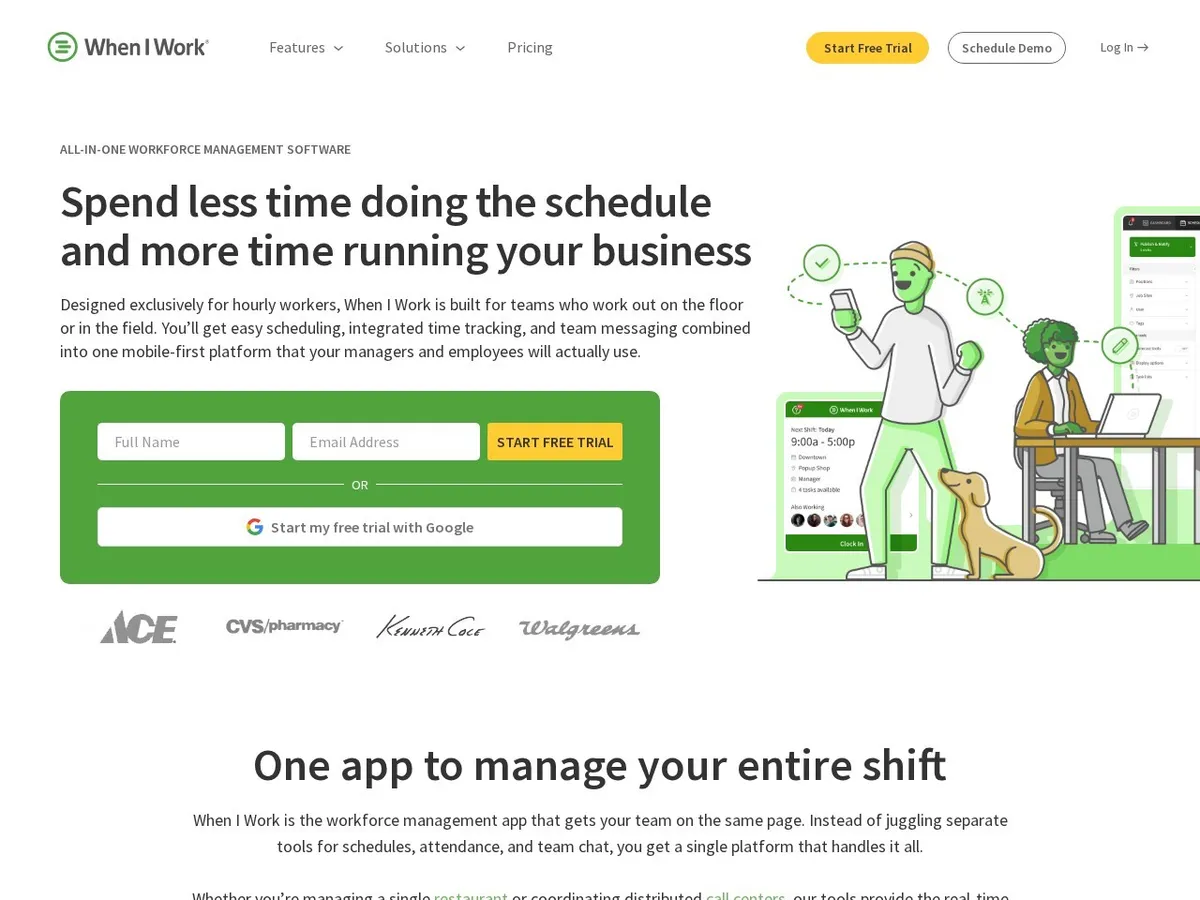
- +
Lowest entry point: $2.50/employee/month on the Essentials plan (plus optional time tracking add-on); mobile app is rated highly for ease of use and quick onboarding.
- +
Employee self-service: shift swap requests and PTO approvals managed without manager intervention; beloved by retail and restaurant teams for simplicity.
- +
No long-term contracts: month-to-month billing, so you can test with one team or location with minimal risk.
- –
Time tracking is an add-on (not included in base price, ~$1.50-$2/user estimated), so true cost is higher than headline $2.50 figure.
- –
Technical issues reported: bugs, sync problems, delayed notifications on shift changes; feature depth lighter than Deputy or Connecteam.
Our verdict
When I Work is the cheapest way in, at $2.50 per employee a month, with a mobile app retail and restaurant teams pick up in minutes and self-service shift swaps that keep managers out of the loop. Watch two things: time tracking is a paid add-on, so the real cost sits above the headline price, and users report sync bugs and delayed shift notifications.
Need one system for scheduling and clocking?
Deputy automates shift planning, predicts labor costs and flags compliance issues in real-time, ideal for multi-site retail and hospitality chains.

Homebase
Unlimited employees, flat fee per location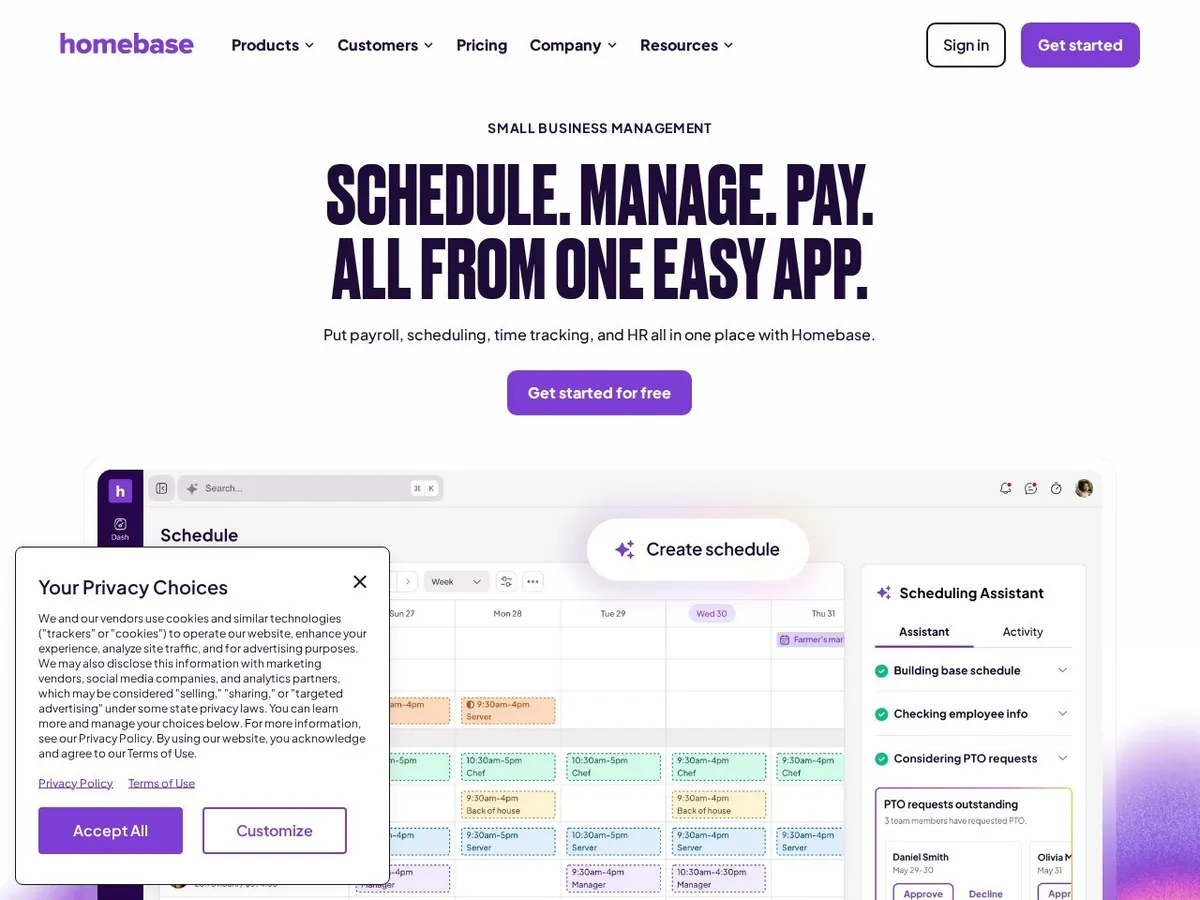
- +
Unique pricing model: flat $30/month per location for unlimited employees, ideal for a single restaurant or small retail shop with many part-timers; no per-user fee surprise.
- +
Free plan tier: Basic plan with up to 10 employees, no credit card required; real payoff if you stay small or want to trial before paying.
- +
Team messaging is top-rated (10/10 on G2), and a full payroll module is available for those who want end-to-end payroll without leaving the platform.
- –
Scaling to multi-site is expensive: you pay the full plan fee per location, so a 5-location chain costs $150+ per month minimum before add-ons.
- –
Stability issues: sync problems between mobile and desktop, occasional clocking failures; GPS and advanced PTO reserved for Plus plan ($70).
Our verdict
Homebase bills a flat $30 a month per location for unlimited employees, which makes it the obvious pick for one restaurant or shop staffed with part-timers, and its team messaging is rated 10/10 on G2. It gets expensive the other way round: a five-location chain pays the full plan fee five times, and GPS plus advanced PTO sit on the Plus plan at $70.

QuickBooks Time
Time clock with native payroll integration
- +
Native payroll sync: time clock data (hours, overtime, breaks) feeds directly into QuickBooks Online Payroll, eliminating manual re-entry and payroll errors.
- +
Strong for field work: GPS tracking during hours worked, cost coding by job or project, attendance kiosk with facial recognition, built for contractors and mobile teams.
- +
Included in QBO Payroll Premium/Elite at no extra cost (if you already pay for full payroll).
- –
Locked into Intuit ecosystem: you must run QuickBooks Online Payroll for it to be useful, adding cost and commitment; integration is one-way, not flexible.
- –
Price increased July 2026 (+$2/user reported); scheduling features are basic compared to Deputy or Connecteam; US-only payroll support.
Our verdict
QuickBooks Time is the shortest path from hours to payroll if you already run QuickBooks Online Payroll: hours, overtime and breaks flow straight through, with GPS tracking, job costing and a facial recognition kiosk for field crews. The catch is the lock-in, it only makes sense inside the Intuit ecosystem, scheduling stays basic, and the price went up in July 2026.

Buddy Punch
Advanced anti-fraud time clock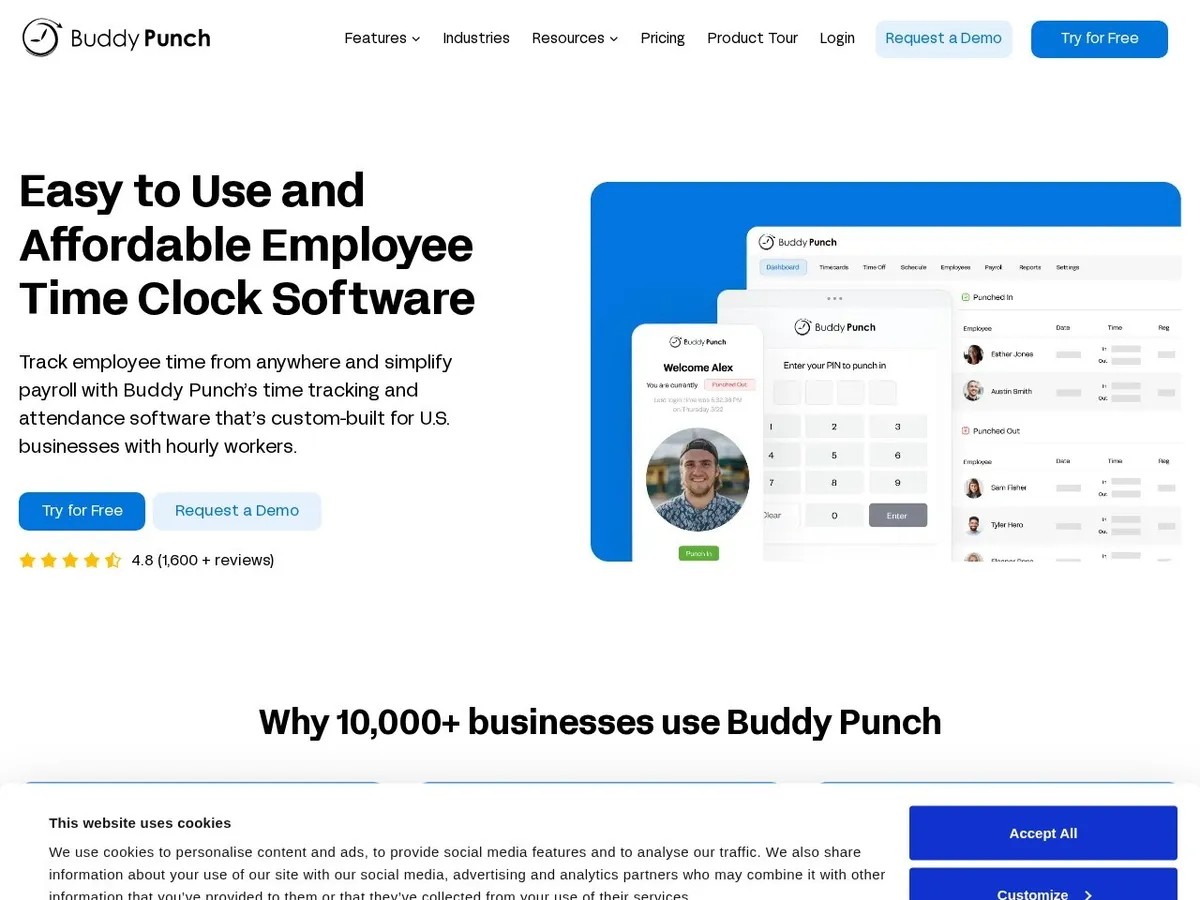
- +
Best-in-class ease of use (Capterra award) and top support rating (4.8/5): employees clock in via mobile, web or QR kiosk; forced selfie + GPS + geofence block buddy punching.
- +
Strongest anti-fraud arsenal: geofencing ensures you’re on-site, GPS tracks during shift, selfie proves ID at punch, together, nearly impossible to game.
- +
Optional payroll add-on ($8/user/month) and detailed reporting (exports, filtering, multi-currency support) rated well by SMBs.
- –
Geofencing can be too strict: employees unable to clock out if they leave the geofenced zone (e.g., field work near boundary); connectivity issues reported.
- –
Scheduling features minimal (basic shift entry only, no auto-scheduling like Deputy); mobile app lacks some features available on web (paystubs, etc.).
Our verdict
Buddy Punch has the strongest anti-fraud arsenal here: geofencing proves the employee is on site, GPS tracks the shift and a forced selfie proves identity at the punch, all wrapped in an interface that won a Capterra ease-of-use award with support rated 4.8/5. Scheduling is minimal, and a geofence set too tight can stop someone clocking out at the edge of a site.
Worried about buddy punching or time theft?
Buddy Punch combines GPS, geofencing and selfie verification to prevent clocking fraud, with top-rated ease of use and support.

Clockify
Affordable time tracker with kiosk, not field time clock first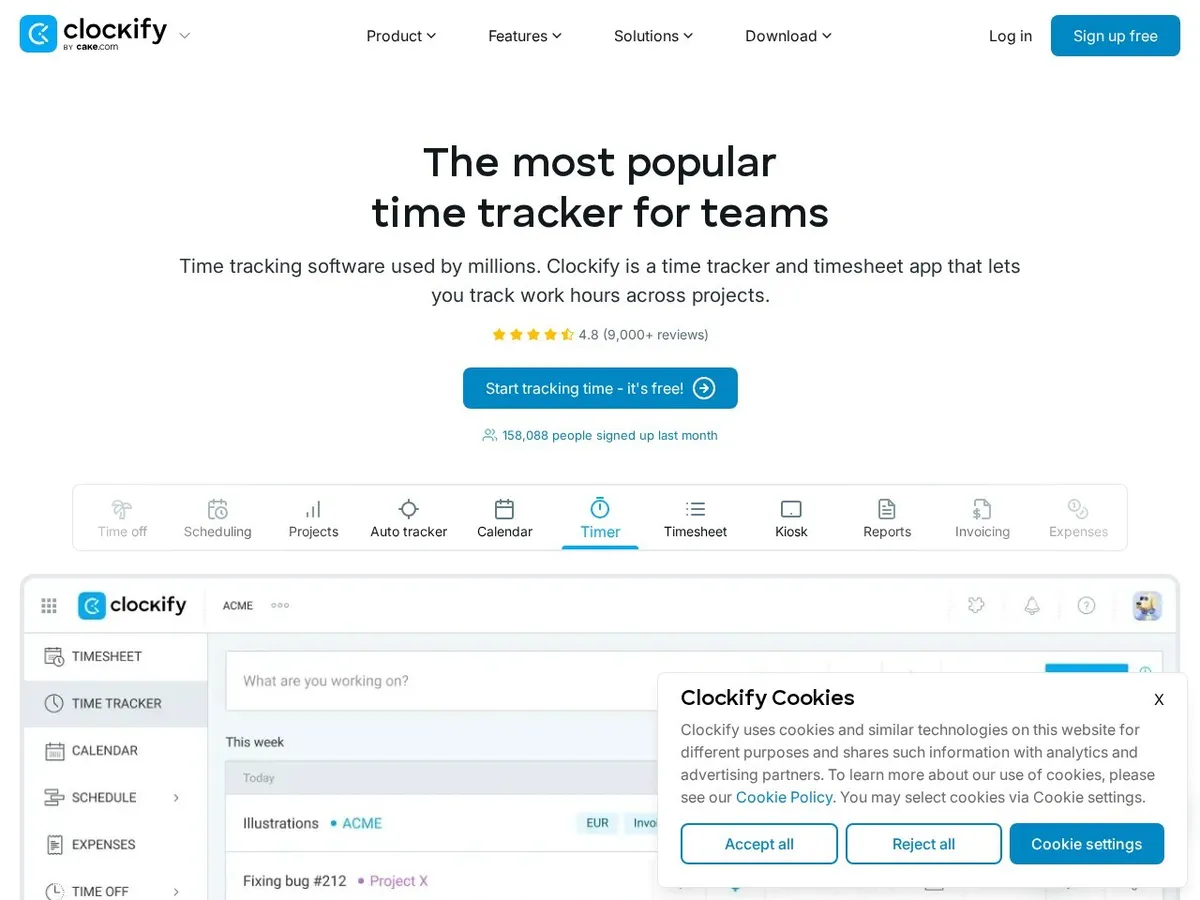
- +
Lowest price point on the market; generous free plan (≤5 users) includes kiosk and time tracking, perfect for bootstrapping or testing.
- +
Robust reporting: exports, filtering, multi-currency support, and strong integration with project billing and freelancer workflows.
- –
Important: Free plan capped at 5 users since April 2026 (previously unlimited). Many old reviews still claim unlimited free users, do not rely on that.
- –
Project time tracker first, field time clock second: scheduling is very basic (no auto-scheduling, no shift swaps, no PTO workflows like Connecteam or Deputy).
- –
No GPS or geofencing: ideal for office or project-based tracking, not field teams that need location proof or geofence enforcement.
- –
Mobile app has stability issues; interface can feel cluttered if you have many active projects.
Our verdict
Clockify is the budget entry: $3.99 per user a month, a free plan up to 5 users that includes kiosk mode, and reporting with exports, filtering and multi-currency that punches above its price. It is a project time tracker first and a field time clock second, with no GPS, no geofencing and very basic scheduling, so treat it as the low-cost option rather than a field solution.
Clocking, GPS and anti-fraud compared
What actually separates these tools on the shop floor is how hard it is to punch for someone else. Scroll the table horizontally if needed.
| Software | GPS | Geofencing | Identity check |
|---|---|---|---|
| Connecteam | Yes | Expert plan | Kiosk |
| Deputy | Yes | Yes | Kiosk |
| When I Work | Basic | No | PIN |
| Homebase | Plus plan | Plus plan | PIN |
| QuickBooks Time | Yes | Yes | Facial recognition |
| Buddy Punch | Yes | Yes | Forced selfie |
| Clockify | No | No | Kiosk PIN |
Key takeaway. Buddy Punch stacks geofence, GPS and selfie together, which is the hardest combination to game. QuickBooks Time is the alternative if you want a facial recognition kiosk on a fixed site. Clockify simply is not built for location proof.
What each one really costs
Three pricing models coexist here: per user, per location and flat rate. The cheapest headline is rarely the cheapest bill.
| Software | Model | Entry price | Free plan |
|---|---|---|---|
| Connecteam | Per hub + users | $29/mo for 30 users | ≤10 users |
| Deputy | Per user | $5/user/mo (Lite) | No |
| When I Work | Per employee | $2.50/employee/mo | No |
| Homebase | Per location | $30/mo, unlimited staff | ≤10 employees |
| QuickBooks Time | Base + per user | $20/mo + $8/user | No |
| Buddy Punch | Base + per user | $19/mo + $4.99/user | No |
| Clockify | Per user | $3.99/user/mo | ≤5 users |
Key takeaway. Below 10 employees, the free tiers of Connecteam and Homebase are hard to beat. Above 20 employees on a single site, the flat rate per location of Homebase usually wins. For several sites, per user pricing takes back the advantage.

How did we build this ranking?
Each time clock platform is scored on five weighted criteria: clocking methods (mobile app, web portal, kiosk, GPS, geofencing, facial recognition), scheduling integration (shift management, auto-scheduling, shift swap, PTO workflows), anti-fraud and compliance (location proof, identity verification, audit trails, breaks tracking), ease of use (employee and manager adoption, setup time, support) and real price (per-employee, per-location, modules billed separately, annual discounts). We favour solutions genuinely fit for deskless and shift work teams in the US, and we re-review every time pricing or features change significantly. Quoted prices are indicative: because most vendors bill per employee or per location and bundle features differently, only a quote reflects your final cost.
How do you choose the right time clock software in 2026?
The first question is who you are clocking. For field teams (construction, home services, mobile retail), pick a platform with GPS and location proof: Connecteam or Buddy Punch excel here. For retail and hospitality with fixed locations, strong scheduling + clocking like Deputy or Homebase is ideal. For a tiny single-location business, Homebase’s flat fee per site is unbeatable. For project-based time tracking (not field work), Clockify is the budget pick.
Next, consider anti-fraud requirements. Buddy Punch is strongest (GPS + geofence + selfie verification), which costs more but virtually eliminates buddy punching. Connecteam and Deputy offer solid GPS + geofencing at lower price. If clocking is secondary (office-based), anti-fraud features matter less.
Then integration with payroll or accounting. If you run QuickBooks Online Payroll, QuickBooks Time is a no-brainer (syncs automatically). If you use an external payroll provider or accountant, confirm the time clock exports data in the format your provider needs. Most platforms support CSV or API integrations.
Finally, team size and growth. Homebase wins for a single location with many part-timers (flat $30/month = unbeatable cost per employee). Deputy and Connecteam scale better to multi-site chains because per-employee cost stays stable. Clockify is cheap if you only need basic time tracking on a few users.
Time clock and labor law basics: for reference only
In the US, the Fair Labor Standards Act (FLSA) requires employers to track hours worked for non-exempt (hourly) employees and calculate overtime (time-and-a-half for hours over 40 per week in most cases). No specific form of time clock is mandatory, handwritten timesheets are legal, but you must keep accurate records and make them available to employees. Some states and local jurisdictions add rules: California, for example, requires meal and rest breaks to be tracked; New York requires paid time off to be tracked separately. A good time clock software automates these rules once configured for your state, but these pointers are indicative and not legal advice. Always check the current rules with the US Department of Labor (dol.gov) or your state labor board.
Frequently asked questions
What is the best employee time clock software in 2026?
For most deskless and shift work teams, Connecteam is the best all-in-one: GPS time clock, scheduling, forms, team comms and HR training in one app, with a generous free plan for up to 10 users. Deputy is the strongest if you prioritize scheduling and labor cost optimization for retail or hospitality chains. When I Work is best for small teams on a tight budget. Homebase is unbeatable for a single-location business with unlimited part-timers. Buddy Punch leads on anti-fraud (GPS + geofence + selfie). Clockify is the budget option if you only need basic time tracking.
How much does time clock software cost per employee per month?
Expect $2.50 to $8+ per employee per month depending on features and scale. When I Work starts at $2.50/user/month (time tracking add-on separate). Clockify is $3.99/user/month. Connecteam is $29/month for 30 users (~$0.97/user, or higher if you add overages). Deputy is $5/user/month (Lite). Buddy Punch is $19 base plus $4.99/user/month (annual). Homebase is $30/month per location (flat fee, unlimited employees). QuickBooks Time is $20 base plus $8/user/month. Price grows with features: add payroll modules, and costs climb.
Should I pick a mobile time clock or a physical kiosk?
Mobile (smartphone) is more flexible: employees clock in from anywhere, great for field work and retail floor. Kiosk (wall-mounted terminal or tablet) is better for a central punch point (factory, warehouse, office entrance) where all employees pass through. Most modern platforms offer both: Connecteam, Deputy, Homebase and Buddy Punch all support mobile + optional kiosk. Clockify and QuickBooks Time also offer kiosk mode. Pick mobile if your team is spread out; kiosk if they have a central hub.
Can a time clock software prevent buddy punching?
Yes, when combined with location proof and identity verification. Buddy Punch is the leader (GPS + geofencing + mandatory selfie verification). Connecteam offers GPS + geofencing on higher plans. Deputy also includes geofencing + compliance checks. QuickBooks Time has facial recognition kiosk. When I Work and Homebase have optional GPS. Clockify has no location proof. The strongest setups force proof of location (GPS + geofence) and identity (selfie or face recognition), making it nearly impossible to punch for someone else. Cost is higher but eliminates a real expense source (time theft studies show ~5-10% of payroll is lost to buddy punching in some industries).
Does the time clock software sync with my payroll?
It depends on your payroll setup. QuickBooks Time syncs natively to QuickBooks Online Payroll (direct feed, no manual entry). Connecteam, Deputy, Buddy Punch, When I Work and Homebase export to payroll via CSV or API, so your payroll provider or accountant can import the data. Clockify also exports well but is project-focused. If you run payroll in-house or use an external provider, ask your payroll vendor whether they have a direct integration with your chosen time clock. Most payroll vendors support common platforms. Native sync (QuickBooks Time) eliminates re-entry errors but locks you into one ecosystem.
What is the free time clock software that actually works?
Connecteam offers a true free plan up to 10 users with all premium features (GPS, scheduling, forms, chat). No credit card required, no trial limit. Homebase has a free Basic tier for up to 10 employees on one location. When I Work and Clockify offer 14-day trials (no credit card required). Clockify has a free plan up to 5 users (capped since April 2026, previously unlimited). If you have 10 or fewer employees, Connecteam’s free tier is the most complete. If you need only basic time tracking and are comfortable with project billing, Clockify Free works for small teams.