Which is the best expense management software in 2026?
An expense management software automates how your employees capture, submit and get reimbursed for business spend. No more crumpled receipts and month-end spreadsheets: the tool scans the receipt, reads the amount, tax and currency, applies your expense policy, then feeds accounting and payroll. We compared the leading platforms for English-speaking teams. Here is our 2026 shortlist, ranked on the quality of receipt OCR, expense-policy controls, accounting and ERP integrations, the corporate card program and the real cost per user. Below the top 5 you will also find five serious challengers, Brex, Navan, Pleo, Payhawk and Sage Expense Management, plus a full price table for the ten tools, rechecked on the vendors’ own pricing pages in August 2026.

Our picks at a glance
Our pickRamp, the best all-round platform, with a genuinely free tier that bundles corporate cards, reimbursements and accounting automation.
See ↓ Best for small teamsExpensify, the fastest way to move off spreadsheets, with excellent SmartScan OCR from a flat $5/member/month.
See ↓ Best valueZoho Expense, feature-rich from $3/user/month with a free plan for up to 3 users, ideal inside the Zoho suite.
See ↓ Best for enterprise travelSAP Concur, the reference for global travel and expense, deep ERP integrations and enterprise controls.
See ↓ Best HR + expenseRippling, expense and corporate cards inside a full HR and payroll platform, priced per employee as a module.
See ↓At a glance
Which expense management software should you compare in 2026?
| Software | Rating | Receipt OCR | Corporate card | Free plan | Best for | From | |
|---|---|---|---|---|---|---|---|
 Ramp Our pick Ramp Our pick | ★★★★½ 4.6 | ✓ AI | ✓ included | ✓ | Growing companies | Free | See → |
 Expensify Small teams Expensify Small teams | ★★★★½ 4.4 | ✓ SmartScan | ✓ Expensify Card | ✓ ≤25 scans | SMBs, freelancers | $5 | See → |
 Zoho Expense Zoho Expense | ★★★★½ 4.5 | ✓ autoscan | Via partners | ✓ ≤3 users | Value, Zoho users | $3 | See → |
 SAP Concur SAP Concur | ★★★★☆ 4.1 | ✓ | Via partners | ✗ | Enterprise, travel | Custom | See → |
 Rippling Rippling | ★★★★½ 4.4 | ✓ | ✓ included | ✗ | HR + spend combined | Custom | See → |
Indicative prices per user/month billed annually, rechecked in August 2026 on the vendors’ own pricing pages, or “custom pricing” when the vendor publishes no public rate. Monthly no-commitment plans cost more, and add-ons (corporate cards, travel booking, advanced approvals) are billed separately. Ratings are assigned by the MiisterSoftware editorial team.
Want to start without spending a dollar?
Ramp gives you free corporate cards, reimbursements and automated expense reports with no per-user fee, a rare deal in this category.
The top in detail
Our top 5 expense management tools, reviewed
Ramp
The best all-round platform for most companies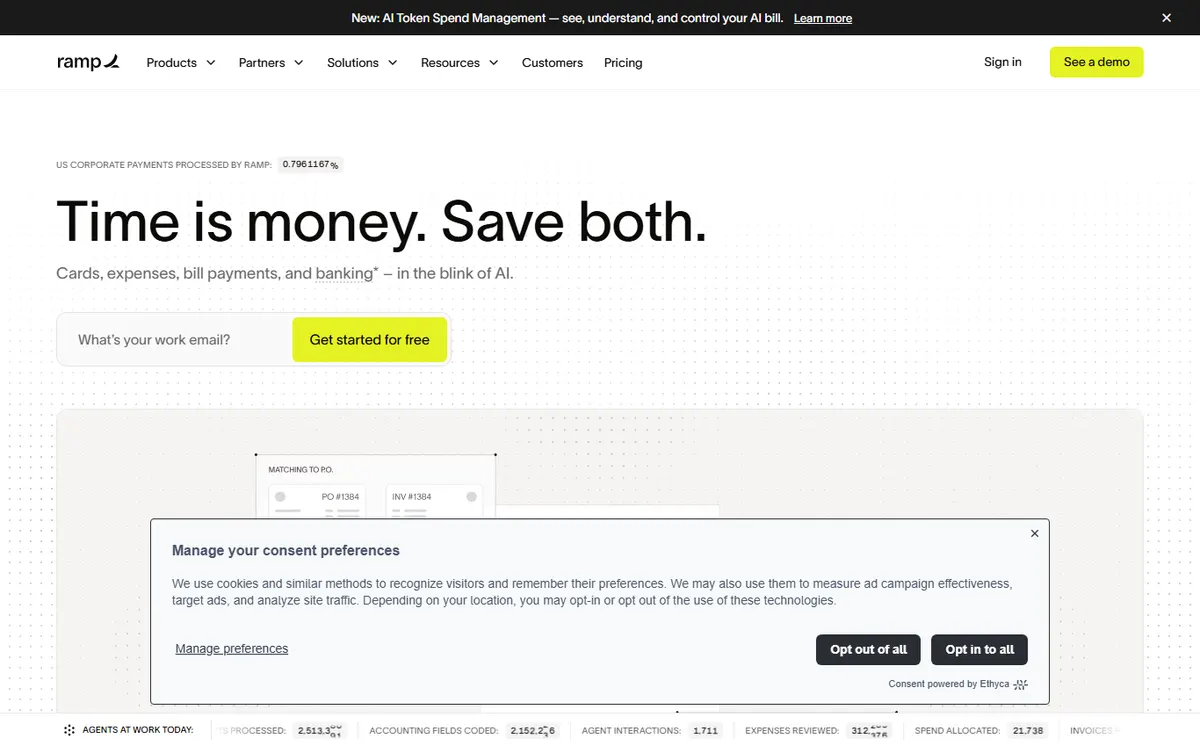
- +
The core plan is genuinely free: unlimited physical and virtual cards, bill pay, reimbursements and automated expense reports with no per-user fee.
- +
Strong automation: AI matches receipts to card transactions, flags out-of-policy spend and closes the books faster than most rivals.
- +
Clean, modern interface with real-time spend controls, budgets by team and deep integrations to NetSuite, QuickBooks and Xero.
- –
Advanced controls, custom approval workflows and deeper ERP sync sit on Ramp Plus at $15/user/month.
- –
The corporate card and banking side are US-centric; multi-entity international coverage is thinner than SAP Concur.
Our verdict
Ramp is our top pick because it removes the two biggest pains at once: a free core plan bundles unlimited corporate cards with automated expense reports, and its AI closes the loop by matching receipts to card transactions and flagging out-of-policy spend before it hits the books. For a growing US company it is genuinely hard to beat on value. The reservations are real but narrow: the deepest approval workflows and ERP sync sit on paid Ramp Plus, and international, multi-entity coverage still trails SAP Concur.
Expensify
The fastest way to move off spreadsheets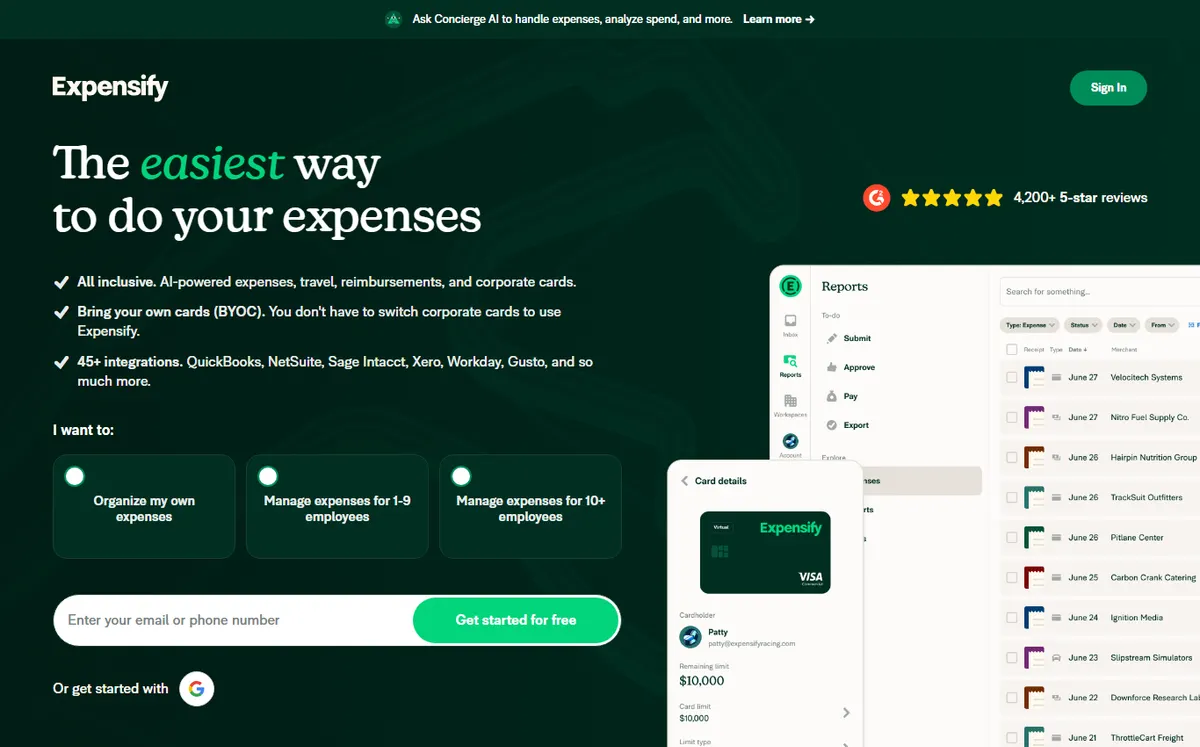
- +
One of the best receipt-scanning engines on the market: SmartScan reads the amount, merchant, date and tax from a single photo.
- +
Simplified pricing since 2025: a flat $5/member/month Collect plan for every user added, easy to forecast.
- +
Free plan with limited monthly SmartScans and a slick mobile app, ideal for freelancers and very small teams testing the waters.
- –
The Control plan at $9/active member requires a 12-month commitment plus routing at least 50% of card spend through the Expensify Card, or the rate doubles to $18.
- –
Approval and policy controls are less granular than Ramp or SAP Concur for larger finance teams.
Our verdict
Expensify is the quickest way for a small team to leave spreadsheets behind: snap a photo, SmartScan reads the amount, merchant, date and tax, and the report builds itself. Since the 2025 pricing simplification a flat $5 per member is easy to forecast, and a limited free tier lets freelancers test the water. Watch the fine print: the cheaper $9 Control rate assumes a 12-month commitment and routing at least half of card spend through the Expensify Card, otherwise it doubles to $18, and its approval controls are shallower than Ramp or SAP Concur.
Still weighing up your HR stack?
Expense management is just one brick. See our full shortlist of the best HR and payroll software for 2026.
Zoho Expense
The best value, especially inside the Zoho suite
- +
Unbeatable price-to-feature ratio: policy controls, approvals and mileage tracking from $3/user/month billed annually.
- +
Free plan for up to 3 active users with 20 receipt autoscans a month, perfect for micro-businesses.
- +
Native fit with Zoho Books, CRM and the wider 55+ app suite, plus a Premium tier that adds travel booking at $5/user/month.
- –
No native corporate card program: card feeds rely on partner banks rather than Zoho-issued cards.
- –
The interface feels most at home for teams already invested in Zoho; standalone users get less out of the ecosystem.
Our verdict
Zoho Expense wins on pure value: policy controls, approval flows, mileage tracking and receipt autoscan start at $3 per user per month, and a free plan for up to 3 users covers a micro-business outright. It shines brightest for teams already on Zoho Books or CRM, where everything syncs natively. The honest limits: there is no Zoho-issued corporate card, so card feeds depend on partner banks, and standalone users get less out of a platform that is really designed to anchor the wider Zoho suite.
SAP Concur
The reference for global travel and expense- +
The most complete travel, expense and invoice platform for large, multi-entity organisations with international footprints.
- +
Enterprise-grade policy enforcement, audit rules and compliance, with integrations into SAP, Oracle and major ERPs.
- +
Vast travel-supplier network and per-diem support, valuable for companies where employees travel constantly.
- –
No public pricing: quotes are custom, based on company size, modules and transaction volume, often with per-report fees.
- –
Heavier to configure and less intuitive than Ramp or Expensify; overkill for a small team that just wants to digitise receipts.
Our verdict
SAP Concur is the platform to beat once travel and expense go global. Multi-entity policy enforcement, per-diem rules, a vast travel-supplier network and native links into SAP, Oracle and major ERPs make it the safe choice for large, international finance teams. The trade-offs are equally clear: pricing is a custom quote with per-report fees rather than a public rate, and it is heavier to configure and less intuitive than Ramp or Expensify, which makes it overkill for a small team that only wants to digitise receipts.
Rippling
The best if you want expense inside your HR platform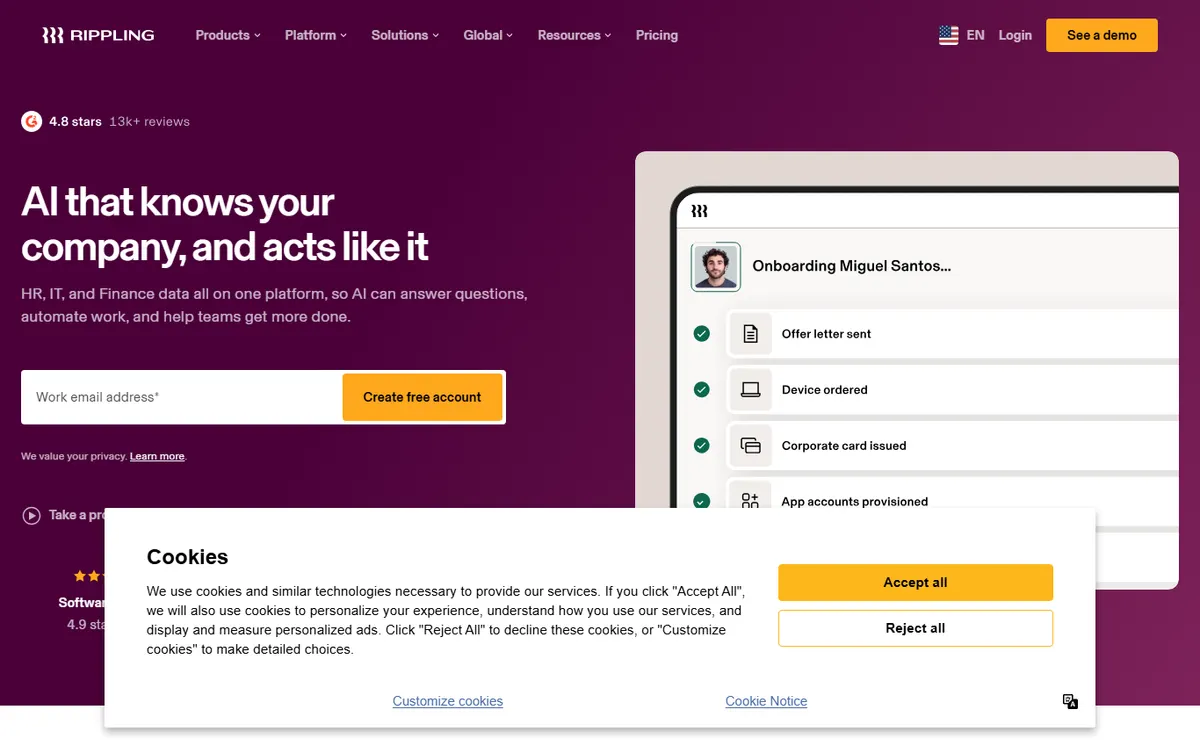
- +
Expense and corporate cards live inside a full HR, payroll and IT platform, so employee data, roles and offboarding sync automatically.
- +
Strong policy automation and approval routing, with reimbursements pushed straight into the same payroll run.
- +
Ideal when you want one vendor for people and spend rather than stitching separate tools together.
- –
Spend is sold as a module on top of the required core platform, priced per employee per month, with custom quotes only.
- –
Not worth it as a standalone expense tool: the value only lands if you also adopt Rippling for HR or payroll.
Our verdict
Rippling makes sense when you want people and spend under one roof. Because expense and corporate cards sit inside its HR, payroll and IT platform, employee data, roles and offboarding sync automatically, and approved reimbursements drop straight into the same payroll run. The catch is structural: spend is a module priced per employee on top of the required core platform, with custom quotes only, so it is not worth buying as a standalone expense tool. The value only lands if you also adopt Rippling for HR or payroll.
Also worth a look
Which alternatives should you also consider in 2026?
Our top 5 covers the mainstream cases, but five other platforms win specific briefs: a US card program with a cheaper policy engine, travel and expense in one app, a card built for European teams, multi-entity spend control, or expense software that rides on the cards you already have. Here is what each one is genuinely good at, and where it falls short.
| Software | Its edge | Free plan | Published price | Watch out for |
|---|---|---|---|---|
 Brex Brex | Cards, expenses and bill pay with a policy engine cheaper than Ramp Plus | ✓ Essentials | Premium $12/user/mo | Free tier caps you at 2 entities, US-centric card |
 Navan Navan | Travel booking and expense in a single app, receipts generated at payment | ✓ first 5 users | $15/expensing user/mo | Above 300 employees you lose published pricing |
 Pleo Pleo | The reference smart company card for UK and EU teams | ✗ | Starter from £9.50/mo | Priced per company plus per user, no free plan |
 Payhawk Payhawk | Multi-entity spend control, cards, bill pay and procure-to-pay in one | ✗ | Growth from £149/mo | Everything above Growth is quote only |
 Sage Expense Mgmt Sage Expense Mgmt | Real-time feeds on the Visa and Mastercard cards you already issue | ✗ | Growth $11.99/active user/mo | No card program of its own, billed per active user |
Prices rechecked in August 2026 on each vendor’s pricing page. Annual billing where the vendor offers it.
Brex, the cheapest policy engine on a free card platform
Brex Essentials is free and already covers corporate cards, expense management, bill pay and accounting connections, with no per-seat fee. The interesting tier is Premium at $12 per user per month: it adds customisable expense policies, dynamic approval chains, AI compliance checks, multi-entity support and deeper ERP and HRIS connections. That undercuts Ramp Plus, which is $15 per user per month plus a platform fee that scales with team size, so a 40-person finance-heavy team that needs a real policy engine often lands cheaper on Brex.
What we liked less: the free Essentials tier stops at two entities, so a group with three subsidiaries is pushed to Premium on day one. Brex has also repeatedly narrowed who it will underwrite, with a clear tilt toward venture-backed and mid-market US companies, and the card program is US-centric. If you are a UK or EU company, or a very small business without institutional backing, you may simply not qualify.
Navan, travel and expense that stop being two products
Navan (formerly TripActions) is the strongest answer when travel is the expense. Booking, policy and reconciliation live in one app: a flight booked in policy generates its own expense line, so nobody chases a receipt afterwards. Navan Expense is free for the first 5 expensing users, then $15 per user per month, and the travel side is free for companies up to 300 employees, which is unusually generous for a platform of this depth.
What we liked less: the pricing cliff is real. Past 300 employees you move to Navan Enterprise and lose published rates entirely, so the tool you piloted for free becomes a negotiation. And if your team barely travels, you are paying $15 a head for a travel engine you will not use: Zoho Expense or Sage Expense Management will do the receipt job for less.
Pleo, the smart company card built for European teams
Where Ramp and Brex are US-first, Pleo is the European reference: physical and virtual cards, instant receipt capture by push notification, per-employee limits and native exports to Xero, QuickBooks, Sage and Datev. Plans start at £9.50 per month billed yearly for the Starter tier (capped at 3 users), then Essential at £39 per month yearly with 3 users included and £11 per extra user, and Advanced at £99 per month with £15 per extra user. Business starts from £249 a month.
What we liked less: there is no free plan at any level, and the two-part structure, a company fee plus a per-user fee, makes real cost harder to forecast than a flat per-seat rate. A 25-person team on Advanced pays £99 plus 22 extra seats, well past what Zoho Expense would charge for the same headcount.
Payhawk, multi-entity spend control in one platform
Payhawk targets the group with several legal entities and currencies that has outgrown a simple card app. Four modules, Travel, Cards and Expenses, Bill Pay and Procure-to-Pay, sit on one platform with consolidated multi-entity reporting and advanced ERP connectors. The only published price is the Growth Program from £149 per month, aimed at UK and EEA businesses under 20 employees on a single entity, and it includes 10 cards, 10 seats and up to 15 invoices plus 15 reimbursements a month.
What we liked less: pricing transparency. Everything above Growth is quote only, built from a platform fee plus a per-user charge plus usage-based module fees, which makes side-by-side comparison genuinely hard. The published tier is also UK and EEA only, and the monthly volume caps on Growth are low enough that a busy 15-person team will exceed them.
Sage Expense Management (formerly Fyle), for teams keeping their existing cards
Fyle was rebranded Sage Expense Management, and its differentiator survived the rename: instead of asking you to switch to a new card, it plugs into the Visa and Mastercard credit cards you already issue and pushes a real-time text message the moment a transaction lands, so the receipt is captured in seconds. Pricing is Growth at $11.99 per active user per month billed annually (5 users minimum) and Business at $14.99 (10 users minimum), with Enterprise quoted above 250 employees. You are billed only for users who actually create an expense or have a connected card with a transaction that month.
What we liked less: no card program of its own, so none of the spend controls that Ramp, Brex or Pleo apply before the money leaves. And the per-active-user model, attractive for seasonal teams, becomes expensive if everyone expenses every month: at 30 active users, Growth costs more than three times Zoho Expense Premium for a similar receipt workflow.
The shortcut that works in practice
If you want cards and controls at zero cost, start with Ramp or Brex Essentials. If travel is most of your spend, Navan. If you are a UK or EU team, Pleo or Payhawk. If you refuse to change banks, Sage Expense Management. Everything else is a question of how much policy enforcement you need before the money is spent.
Our analysis
Comparison: receipts, cards, approvals and value
Receipt capture, OCR and reimbursements
The first job of any expense tool is turning a crumpled receipt into a clean, categorised line. We looked at how well each engine reads the amount, tax and currency, how it handles multi-currency and mileage, and whether reimbursements flow through cleanly.
✓ supported · ✗ missing or paid add-on. Scroll the table horizontally if needed.
| Software | Receipt OCR | Multi-currency | Mileage | Per-diem | Reimbursements |
|---|---|---|---|---|---|
| Ramp | ✓ AI | ✓ | ✓ | Partial | ✓ |
| Expensify | ✓ SmartScan | ✓ | ✓ | ✓ | ✓ |
| Zoho Expense | ✓ autoscan | ✓ | ✓ | ✓ | ✓ |
| SAP Concur | ✓ | ✓ | ✓ | ✓ | ✓ |
| Rippling | ✓ | ✓ | ✓ | Partial | ✓ |
- Expensify and Zoho Expense lead on pure capture: SmartScan and autoscan pull amount, merchant, date and tax from a single photo with very little correction.
- Ramp flips the model, its AI matches receipts to card transactions after payment, which is faster still when spend runs through its cards.
- Per-diem handling is strongest on Expensify, Zoho and SAP Concur, worth checking if you pay fixed daily allowances rather than actual receipts.
Key takeaway. All five read receipts well. Choose on the model that matches you: card-first automation (Ramp) if employees spend on company cards, or best-in-class scanning (Expensify, Zoho) if they pay out of pocket and claim back.
Corporate cards and spend controls
Where an expense tool really pays off is stopping overspend before it happens. A native card program with real-time limits generates the expense at the moment of payment and removes employee cash advances entirely.
✓ included · ✗ not native (via partners).
| Software | Native card | Real-time limits | Virtual cards | Budgets by team | Free plan |
|---|---|---|---|---|---|
| Ramp | ✓ included | ✓ | ✓ | ✓ | ✓ |
| Expensify | ✓ Expensify Card | ✓ | ✓ | Partial | ✓ |
| Zoho Expense | ✗ partners | ✓ | ✗ | ✓ | ✓ |
| SAP Concur | ✗ partners | ✓ | ✗ | ✓ | ✗ |
| Rippling | ✓ included | ✓ | ✓ | ✓ | ✗ |
- Ramp and Rippling ship native cards with real-time and virtual controls, the tightest way to cap spend by team, project or merchant.
- Expensify offers its own card too, though team budgets are less granular than Ramp’s.
- Zoho Expense and SAP Concur rely on partner banks rather than issuing cards, fine if you already have a corporate card you just need to reconcile.
Key takeaway. If employees front a lot of spend, a native card program (Ramp, Rippling, the Expensify Card) is the single biggest lever. If you only reconcile an existing card, Zoho or Concur are enough.
Approval workflows and policy control
The last axis is control: how finely you can enforce your expense policy, route approvals and audit what gets through. We rate the depth of approval and policy tooling out of 5.
Approval & policy score (out of 5)
The longer the bar, the deeper the workflow and policy controls.
- SAP Concur is built for complex, multi-entity approval chains, audit rules and compliance, the reason large enterprises pick it.
- Ramp and Rippling come close with strong automation, policy rules and clean routing, at a fraction of the setup effort.
- Expensify trails here: fast and simple, but its policy engine is lighter than the rest for a larger finance team.
Which expense tool for which use case?
In short, here is our recommendation based on how your team works and spends:
| Your use case | Our pick | Why |
|---|---|---|
| Freelancer / very small team | Zoho Expense / Expensify | Free or low-cost, with excellent receipt scanning |
| Growing startup | Ramp | Free corporate cards and automation, no per-user fee |
| Mid-market finance team | Ramp / SAP Concur | Deep controls plus native ERP and accounting sync |
| Heavy business travel | SAP Concur | Global travel, expense and per-diem in one platform |
| Want HR and spend in one | Rippling | Expense and cards inside HR and payroll |
| Already on Zoho | Zoho Expense | Native fit with Books and CRM, best value |

How much does expense management software cost in 2026?
Budget between $3 and $15 per user per month for a credible plan, with two free options that are genuinely usable, Ramp and Brex Essentials. The confusion in this market comes from the billing units: some vendors charge per seat, others per active user (only the people who actually expense that month), Pleo and Payhawk charge a company fee plus a per-user fee, and SAP Concur is often quoted per expense report. Here is the full picture, rechecked in August 2026.
| Software | Free plan | Entry paid plan | Next tier up | Billing unit |
|---|---|---|---|---|
| Ramp | ✓ unlimited cards | Plus $15/user/mo + platform fee | Enterprise, custom | Per user |
| Brex | ✓ Essentials, max 2 entities | Premium $12/user/mo | Enterprise, custom | Per user |
| Zoho Expense | ✓ 3 users, 20 scans/mo | Standard $3/user/mo annual, 5 min | Premium $5/user/mo | Per active user |
| Expensify | ✓ limited | Collect $5/member/mo | Control $9/member/mo annual with the Expensify Card, $18 without | Per member |
| Navan Expense | ✓ first 5 users | $15/expensing user/mo | Enterprise above 300 employees, custom | Per expensing user |
| Sage Expense Mgmt (ex-Fyle) | ✗ | Growth $11.99/active user/mo annual, 5 min | Business $14.99 10 min | Per active user |
| Pleo | ✗ | Starter £9.50/mo yearly 3 users max | Essential £39/mo + £11/extra user | Company fee + per user |
| Payhawk | ✗ | Growth from £149/mo UK and EEA, under 20 employees | Quote only | Platform fee + user + modules |
| SAP Concur | ✗ | No public rate | Quote only | Per report or per active user |
| Rippling Spend | ✗ | No public rate | Quote only | Per employee, module on the core platform |
Rates read on the vendors’ own pricing pages in August 2026, annual billing where offered. SAP Concur and Rippling publish nothing: independent 2026 benchmarks put negotiated Concur deals in the region of $5 to $12 per expense report, or roughly $8 to $18 per active user per month, but only a written quote commits the vendor. Currencies are left as published, Pleo and Payhawk quote in pounds.
Three costs that never appear on the pricing page
First, the platform fee: Ramp Plus adds one on top of its $15 per seat, and Payhawk builds its whole quote around one. Second, minimum seats: Zoho Expense bills 5 users minimum, Sage Expense Management 10 on Business, so a 4-person team pays for 5 or 10. Third, card-linked discounts: Expensify halves Control from $18 to $9 per member only if you actually use the Expensify Card, which means moving your spend, not just signing up.
How did we build this ranking?
Each expense management software is scored on five weighted axes: the quality of receipt OCR (reading the amount, date, tax and currency, plus multi-currency handling), expense-policy controls (limits, categories, mileage, approval workflows), accounting and ERP integrations (native connectors, exports, API), the corporate card program and finally the real cost per user. We favour tools that genuinely fit small businesses, mid-market companies and scaling teams, and we re-check the offers every time a vendor changes its pricing, which is why the update date sits at the top of the page. Ratings are editorial: they reflect our analysis, not a vendor score.
How does expense management connect to payroll?
An approved expense report leads to a reimbursement to the employee. In most jurisdictions, a legitimate, documented business expense is reimbursed without being treated as taxable pay, unlike salary. That is exactly where integration matters: a good expense tool exports the reimbursement to accounting and payroll without re-keying. Be careful not to confuse a reimbursement with compensation itself. Tax treatment of reimbursements and per diems varies by country and by expense type, so always confirm the handling with your accountant or payroll provider. Reimbursement schedules, tax withholding and end-of-employment settlements belong to your payroll system, not to the expense tool. Our guidance stays indicative: only your payroll administrator or accountant is authoritative.
How do you choose the right expense management software?
The right choice starts with your volume and your organisation. For a freelancer or a very small team, a simple tool with strong OCR and a free or low-cost plan is plenty: Zoho Expense or Expensify cover the need. For a structured small or mid-market company, look at the depth of approval workflows, mileage handling and above all the quality of your accounting and ERP integration, because that is where administrative time is saved.
Two criteria matter more in 2026. First, the corporate card model: if your employees front a lot of spend, an included card program (Ramp, Rippling, the Expensify Card) removes out-of-pocket advances and often generates the expense automatically at the moment of payment. If you only need to digitise and reimburse receipts, a pure expense tool stays cheaper. Second, automation and AI: platforms like Ramp now auto-match receipts, flag policy breaches and close the books far faster, which is where finance teams reclaim the most hours. Also weigh international coverage and multi-currency support if you operate across borders, an area where SAP Concur still leads.
For a broader view of the HR and payroll tools that sit around expense management, see our comparison of the best HR software for 2026 as well as our HR and payroll hub.
Ready to equip your whole HR function?
Payroll, time off, expenses and HRIS: our money page compares the best HR suites on the market.
Frequently asked questions
What is the best expense management software in 2026?
For most companies, Ramp offers the best all-round balance: a genuinely free core plan, included corporate cards, strong AI automation and deep ERP integrations. Expensify is our pick for small teams thanks to its SmartScan OCR from $5/member/month, Zoho Expense is the best value from $3/user/month, while SAP Concur suits enterprise travel and Rippling fits companies that want expense inside a full HR and payroll platform. Outside the top 5, Brex Premium at $12 per user per month is the cheapest serious policy engine, Navan is the best travel and expense combination, and Pleo and Payhawk are the strongest options for UK and EU teams.
Is there a free expense management software?
Yes. Ramp offers a genuinely free core plan that includes corporate cards, reimbursements and automated expense reports with no per-user fee. Zoho Expense has a free plan for up to 3 active users with 20 receipt scans a month, and Expensify includes a limited free tier. These options suit freelancers and very small teams; larger organisations that need advanced controls usually move to a paid plan billed per user.
How much does expense management software cost per user?
Expect roughly $3 to $15 per user per month billed annually for a solid entry plan, for example Zoho Expense from $3, Expensify from $5 or Ramp Plus at $15. Ramp’s core plan is free, while enterprise platforms such as SAP Concur and Rippling are quoted custom, based on company size, modules and transaction volume. Add optional costs on top: corporate cards, travel booking and advanced approval workflows.
Are expense reimbursements taxable?
In principle, a legitimate and documented business expense reimbursed under an accountable plan is not treated as taxable income and is not the same as salary. That is what separates a reimbursement from compensation, which is subject to payroll tax and withholding. Rules vary by country and by expense type, and per diems have their own limits, so always confirm the treatment with your accountant or payroll provider before setting your policy.
Do I need a tool with a built-in corporate card?
It depends on your organisation. If your employees regularly front business spend, an included card program (Ramp, Rippling, the Expensify Card) removes cash advances and often generates the expense automatically at the moment of payment. If you only want to digitise and reimburse receipts paid by employees, a card-free tool such as Zoho Expense is simpler and cheaper.
Which expense tool is best for a small business?
For small businesses under 50 employees, Expensify and Zoho Expense are the strongest fits: fast setup, excellent receipt scanning and low per-user pricing. Ramp is also compelling because its free core plan bundles corporate cards and automation at no per-user cost, which is hard to beat for a growing team that wants controls without a big finance budget.
What is the IRS mileage rate for 2026?
The IRS set the business standard mileage rate at 72.5 cents per mile from 1 January 2026, up 2.5 cents on 2025, then raised it to 76 cents per mile for 1 July to 31 December 2026. That mid-year change means 2026 mileage logs have to be split in two, at the lower rate through 30 June and the higher rate after. Any serious expense tool applies the correct rate automatically by trip date, which is one of the quieter reasons to stop reimbursing mileage on a spreadsheet this year.
Which expense management software integrates with QuickBooks and Xero?
All the tools in our shortlist do. Ramp includes QuickBooks Online and Xero connections on its free plan, and Brex covers accounting connections on free Essentials. Zoho Expense, Expensify and Sage Expense Management (formerly Fyle) all sync both, and Pleo adds Sage and Datev for European teams. The deeper ERP connectors are the ones that cost money: NetSuite, Sage Intacct, Workday and Oracle usually sit on Ramp Plus, Brex Premium or an enterprise quote, so check which side of the paywall your accounting system falls on before you commit.
Ramp or Brex, which should you choose?
Both give you a free platform with corporate cards, so the decision is about the paid tier and about who they will accept. Brex Premium is $12 per user per month and includes custom expense policies, dynamic approval chains and multi-entity support, while Ramp Plus is $15 per user per month plus a platform fee that scales with headcount, so Brex is usually cheaper once you need a real policy engine. Ramp wins on breadth of eligibility and on its free tier, which has no entity cap, where Brex Essentials stops at two entities and Brex has historically leaned toward venture-backed and mid-market US companies.
Which expense management software works outside the United States?
Ramp and Brex run US-centric card programs, so a UK or EU company is usually better served by Pleo, from £9.50 a month, or Payhawk, whose published Growth Program at £149 a month is explicitly UK and EEA. For genuinely global programmes with multiple entities and currencies, SAP Concur remains the reference and Navan covers international travel well. Sage Expense Management is a middle path if you keep your existing local bank cards and only want the receipt and approval layer on top.
How long does it take to roll out expense management software?
For a small or mid-sized team on Zoho Expense, Expensify, Ramp or Brex, count in days: connect the accounting system, import employees, set one or two policies and issue cards. Enterprise deployments are a different exercise. SAP Concur, Payhawk multi-entity and Rippling Spend involve ERP field mapping, cost-centre hierarchies, policy configuration per country and card issuance, which realistically runs several weeks to a few months. The single biggest delay in practice is not the software, it is agreeing the expense policy internally.
What should an expense policy contain?
At minimum: the spend categories you reimburse and their caps, the receipt threshold above which proof is mandatory, the mileage rate you apply, per diem amounts if you use them, the approval chain by amount, the deadline for submitting a claim, and an explicit list of what is never reimbursed. The point of an expense tool is that this policy stops being a PDF nobody reads and becomes rules enforced at the moment of spend, which is exactly what the paid tiers of Ramp, Brex, Payhawk and Concur are selling.