What is the best free invoicing software in 2026?
When you work solo, invoicing should stay simple, professional and, ideally, free. Good news: the market is full of free invoicing software for freelancers that sends unlimited or near-unlimited invoices without a subscription. We compared five tools built for independents and small businesses (Zoho Invoice, Wave, Invoice Ninja, PayPal Invoicing and FreshBooks) on what actually matters: whether the free plan is genuinely permanent, how fast you send a first invoice, whether you can get paid online, and how much those payments really cost you.

Our picks at a glance
Our pickZoho Invoice, a genuinely free plan that goes from estimates to invoices, time tracking and a client portal, with no platform fee on payments.
See ↓ Best free all-in-oneWave, unlimited free invoices plus free bookkeeping, ideal if you want accounting in the same place.
See ↓ Best open-sourceInvoice Ninja, unlimited invoices for up to 5 clients on the free tier, and fully self-hostable if you want control of your data.
See ↓ Best for instant paymentPayPal Invoicing, no monthly fee and no account setup, your client pays in two clicks (you only pay per transaction).
See ↓ Best paid upgradeFreshBooks, the most polished experience for growing freelancers (paid, 30-day trial).
See ↓At a glance
The free invoicing software compared
| Tool | Score | Free plan | Online payments | Best for | Paid from | |
|---|---|---|---|---|---|---|
 Zoho Invoice Our pick Zoho Invoice Our pick | ★★★★½ 4.6 | ✓ forever | Stripe / PayPal | Freelancers who want it all | Free | See → |
 Wave All-in-one Wave All-in-one | ★★★★½ 4.4 | ✓ forever | Wave Payments | Invoicing + bookkeeping | Free | See → |
 Invoice Ninja Invoice Ninja | ★★★★☆ 4.3 | ✓ forever | 50+ gateways | Data control / self-host | Free | See → |
 PayPal Invoicing PayPal Invoicing | ★★★★☆ 4.1 | ✓ forever | PayPal / card | Fast, occasional invoices | Free | See → |
 FreshBooks FreshBooks | ★★★★½ 4.5 | ✗ 30-day trial | FreshBooks Payments | Growing freelancers | $19/mo | See → |
Indicative prices captured in July 2026, in USD. “Free plan forever” means a permanent no-cost tier (freemium), not a trial. Most free tools are subscription-free but charge a per-transaction fee when a client pays you online (typically around 2.9% + $0.30 to $0.60 by card). FreshBooks Lite is $19/month (about $17.10/month billed annually) after a 30-day trial.
Not sure a free tool is enough for you?
Our full comparison reviews every invoicing app, free and paid, for freelancers, agencies and small businesses.
The top in detail
Our top 5 free invoicing tools, reviewed
Zoho Invoice
The best genuinely free invoicing tool overall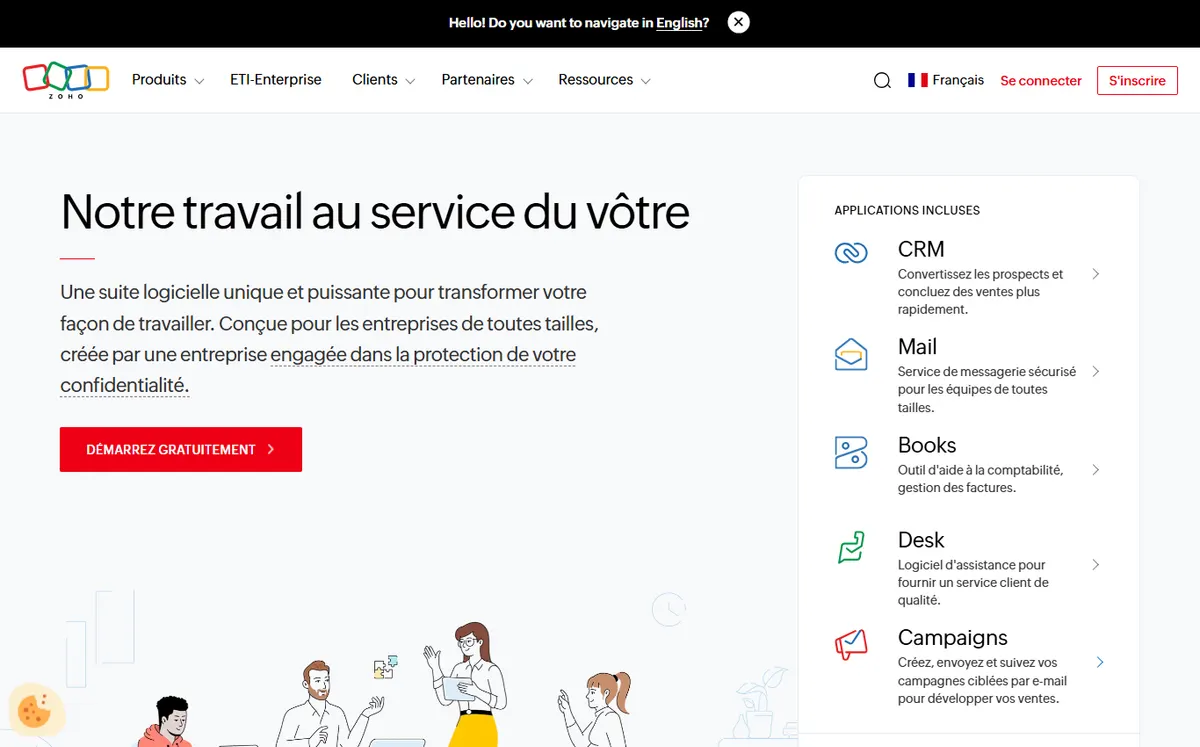
- +
Truly free plan (not a trial): estimates, invoices, recurring invoices, expense and time tracking, and a client portal.
- +
No platform fee on payments: connect Stripe or PayPal and only pay the gateway’s own processing rate.
- +
Multi-currency, multi-language and tax-compliant invoices, ideal for freelancers billing international clients.
- –
Free plan is capped at 2 users, 3 projects and 500 invoices per year, and adds a discreet “Powered by Zoho Invoice” line (indicative limits, July 2026).
Our verdict
Zoho Invoice is the safest free default for most freelancers: it is genuinely free forever, not a trial, and it covers the whole cycle from estimate to paid invoice with recurring billing, reminders and a client portal. Crucially, it adds no platform fee of its own, so online payments only cost you the gateway’s rate. The only real ceilings are the 500-invoice yearly cap and 2-user limit, and the fact that deeper bookkeeping means moving up to paid Zoho Books.
Invoicing is only part of your workflow?
Our full guide compares every invoicing platform, including tools that add accounting, projects and expenses as you grow.
Wave
The best free option to invoice and keep your books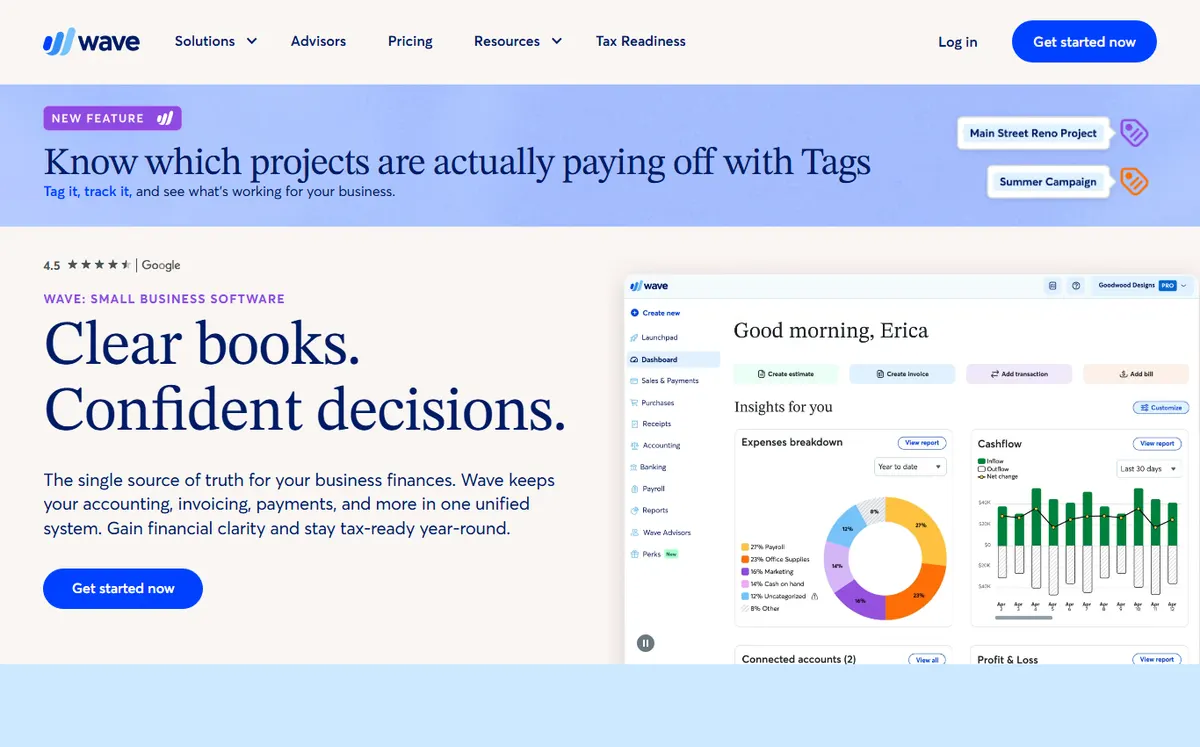
- +
Free Starter plan with unlimited invoices and no client cap, plus double-entry bookkeeping in the same account.
- +
Clean, beginner-friendly interface: you can send a professional invoice in a couple of minutes.
- +
Optional Pro plan ($19/month, or $190/year) adds automated reminders, receipt capture and lower card fees on your first transactions.
- –
Getting paid isn’t free: Wave Payments charges 2.9% + $0.60 per card transaction (3.4% + $0.60 for Amex), plus 1% on ACH bank transfers (indicative, July 2026).
- –
Some users have reported payout holds when accepting Wave Payments; for invoicing only, the free tier is safe.
Our verdict
Wave is the standout free all-in-one: it bundles unlimited free invoicing with genuine double-entry bookkeeping at $0, something no rival matches for free. It is ideal for micro businesses that want billing and their books in one place. The trade-off is on payments, where Wave takes 2.9% + $0.60 per card charge, and the occasional payout hold reported by users, so it shines most when you use the free invoicing and accounting rather than lean on Wave Payments.
Invoice Ninja
The best free tool if you want control of your data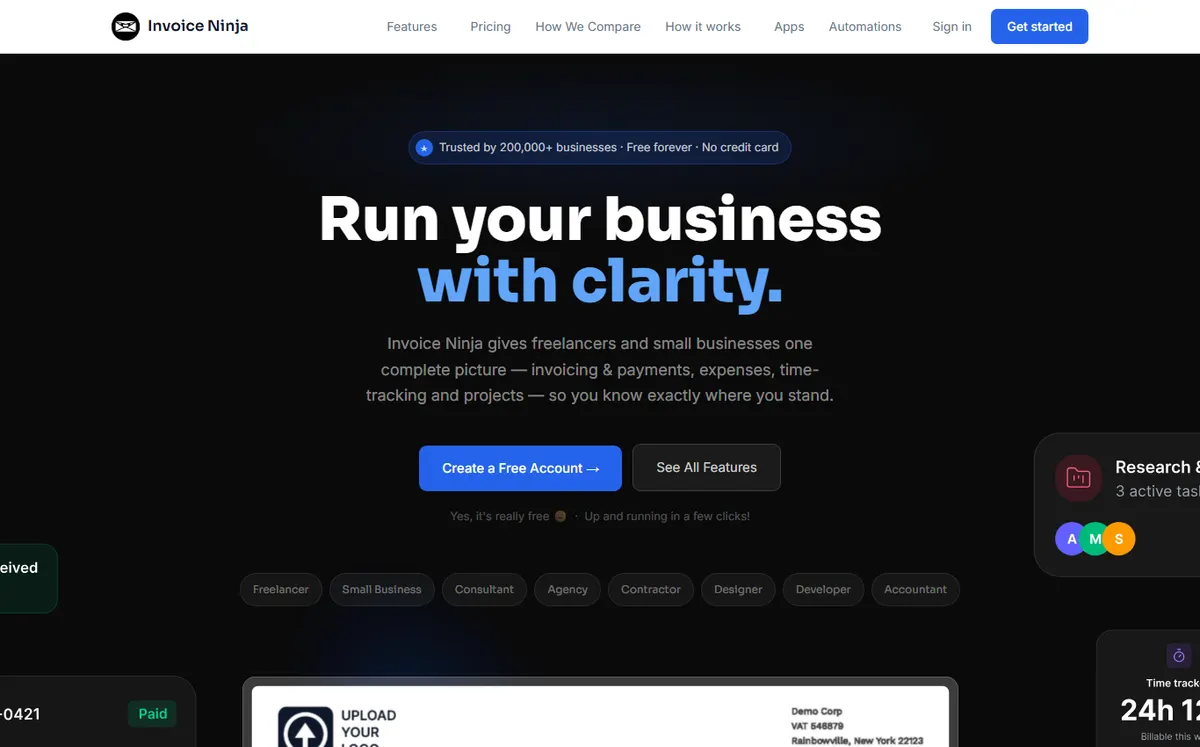
- +
Free plan with unlimited invoices for up to 5 clients, plus quotes, recurring invoices and client portal.
- +
Open-source and self-hostable: run it on your own server for full ownership of your billing data.
- +
Connects to 50+ payment gateways, so you keep your existing processor and its rates.
- –
Free tier caps you at 5 clients; the Pro plan starts at $14/month ($140/year) after the January 2026 price update (indicative).
- –
More technical than Zoho or Wave, especially if you self-host.
Our verdict
Invoice Ninja is the pick for freelancers who care about owning their data. It is open-source and fully self-hostable, so you can run your billing on your own server at $0, and it plugs into 50+ payment gateways rather than locking you into one. The hosted free plan is capped at 5 clients and the tool is more technical than Zoho or Wave, so it rewards users comfortable with a little setup in exchange for control and flexibility.
The right tool depends on your profile
Free, all-in-one, or premium: see which invoicing apps come out on top in our full selection, for every kind of freelancer and small business.
PayPal Invoicing
The best free option to get paid fast, no account setup
- +
No subscription and no setup: if you already have a PayPal Business account, you can send a professional invoice right away.
- +
Clients pay with card or their PayPal balance in a couple of clicks, and you get notified the moment they do.
- +
Instantly recognized brand, which reassures new or international clients about paying online.
- –
Transaction fees add up: about 3.49% + $0.49 per online card/PayPal payment, plus roughly 1.5% extra on international payments (indicative, July 2026).
- –
Bare-bones as an invoicing tool: no real bookkeeping, expenses or business management around it.
Our verdict
PayPal Invoicing is unbeatable for speed: with a PayPal Business account you can send a professional invoice in minutes and your client pays by card or PayPal balance in two clicks, no setup on either side. It is the right call for occasional invoices where getting paid instantly matters more than features. The catch is cost and depth: fees of about 3.49% + $0.49 are high, and there is no bookkeeping or expense management around the invoice.
FreshBooks
The best paid tool for freelancers who are scaling up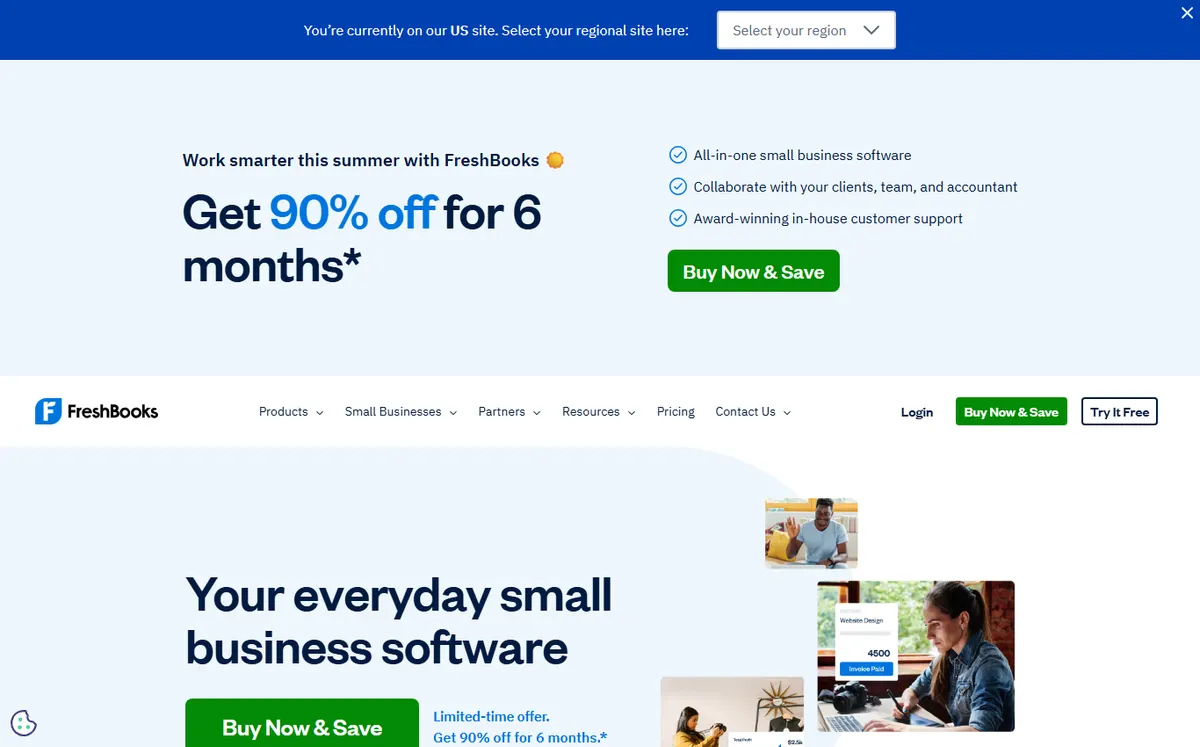
- +
One of the most polished invoicing experiences: elegant templates, automated late-payment reminders and recurring billing.
- +
Built-in time tracking, expense capture and double-entry accounting, so it grows with your freelance business.
- +
Strong, well-rated customer support and mobile apps.
- –
No permanent free plan: only a 30-day trial, then the Lite plan is $19/month ($17.10/month billed annually), capped at 5 billable clients (indicative, July 2026).
- –
Extra team members cost around $11/month each, and payments carry the usual 2.9% + $0.30 card fee.
Our verdict
FreshBooks is the natural paid upgrade once a free tool starts holding you back. It offers the most polished invoicing of the group, with elegant templates, automatic reminders and recurring billing, plus built-in time tracking and real accounting. It is the only tool here without a permanent free plan, so it earns its place as the step-up option: choose it when automation and time tracking save you more than the $19/month costs, not as a free pick.
How free is each free plan?
The whole point of this page is a plan you can use at $0 for the long run. We rate how much you can actually do without paying, out of 5, weighting permanent access, invoice and client caps, and the features included at no cost.
Free-plan strength (out of 5)
The longer the bar, the more you get for free, permanently.
- Wave and Zoho Invoice lead: both are genuinely free forever, with Wave adding free bookkeeping and Zoho adding time tracking and a client portal.
- Invoice Ninja is free but capped at 5 clients on the hosted plan (unlimited if you self-host), while FreshBooks has no permanent free plan at all, only a 30-day trial.
What does it really cost to get paid?
“Free invoicing” and “free payments” are two different things. Sending an invoice is free, but when a client pays by card or wallet, a processing fee applies. Here are the indicative rates recorded in July 2026.
| Tool | Card fee | Bank / ACH | Own platform fee |
|---|---|---|---|
| Zoho Invoice | Gateway rate (~2.9% + $0.30 via Stripe) | Gateway rate | ✓ none |
| Wave | 2.9% + $0.60 (3.4% Amex) | 1% ACH | Built-in |
| Invoice Ninja | Your gateway’s rate | Gateway rate | ✓ none |
| PayPal | 3.49% + $0.49 | n/a | Built-in |
| FreshBooks | 2.9% + $0.30 | ACH available | Built-in |
Takeaway: tools that pass you through to your own gateway, like Zoho Invoice and Invoice Ninja, avoid a platform mark-up and often work out cheaper on large invoices. PayPal is the most expensive per transaction but the fastest to set up.
Which free invoicing tool for which use case?
In short, here is our recommendation based on how you work:
| Your use case | Our pick | Why |
|---|---|---|
| Freelancer, all-in-one free | Zoho Invoice | Genuinely free, no platform fee, client portal |
| Free invoicing + bookkeeping | Wave | Free double-entry accounting included at $0 |
| Own your data / self-host | Invoice Ninja | Open-source, 50+ gateways, 5 free clients |
| Occasional invoices, fast pay | PayPal Invoicing | No setup, client pays in two clicks |
| Scaling freelancer | FreshBooks | Automation, time tracking and full accounting |
| Billing international clients | Zoho Invoice | Multi-currency, multi-language, tax-compliant |
How we built this ranking
Each tool is scored on weighted criteria tailored to freelancers: how genuinely free it is (a permanent freemium tier rather than a trial, and how much you can do at $0), core invoicing and estimates (numbered invoices, recurring billing, credit notes, tax), getting paid (online payment options and the real transaction cost), recurring invoices and reminders, the upgrade path when you outgrow the free tier, and overall value free versus paid. We favour tools built for independents and small businesses, and we re-check every offer whenever a pricing grid changes, which is why the update date sits at the top of the page. Find all our comparisons and guides on the Invoicing hub.
Is free invoicing software really enough for a freelancer?
In the vast majority of cases, yes. A freelancer needs to send clean estimates and invoices, number them without gaps, track what’s been paid, and get paid online. The four free tools in our selection (Zoho Invoice, Wave, Invoice Ninja and PayPal Invoicing) all cover that core without costing a cent in subscription. The difference is what surrounds it: Zoho Invoice adds time tracking, expenses and a client portal; Wave bundles free bookkeeping; Invoice Ninja gives you data ownership and self-hosting; PayPal focuses on the fastest possible payment. You typically start paying only to automate more, connect full accounting, or lift client and invoice caps. If you think you will outgrow free quickly, compare the paid options in our best invoicing software 2026 selection first.
Free plan vs free trial: how to tell them apart
This is the classic trap. A permanent free plan (freemium) stays usable with no time limit: that’s the case for Zoho Invoice, Wave, Invoice Ninja and PayPal Invoicing. A free trial, by contrast, is a limited window after which you must pay to keep going: FreshBooks works this way, with a 30-day trial and then a $19/month Lite plan. Neither model is “better” in the absolute, but if your goal is to invoice for free over the long run, choose a freemium tool and check that the features you need are actually included in the $0 tier, not locked behind an upgrade.
What does it really cost to get paid on a free invoicing tool?
“Free invoicing” and “free payments” are two different things. Sending the invoice is usually free, but when a client pays you by card or wallet, a processing fee applies. As a rule of thumb in 2026, expect around 2.9% + $0.30 to $0.60 per card transaction, and closer to 3.49% + $0.49 on PayPal, with an extra 1.5% or so on international payments. Bank transfers (ACH) are cheaper, often about 1%. The tools that don’t charge a platform fee of their own (like Zoho Invoice, which simply passes you through to Stripe or PayPal) can work out cheaper than an all-in-one that marks up payments. If you invoice large amounts, those percentages matter more than the monthly subscription.
Which free invoicing tool should you pick for your situation?
For most freelancers, Zoho Invoice is the safest default: it’s genuinely free, well designed, international-friendly and adds no platform fee on top of your payment gateway. Pick Wave if you also want free bookkeeping in the same place and don’t mind its card fees. Choose Invoice Ninja if data ownership matters and you’re comfortable self-hosting. Reach for PayPal Invoicing when you just need to send the occasional invoice and get paid immediately, with zero setup. And step up to a paid tool like FreshBooks once automated reminders, time tracking and full accounting start saving you more than they cost. When in doubt, read our full invoicing software comparison before you commit.
Frequently asked questions
What is the best free invoicing software for freelancers in 2026?
For most freelancers, Zoho Invoice offers the best free plan: estimates, invoices, recurring billing, time and expense tracking and a client portal, with no platform fee on payments. Wave is an excellent free alternative if you also want built-in bookkeeping, and Invoice Ninja is the best pick if you want to own your data or self-host. See our full invoicing software comparison for paid options too.
Is Zoho Invoice really free?
Yes. Zoho Invoice has a permanent free plan, not a trial. It lets you send up to 500 invoices per year, add up to 2 users and run 3 projects, with online payments via Stripe or PayPal and no platform fee (you only pay the gateway’s own processing rate). A small “Powered by Zoho Invoice” line appears on documents (indicative limits, July 2026).
Is Wave still free in 2026?
Yes. Wave’s Starter plan is free and covers unlimited invoicing, expense tracking and basic bookkeeping. There’s an optional Pro plan at $19/month (or $190/year) with extras like automated reminders. Getting paid is not free, though: Wave Payments charges 2.9% + $0.60 per card transaction, plus 1% on ACH bank transfers (indicative, July 2026).
Do free invoicing tools charge payment processing fees?
Sending invoices is usually free, but accepting card or wallet payments carries a processing fee. In 2026, expect roughly 2.9% + $0.30 to $0.60 per card transaction, around 3.49% + $0.49 on PayPal (plus about 1.5% on international payments), and about 1% on ACH bank transfers. Tools that don’t add their own platform fee, such as Zoho Invoice, can be cheaper overall.
Which free invoicing tool is best if I also want accounting?
Wave is the strongest free choice when you want invoicing and bookkeeping in one place, with double-entry accounting included at $0. Zoho Invoice covers expenses and time tracking on its free plan and connects to Zoho Books when you scale. If you want the most complete accounting and don’t mind paying, FreshBooks is the natural upgrade at $19/month after its 30-day trial.