Best CRM for small business 2026: for solopreneurs and tiny teams
A small business does not have a dedicated CRM admin, does not need 200 features, and needs setup measured in hours, not weeks. You want a tool that centralizes contacts and follow-ups, has obvious pricing, and does not require a Ph.D. to operate. We compared six CRMs built specifically for solo founders, small sales teams, and businesses under ten people, ranked on real cost, simplicity, support quality, and time to productivity.

Our picks at a glance
Our pickLess Annoying CRM, one flat price for everything at $15/user/month, built for freelancers, with human support that actually answers the phone.
See ↓ Most affordableBigin by Zoho, the cheapest entry point: free tier plus $7/user pipelines with email sync. Real contact management, not a trial.
See ↓ Best for duosCapsule CRM, a genuine free plan for 2 users, fast to deploy, built for relationships rather than pipelines.
See ↓ Best UXfolk, the network-first CRM: Gmail and LinkedIn native, with design and AI that feel premium (from $24/month).
See ↓ Sales + supportNutshell, live phone support on every tier and no seat minimums, from $13/user/month.
See ↓At a glance
The best CRMs for small business compared
| CRM | Rating | Free plan | Best for | Entry price | |
|---|---|---|---|---|---|
 Less Annoying CRM Our pick Less Annoying CRM Our pick | ★★★★★ 4.9 | ✗ 30-day trial | Solopreneurs & support | $15/user/mo | See → |
 Bigin by Zoho Cheapest Bigin by Zoho Cheapest | ★★★★½ 4.6 | ✓ 1 user | Getting started free | $7/user/mo | See → |
 Capsule CRM Capsule CRM | ★★★★½ 4.7 | ✓ 2 users | Duos & relationships | $18/user/mo | See → |
 folk folk | ★★★★½ 4.5 | ✗ 14-day trial | Recruiters & agencies | $24/user/mo | See → |
 Streak Streak | ★★★★½ 4.5 | ✓ Gmail tools | Gmail-only teams | $49/mo (shared) | See → |
 Nutshell Nutshell | ★★★★½ 4.3 | ✗ 14-day trial | Sales teams + support | $13/user/mo | See → |
Prices are indicative in USD per user/month on annual billing, verified July 2026. Streak Pro is billed per account (shared across the team). Month-to-month plans cost 15 to 25% more. All prices exclude taxes and optional add-ons.
Want to pick a CRM and run in one afternoon?
Less Annoying CRM and Nutshell are built for teams with no CRM admin. Real phones pick up, and setup is measured in hours, not sprints.
The top picks in detail
Our 6 best small-business CRMs, analyzed
Less Annoying CRM
The anti-feature CRM for solopreneurs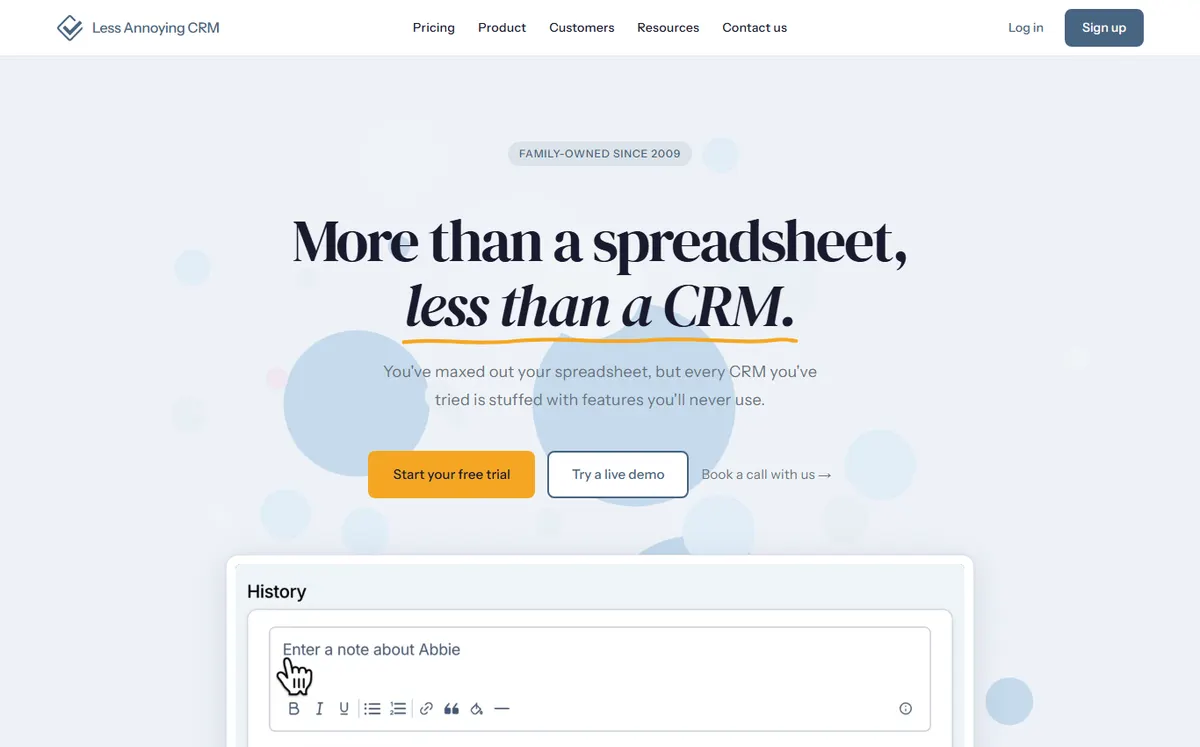
- +
One price, forever: $15/user/month, the same features for everyone, with no hidden tiers or add-ons.
- +
Phone and email support by actual humans, repeatedly rated best in class for small-business CRM support.
- +
Designed for non-tech founders: no admin needed, zero config, an opinionated workflow that just works.
- –
No free plan (30-day trial only), and features are intentionally basic: no AI automation, no marketing suite.
- –
Best for solopreneurs and tiny teams, it does not scale to complex multi-pipeline sales orgs.
Our verdict
Less Annoying CRM wins for the profile this page is about: a founder or a handful of people who want a working CRM by lunchtime, not a project. One flat rate, human support on the phone, and an interface you never need to read a manual for. The trade-off is deliberate simplicity: if you need email sequences, scoring or a marketing suite, look at folk or Nutshell instead. For everyone else, it is the safest pick.
Bigin by Zoho CRM
The lowest entry point with a real pipeline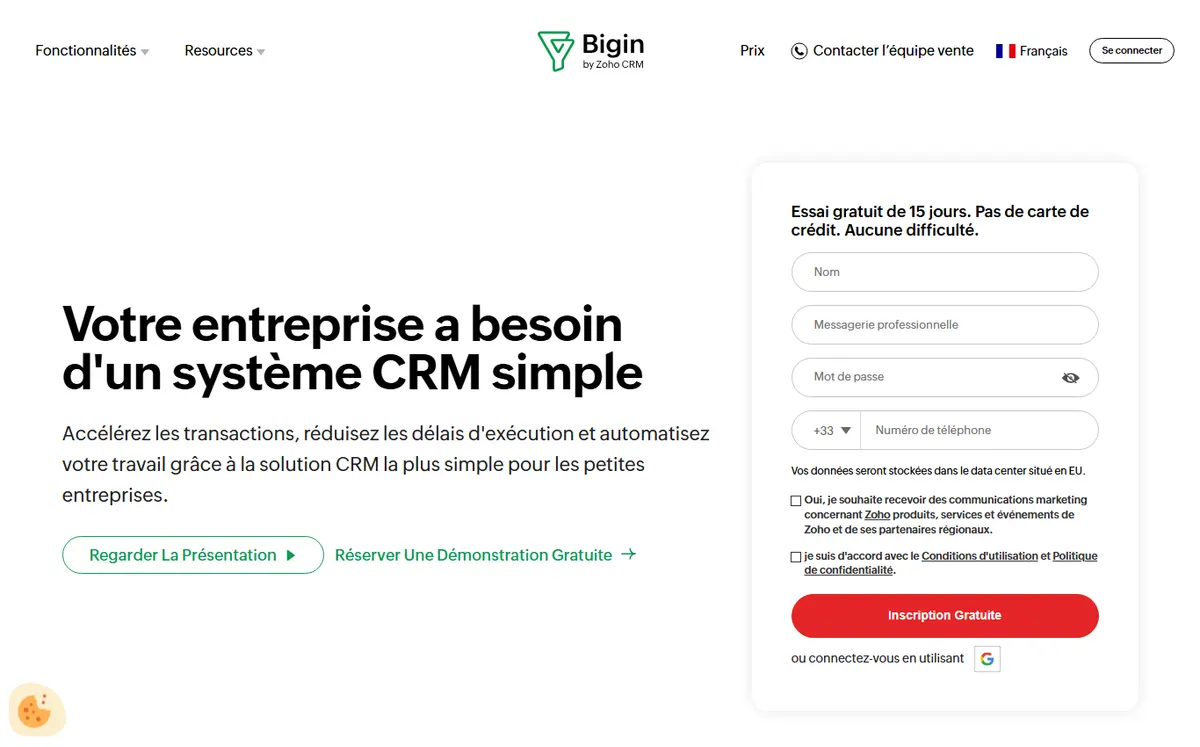
- +
The cheapest paid tier on the market: $7/user/month (Express) with email sync and basic automation.
- +
A genuine free tier (1 user, 500 contacts) plus 15-day trials on paid plans and a 45-day money-back guarantee.
- +
Built-in calling and a gateway to 185+ Zoho apps, with no learning curve compared to classic Zoho CRM.
- –
The low sticker price masks costs: backups, custom fields and extra storage are add-ons, so the real bill is often 2 to 3x the base.
- –
No native email sequences on any tier, marketing automation is a separate Zoho product.
Our verdict
Bigin is the answer when budget is the deciding factor. You get a real, structured pipeline for $7/user, plus a free tier that lets one person run their book of business at no cost. The reservation: several things you might assume are included (backups, extra fields, storage) are paid add-ons, and there are no built-in email sequences, so power users who want automation will feel capped. For a first paid CRM, though, nothing beats the price.
Capsule CRM
A real free plan for 2 people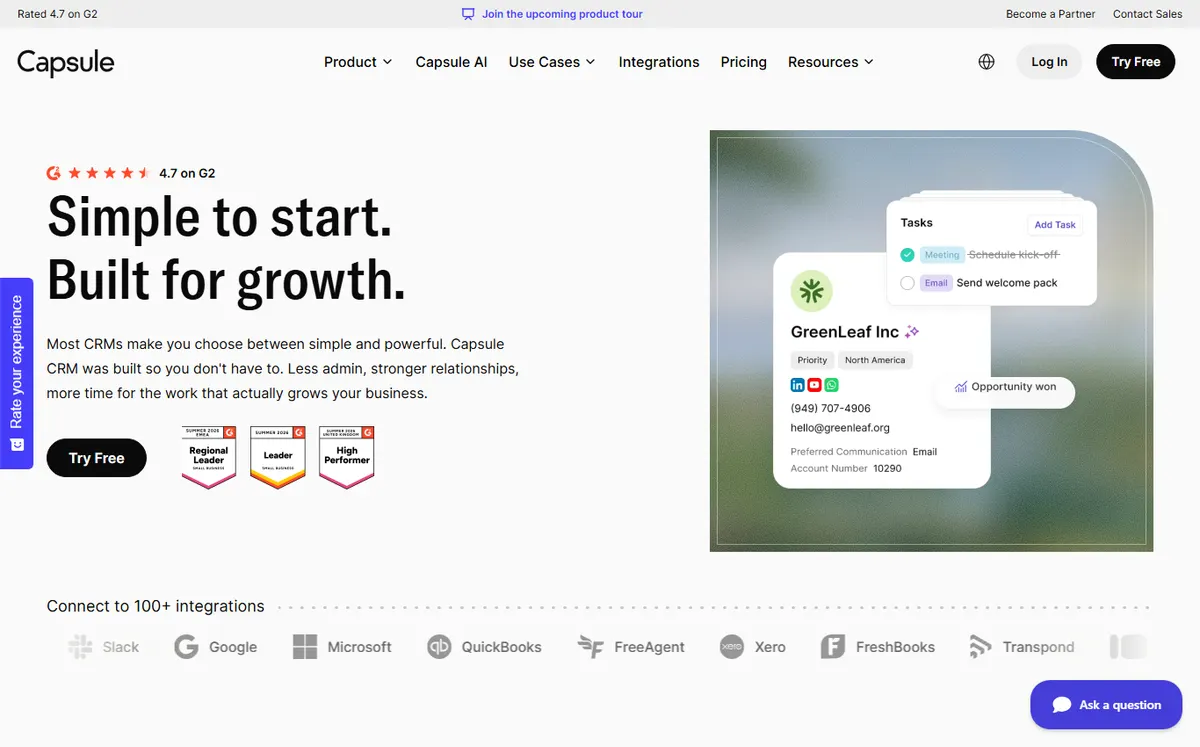
- +
A usable free plan (2 users, 250 contacts, 1 pipeline), not an expiring trial, you can genuinely run a small business on it.
- +
The fastest deployment in this list: migrations typically finish in hours, with no admin training needed.
- +
Solid integrations for service businesses (Gmail, Outlook, Xero accounting) without a separate email layer.
- –
No automatic email sync: you must manually CC a Capsule address or use Zapier, whereas HubSpot and Pipedrive build it in.
- –
Support is email only (no phone or live chat), with slower responses than Less Annoying CRM or Nutshell.
Our verdict
Capsule is our pick when two people need to share a contact base for free and be productive the same day. The free plan is real, the interface is calm, and the Xero link is a gift for service businesses that also invoice. The catch is email: there is no automatic inbox sync, so you rely on manual CC or Zapier, and support is email only. If those two limits do not bother you, it is the best value free CRM here.
Working mostly in Gmail and LinkedIn?
folk embeds right into your inbox and browser with a Chrome extension, instant contact capture and AI enrichment. Ideal if your leads come from relationships, not cold outreach.
folk
The network-first CRM for relationship builders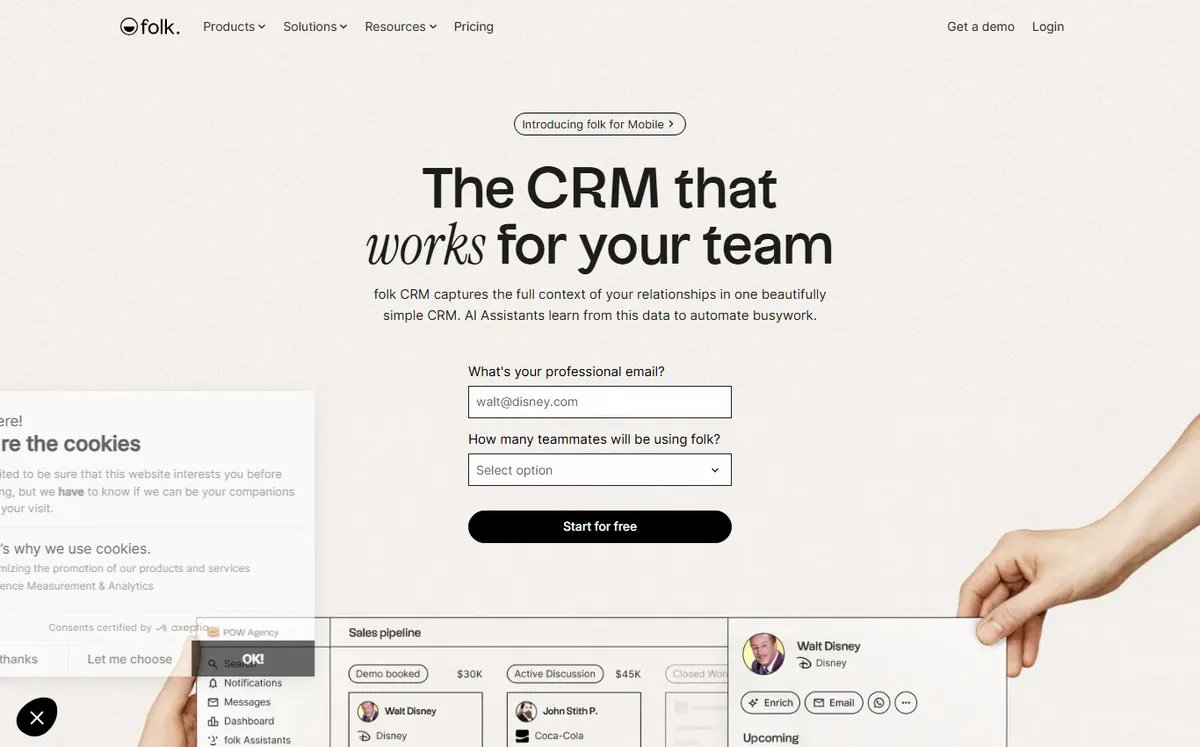
- +
Built around Gmail and LinkedIn instead of a separate pipeline tool: the Chrome extension captures contacts and enriches them with AI in one click.
- +
The design is polished and modern, every competitor feels clunky once you have used folk for a day.
- +
5,000+ integrations via Zapier and Make, so there is no need to rebuild your workflows.
- –
The highest entry price here ($24/month, no free tier), and usage quotas cap email sends and enrichments even on paid plans.
- –
Not a traditional sales-pipeline CRM, it fits recruiters, VCs and agencies whose deals are built on relationships rather than cold prospects.
Our verdict
folk is the one to try if design and inbox-native capture matter more than raw pipeline features. It turns Gmail and LinkedIn into a living contact base, and the AI enrichment feels genuinely premium. Two caveats keep it out of the top spot for most small businesses: it is the priciest here with no free tier, and the quotas on emails and enrichments can bite. For relationship-driven teams, though, nothing else feels this good to use.
Streak
The CRM that lives in Gmail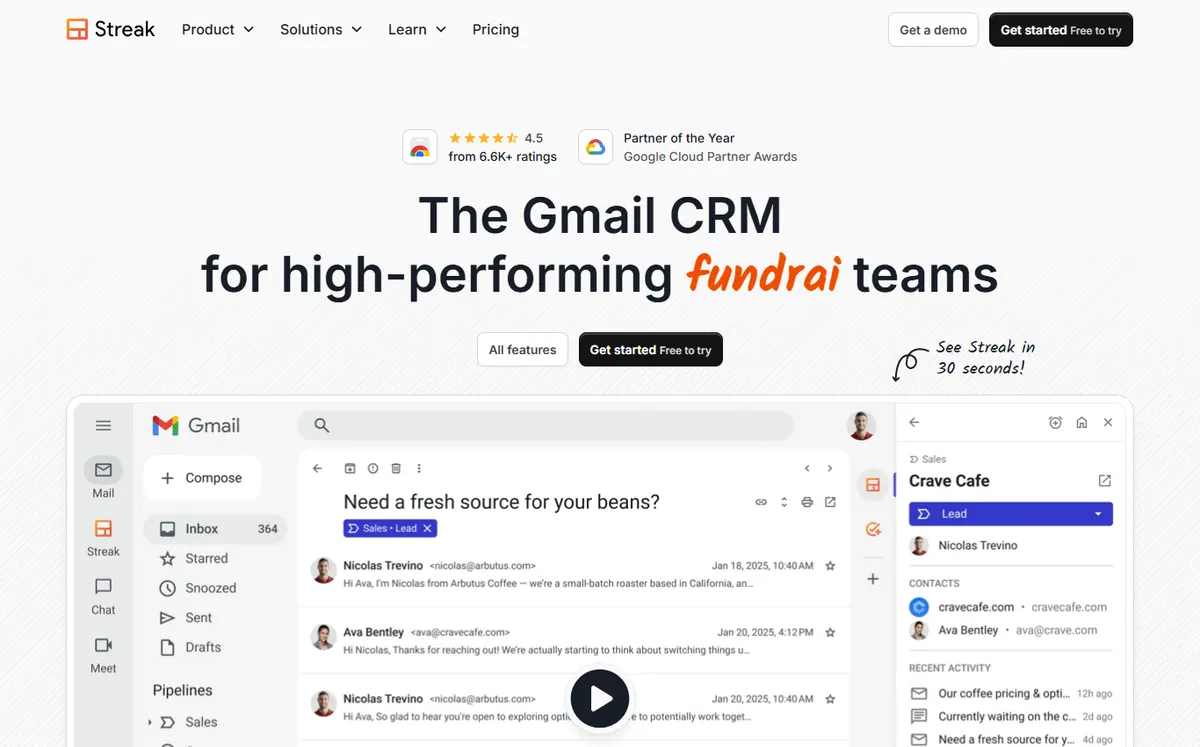
- +
Zero admin overhead: the entire CRM lives in Gmail’s sidebar, with no new platform to learn and no separate login.
- +
The free tier is genuinely useful (email tracking, mail merge, snippets) for solos who just want to track replies and reuse templates.
- +
No contact import needed, Streak works with the emails you already have, and shared pipelines start at $49/month for the whole team.
- –
The free tier has no shared pipeline (so no real CRM, just email tools), and the $49 Pro price is higher than Nutshell or Bigin for a true CRM.
- –
Completely dependent on Google Workspace, it is unusable if your team runs on Outlook or non-Gmail email.
Our verdict
Streak is the smart choice for a Gmail-first team that refuses to log into yet another tool. Everything happens in the inbox, so adoption is effectively free. The limits are clear: the free tier is email tooling, not a shared CRM, the Pro price is on the high side, and the whole thing collapses the moment someone uses Outlook. Inside Google Workspace, though, it is the least disruptive CRM you can deploy.
Nutshell
The sales CRM with humans on every plan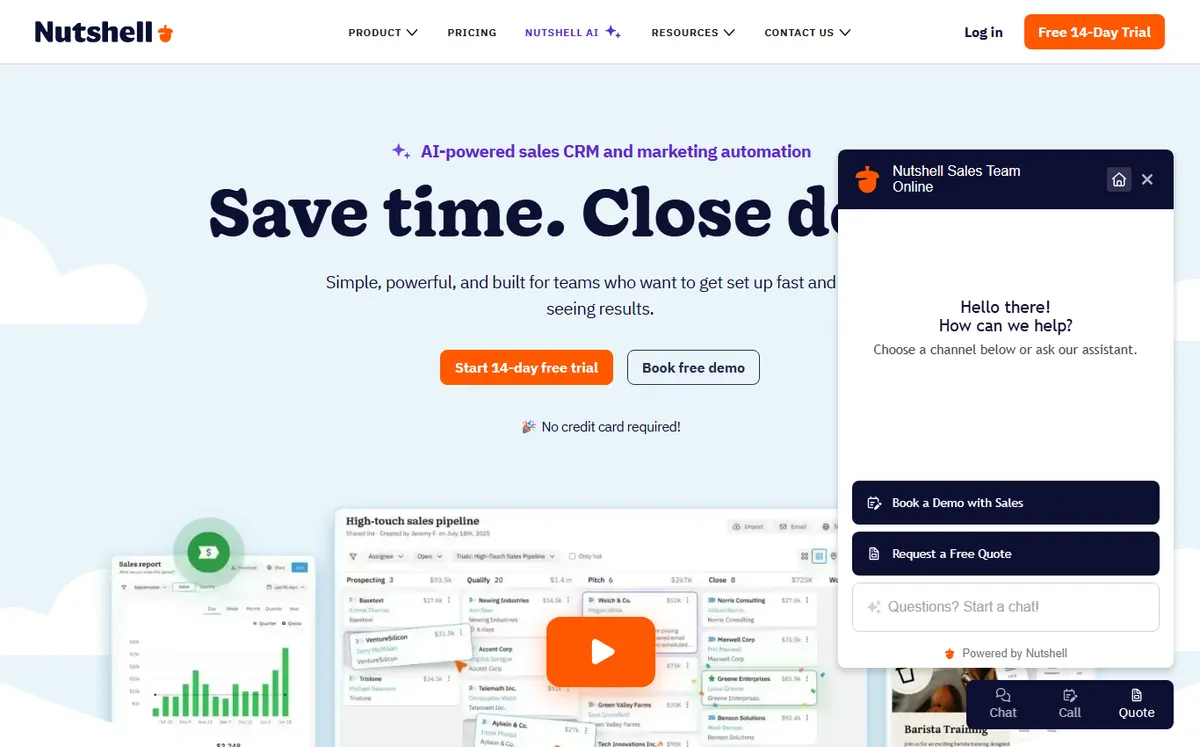
- +
Live phone and chat support on every single tier, even the cheapest (Foundation), which is almost unheard of at $13/user/month.
- +
No seat minimums and unlimited contacts and storage even on the entry plan, with a clean scaling path from 1 to 10 to 50 people.
- +
Positioned explicitly for small sales teams with no CRM admin, with sales templates and playbooks included by default.
- –
No free plan (14-day trial only), and the Foundation tier lacks reporting and automation, so you must upgrade to Growth ($25) to unlock those.
- –
Fewer integrations than Pipedrive or HubSpot, it is more of a pure sales tool than an all-in-one platform.
Our verdict
Nutshell is the pick for a small sales team that wants a phone number to call when something breaks, on every tier, plus room to grow with no seat minimum. It reads as a proper sales CRM rather than a contact manager. The reservations: the cheapest tier strips out reporting and automation, so most teams end up on Growth at $25, and the integration catalog is thinner than the big names. For hands-on sales support at a fair price, it earns its place.
Our analysis
Comparison: ease of use, real cost and support
For a team without a CRM admin, three things decide everything: how fast people adopt the tool, what it truly costs once add-ons are counted, and whether a human answers when you are stuck. The scores below come from our hands-on tests of the current apps (July 2026) and our reading of each vendor’s public pricing. Starting from zero? Our guide on how to choose a CRM lays out the method step by step, and our best free CRM roundup zooms in on permanent free plans.
Our method. Each tool is tested on the same small-business scenario: import 100 contacts, build one pipeline, connect an inbox and add a follow-up reminder. Ease-of-use and value scores are assigned by our editors on that basis, then cross-checked against G2 and Capterra reviews.
Ease of use and time to productivity
A CRM your one-person team does not adopt is dead weight. Here is the ease-of-use score we give each tool, from first import to a working pipeline you check every morning.
Ease-of-use score assigned by our editors · out of 5
The longer the bar, the faster the tool is to adopt with no dedicated admin.
- Less Annoying CRM and Streak are the fastest to adopt: one is deliberately minimal, the other simply lives in Gmail.
- folk and Capsule feel modern and deploy in hours, with no training video required.
- Bigin and Nutshell add a bit more structure (pipelines, playbooks), so they take slightly longer to click.
Key takeaway. To be productive the same afternoon with no admin, Less Annoying CRM is the safest bet, and Streak is unbeatable if your whole team already lives in Gmail.
Real monthly cost and affordability
Sticker prices lie once you add seats, storage and add-ons. This score reflects the true cost to run a 1 to 3 person team, free tiers included.
Affordability score · out of 5 (higher = cheaper to run for real)
Accounts for free plans, entry price, seat minimums and hidden add-ons.
- Bigin wins outright: a free tier plus a $7/user paid plan is the lowest real cost of entry here.
- Less Annoying CRM and Capsule stay cheap and predictable, one flat rate or a real free plan for two.
- folk is the priciest with no free tier, so it only pays off when its UX and enrichment genuinely save you time.
Key takeaway. On a tight budget, Bigin or Capsule let you start at $0 and pay only when a real limit blocks you.
Features and support at a glance
Free plan, email sync, automation, native marketing and, above all, real human support: here is what each CRM offers out of the box for a small team.
✓ included or native · ✗ missing or add-on. Scroll the table horizontally if needed.
| CRM | Free plan | Email sync | Automation | Marketing | Phone support |
|---|---|---|---|---|---|
| Less Annoying CRM | ✗ trial | ✓ | ✗ | ✗ | ✓ all tiers |
| Bigin by Zoho | ✓ 1 user | ✓ | ✓ basic | ✗ add-on | ✗ chat |
| Capsule | ✓ 2 users | ✗ CC / Zapier | ✓ | ✓ Transpond | |
| folk | ✗ trial | ✓ | ✓ AI | ✓ campaigns | ✗ chat |
| Streak | ✓ Gmail tools | ✓ Gmail | ✓ mail merge | ✓ mail merge | |
| Nutshell | ✗ trial | ✓ | ✓ Growth+ | ✓ add-on | ✓ all tiers |
Only Less Annoying CRM and Nutshell offer live phone support on every tier. Capsule and folk skip automatic phone lines; Streak depends entirely on Gmail. Marketing on Capsule runs through its Transpond product, and on Nutshell through a paid add-on.
Which small-business CRM for which use case?
In short, here is our recommendation based on your profile:
| Your profile | Our pick | Why |
|---|---|---|
| Solo founder, wants help | Less Annoying CRM | Flat $15, human phone support, learn it in minutes |
| Tightest budget | Bigin by Zoho | Free tier plus a real $7/user pipeline |
| Two-person team, free | Capsule | Genuine free plan for 2, deploys in hours |
| Recruiter / agency / VC | folk | Gmail and LinkedIn native, AI enrichment, best UX |
| Whole team on Gmail | Streak | The CRM lives in the inbox, zero new tool to learn |
| Small sales team | Nutshell | Phone support on every tier, no seat minimum |
How we picked these CRMs
We deliberately excluded tools built for larger sales teams or enterprises. These six CRMs share one philosophy: simplicity over features, real human support, obvious pricing and zero admin work. We weighted time to productivity (hours, not days), the absence of hidden add-on costs, phone or real-time support, and suitability for solo founders or teams under five people. Crucially, none of these six lead our broader best CRM software 2026 comparison or our best free CRM guide, they occupy a distinct niche, and we pick them because they excel in it. New to the category? Start with what a CRM is.
We re-verify pricing, trial lengths and support claims whenever a vendor updates them, which is why the date sits at the top of the page. We do not rank on marketing claims: scores draw on G2 and Capterra reviews plus our own hands-on testing of trial accounts.
What makes a CRM right for a small business?
A CRM for a small business must clear three hurdles that do not apply to larger teams. First, setup speed: you have no admin and no weeks-long implementation window, and Capsule and Streak clear this in hours. Second, transparent, predictable pricing: no seat minimums, no forced upgrades for basic automation, no mystery add-ons, which Less Annoying CRM and Bigin nail in different ways (one flat price versus an ultra-low entry). Third, actual support: email alone is not enough when you are three people and need an answer now, which is why Nutshell and Less Annoying CRM put phone support on every tier.
Frequently asked questions
What is the best CRM for a small business owner working alone?
Less Annoying CRM is our top pick if you want support and simplicity. If you already live in Gmail, Streak covers everything you need for free (email tools) or $49/month (shared pipeline). For the absolute cheapest entry with a free tier, try Bigin ($0 forever on 1 user, $7 once you add a second).
Which small-business CRM has the best free plan?
Capsule offers a genuinely usable free plan (2 users, 250 contacts, 1 pipeline) that is not just a trial. Bigin also has a free tier (1 user, 500 contacts). Streak’s free tier gives you email tracking and templates in Gmail, but no shared pipeline. Both Capsule and Bigin let you run a real small business indefinitely without paying.
How much should a small business expect to spend on a CRM?
You can start free with Bigin, Capsule or Streak’s free email tools. If you are willing to pay, expect $7 to $15 per user per month on annual billing for tools built specifically for small teams. Watch for seat minimums and add-on charges, they can double the advertised price. Our advice: start free and pay only when a real limit blocks you, such as needing a second user or email automation.
Is there a CRM I can learn in under an hour?
Streak (if you already use Gmail), Capsule and Less Annoying CRM are all operational by lunchtime. Streak is the fastest because it is just Gmail, with no learning curve at all. Capsule and Less Annoying CRM are deliberately simple by design, with no eLearning videos required.
Do these small-business CRMs have phone support?
Yes, two of them. Less Annoying CRM and Nutshell both offer phone support on all tiers, which is rare at their price points. Capsule offers email support only. folk and Streak offer email and chat. Bigin offers chat and email through Zoho’s support system.
Can I use these CRMs if my team is on Outlook instead of Gmail?
Yes, all six support Outlook except Streak, which requires Google Workspace (Gmail) to function at all. Capsule, Less Annoying CRM, Bigin, folk and Nutshell are email-agnostic and integrate with Outlook natively or via Zapier.