 FreshBooks
FreshBooks review 2026: our full test
Verdict: the best invoicing app for freelancers and service businesses
FreshBooks is a cloud invoicing and accounting app built for freelancers, consultants and small service businesses. Its invoicing, time tracking and project tools are among the cleanest on the market, and support is genuinely excellent. The trade-offs are a per-seat pricing model that adds up fast and reporting that stays lighter than QuickBooks Online or Xero. For a solo operator or a small team that lives on invoices and estimates, it is hard to beat.
What to remember
- Invoicing, time tracking and project tools are among the cleanest on the market.
- Support is genuinely excellent, a rare thing at this price point.
- Per-seat pricing adds up fast and reporting stays lighter than QuickBooks Online or Xero.
What we liked
- +
Polished, easy invoicing with estimates, reminders and online payments.
- +
Time tracking and project tools included on every plan.
- +
Double-entry accounting from the Plus plan up.
- +
Highly rated customer support and a genuinely gentle learning curve.
What could be better
- –
Every plan is single-user; extra team members cost $11/mo each.
- –
Reporting is lighter than QuickBooks Online or Xero.
- –
Lite caps you at 5 billable clients, which is tight as you grow.
Spec sheet
- Publisher
- FreshBooks (Toronto, Canada)
- Best for
- Freelancers, consultants, small service teams
- Accounting
- Double-entry (Plus plan and up)
- Invoicing
- Unlimited invoices, estimates, reminders
- Time & projects
- Included on all plans
- Free plan
- No (30-day free trial, no card)
- Payments
- 2.9% + $0.30 per card transaction
- Price from
- $23/mo (Lite)
Indicative pricing from freshbooks.com, July 2026. Annual billing saves about 10%.
Go for it if
- ✓
You are a freelancer or a small service business living on invoices and estimates.
- ✓
You bill by the hour and want time tracking built in.
- ✓
You value responsive human support.
Look elsewhere if
- ✕
You have a growing team, each seat is billed.
- ✕
You need deep accounting reports.
- ✕
You sell physical products and need inventory.
What is FreshBooks, exactly?
FreshBooks started life as an invoicing tool for freelancers and has grown into a full cloud accounting platform, while keeping that original DNA. Its positioning is clear: it is built for people who sell their time and services, not for inventory-heavy retailers or large finance teams. Think consultants, designers, developers, agencies, tradespeople and small professional practices, the kind of user who wants to get paid quickly without wrestling with a general ledger.
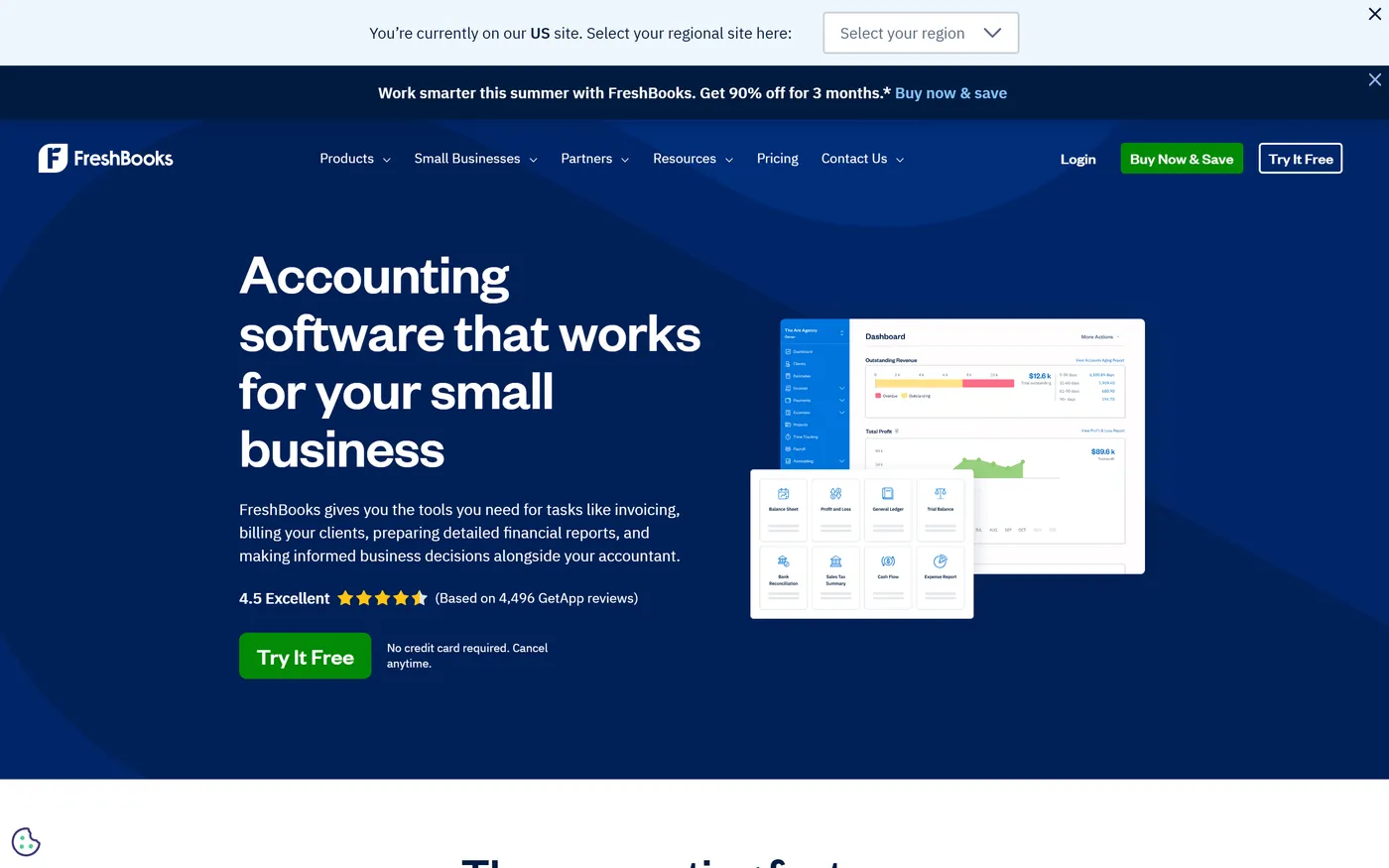
The promise is simplicity. You send professional invoices, track billable hours against projects, log expenses and let clients pay online, all from one clean interface. From the Plus plan up, FreshBooks runs proper double-entry accounting under the hood, so your accountant gets a real balance sheet and general ledger, not just a list of invoices.
How good is FreshBooks invoicing?
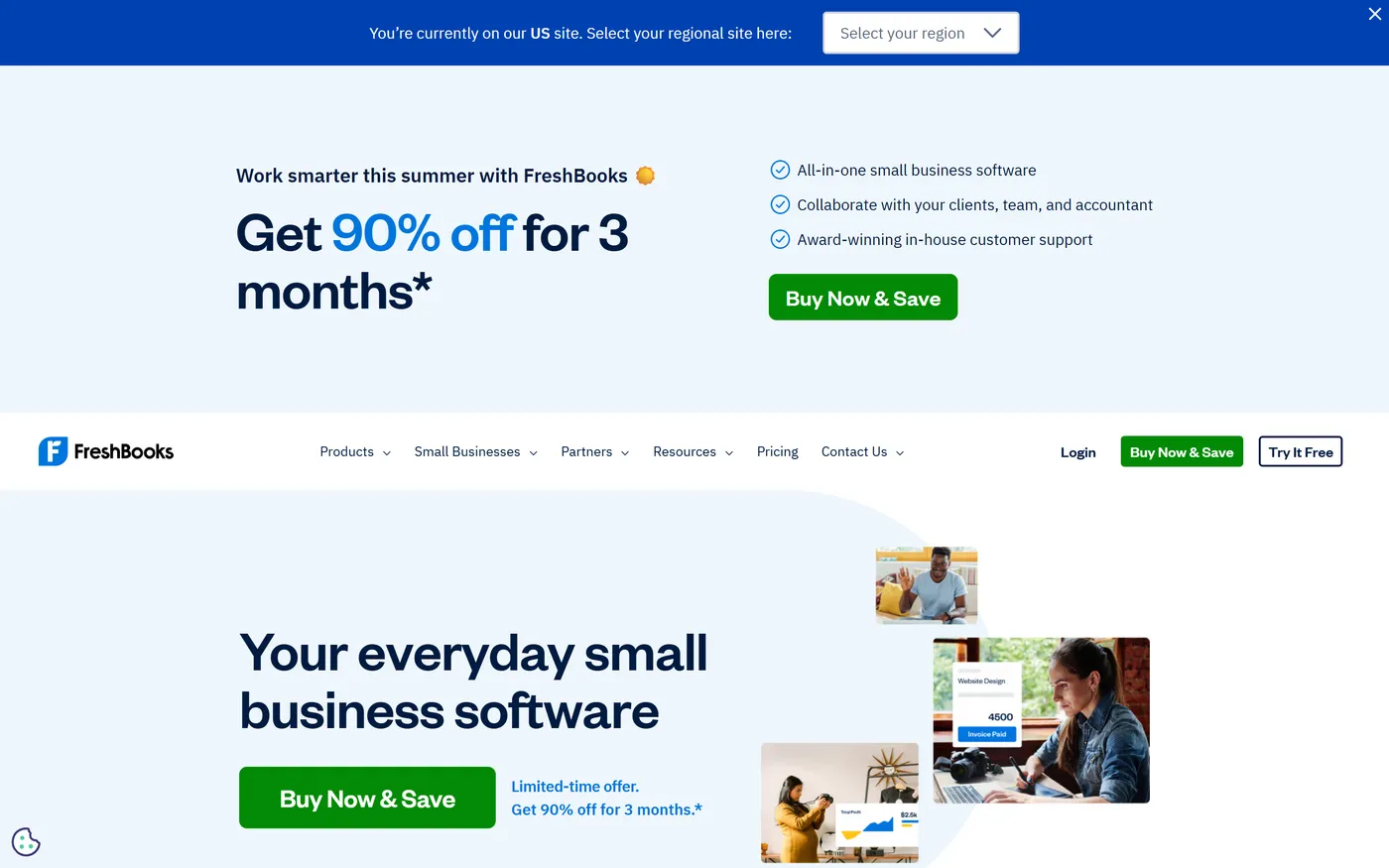
This is the standout. Invoicing in FreshBooks is unlimited on every plan and genuinely pleasant to use. You build a branded invoice in a couple of minutes, convert an estimate or a proposal into an invoice in one click, add discounts or deposits, and set automatic late-payment reminders so you stop chasing clients by hand. Recurring invoices and auto-billing are there for retainer work.
Small touches make a difference day to day: you can see when a client has viewed an invoice, attach billable expenses, and let customers pay by card or ACH directly from the invoice. Estimates and proposals let you scope a job, get e-signature approval and turn it into a billable project. For a freelancer or a small studio, this is exactly the workflow you want, and it is smoother here than in most rivals.
Unlimited, polished invoicing on every tier is what still sets FreshBooks apart from tools that cap invoices or bury the feature behind clunky forms.
Try FreshBooks free for 30 days
The trial needs no credit card and unlocks the full feature set: the best way to judge the invoicing flow for yourself.
What about accounting and reports?
FreshBooks is more than invoicing, but here it meets its limits. From the Plus plan, it runs full double-entry accounting: general ledger, chart of accounts, trial balance, accounts payable and a bank reconciliation tool. That is enough for most freelancers and small service businesses to hand clean books to an accountant at year end.
Where it trails QuickBooks Online and Xero is depth of reporting. FreshBooks ships around twenty reports, and you cannot customize them much or drill deep into tax breakdowns. There is no true multi-currency accounting on lower tiers and inventory tracking is minimal. If your business needs granular financial analysis, heavy inventory or many custom reports, you will feel the ceiling. For invoice-driven service work, you likely will not.
Are payments and time tracking worth it?
FreshBooks Payments lets clients pay invoices online at the standard rate of 2.9% + $0.30 per card transaction (higher for Amex and international cards, around 1% for ACH). Getting paid in-app shortens your cash cycle noticeably, and payments reconcile automatically against the right invoice.
Time tracking and project management are included on every plan, which is unusual, QuickBooks Online reserves time tracking for higher tiers. You start a timer or log hours, tag them to a client and project, then pull them straight onto an invoice. For anyone who bills hourly, this closes the loop between the work done and the money owed, without a second app.
Is FreshBooks easy to use, and is support any good?
Two of the most consistent praises in user reviews are ease of use and support, and our testing agrees. The dashboard is uncluttered, with clear prompts for the everyday jobs: create an invoice, log an expense, see who owes you. Someone who finds accounting intimidating can be sending professional invoices within the hour. That gentle learning curve is a big part of why freelancers stick with it.
Support is a genuine differentiator. FreshBooks is repeatedly rated highly on G2 and Capterra for responsive phone and email help from real people, something many cloud accounting tools have quietly cut back. When your invoicing is your cash flow, fast answers matter.
How much does FreshBooks cost in 2026?
FreshBooks uses tiered subscriptions with no free plan, but a 30-day free trial with no card required. Here is the grid from freshbooks.com in July 2026 (monthly billing; annual billing saves about 10%).
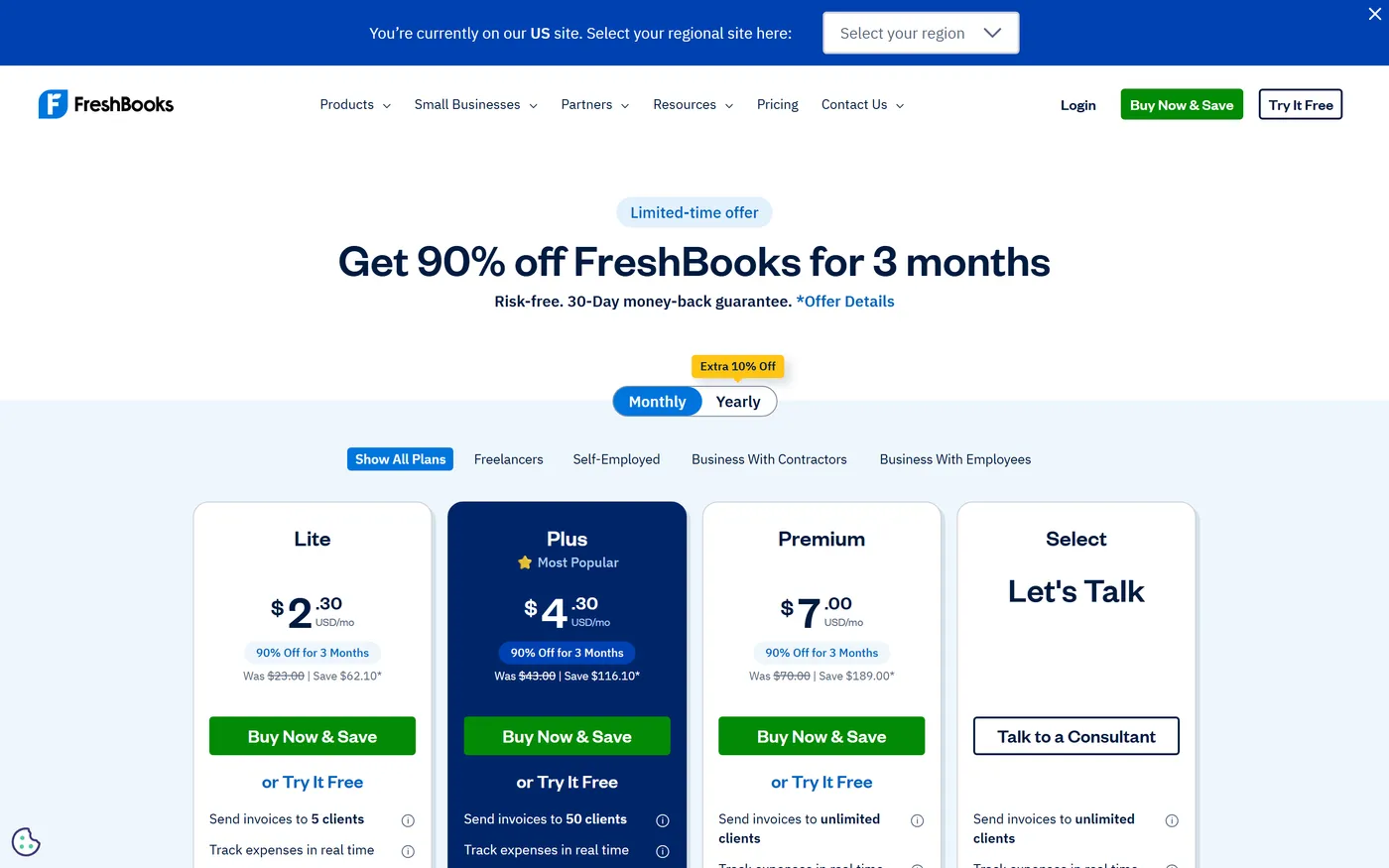
| Plan | Price (monthly) | What you get |
|---|---|---|
| Lite | $23/mo | Unlimited invoices, up to 5 billable clients, payments, time tracking |
| Plus Popular | $43/mo | Up to 50 clients, double-entry accounting, recurring billing |
| Premium | $70/mo | Unlimited clients, advanced project profitability, deeper reports |
| Select | Custom pricing | Dedicated account manager, 2+ team members, data migration |
Indicative pricing from freshbooks.com, July 2026, monthly billing. Every plan is single-user; each extra team member is $11/mo. New customers often see a promotional discount for the first few months before the plan reverts to full price. Check the live grid before subscribing.
Is FreshBooks right for you?
FreshBooks is an excellent choice if you are a freelancer, consultant or small service business that lives on invoices, estimates and billable hours. The Lite plan covers a solo operator with a handful of clients; Plus is the sweet spot once you want real accounting and more clients. If getting paid fast and hassle-free is your priority, few tools do it better.
It is a weaker fit if you run a product or inventory business, need many users, or want deep, customizable financial reporting. The per-seat pricing makes larger teams expensive fast, and the reporting ceiling arrives sooner than with QuickBooks Online or Xero. In those cases, look at the alternatives below.
What are the best FreshBooks alternatives?
Three direct rivals are worth a look. QuickBooks Online is the market heavyweight, with the deepest reporting, payroll add-ons and accountant ecosystem, at the cost of a steeper learning curve. Xero offers unlimited users on every plan, strong bank reconciliation and inventory, which makes it a better fit for growing teams. Wave and Zoho Invoice are the budget picks, with genuinely free invoicing if your accounting needs are light.
To compare them side by side on invoicing quality, accounting depth, users and price, read our roundup of the best invoicing software in 2026, where FreshBooks, QuickBooks and Xero are ranked next to each other. If you are just getting started, our guide to choosing invoicing software sets out the criteria that matter before you commit.
Compare FreshBooks with the other top tools
FreshBooks, QuickBooks, Xero, Wave: our selection ranks them on invoicing, accounting depth, users and real cost.
FreshBooks review: frequently asked questions
Is FreshBooks free?
No, FreshBooks has no permanent free plan, but it offers a 30-day free trial with no credit card required and full feature access. Paid plans start at $23/mo for Lite, $43/mo for Plus and $70/mo for Premium (July 2026 pricing from freshbooks.com). Annual billing saves about 10%.
Is FreshBooks good for freelancers?
Yes. FreshBooks is one of the best tools for freelancers and small service businesses that rely on estimates, invoices and billable hours. Invoicing, time tracking and project tools are included on every plan, the interface is easy to learn and support is highly rated. It is a weaker fit for inventory businesses or large teams.
How much does FreshBooks cost per user?
Every FreshBooks plan is single-user by default. Each additional team member costs $11/mo on top of the plan price. This per-seat model makes FreshBooks affordable for solo users but noticeably more expensive as you add several team members.
FreshBooks vs QuickBooks: which is better?
FreshBooks wins on ease of use, invoicing polish and support, and it includes time tracking on every plan. QuickBooks Online wins on reporting depth, inventory, payroll and its accountant ecosystem. Choose FreshBooks if you are invoice-driven and value simplicity, QuickBooks if you need deeper accounting and analysis.