Best payroll software 2026: our comparison for US SMBs
Payroll software calculates paychecks, files tax deposits with the IRS and state authorities, generates pay stubs and W-2s, and keeps your team on the right side of compliance. We continuously compare the main platforms on the market. Here is our 2026 selection for small and mid-sized US businesses, ranked on payroll run and automation, tax filing and compliance, benefits, multi-state and contractor support, integrations and the real cost per employee. Whether you want to run payroll yourself or delegate it entirely, one of these six platforms will fit your needs.

Our pick in short
Our pickOnPay, the highest-rated payroll software on G2, with the simplest pricing model and zero surprises: one plan, everything included, transparent per-employee cost.
See ↓ Best valuePatriot Payroll, the most affordable option for tiny teams and sole proprietors, with plans starting at $17/month and optional full-service tax filing.
See ↓ Best all-in-oneGusto, the most intuitive and feature-rich payroll for young companies, bundling benefits, hiring and contractor payments from a single dashboard.
See ↓ For scalingRUN Powered by ADP, the trusted giant with a focus on compliance, ideal for teams that expect to grow and want rock-solid infrastructure.
See ↓ HR bridgePaychex Flex, the natural next step if you want payroll plus certified HR specialists and a gateway to a full PEO offering.
See ↓At a glance
What is the best payroll software comparison for the US?
| Payroll software | Score | Type | W-2 & 1099 | Best for | From | |
|---|---|---|---|---|---|---|
 OnPay Our pick OnPay Our pick | ★★★★★ 4.8 | Full-service payroll | ✓ native | SMBs 1 to 250 | $49/mo + $6/emp | See → |
 Patriot Payroll Best value Patriot Payroll Best value | ★★★★★ 4.8 | Flexible plans | ✓ native | Micro teams 1 to 50 | $17/mo + $4/emp | See → |
 Gusto Gusto | ★★★★½ 4.6 | All-in-one payroll | ✓ native | Growing teams 1 to 100 | $49/mo + $6/emp | See → |
 RUN by ADP RUN by ADP | ★★★★½ 4.5 | Enterprise-grade | ✓ native | Mid-market scaling | Custom pricing | See → |
 Paychex Flex Paychex Flex | ★★★★☆ 4.2 | Payroll + HR | ✓ native | SMBs to 500+ | $39/mo + $5/emp | See → |
 QuickBooks Payroll QuickBooks Payroll | ★★★★☆ 4.4 | Accounting-first | ✓ native | QB Online users | $50/mo + $6/emp | See → |
Indicative prices per employee per month, verified in July 2026 on vendor websites and partner sources. Most of these platforms charge a monthly base fee plus a per-employee cost, so your real total depends on your headcount and the modules you enable. ADP and Paychex do not publish public rate cards and require a quote. All prices exclude setup fees and state tax compliance add-ons, which vary by state. Always request a quote based on your exact headcount.
Want transparent pricing and no surprises?
OnPay bundles W-2 and 1099 processing, multi-state tax filing, benefits admin and unlimited pay runs into one clear per-employee cost.
The top in detail
Our top 6 payroll platforms, analyzed
OnPay
The highest-rated payroll software, transparent pricing included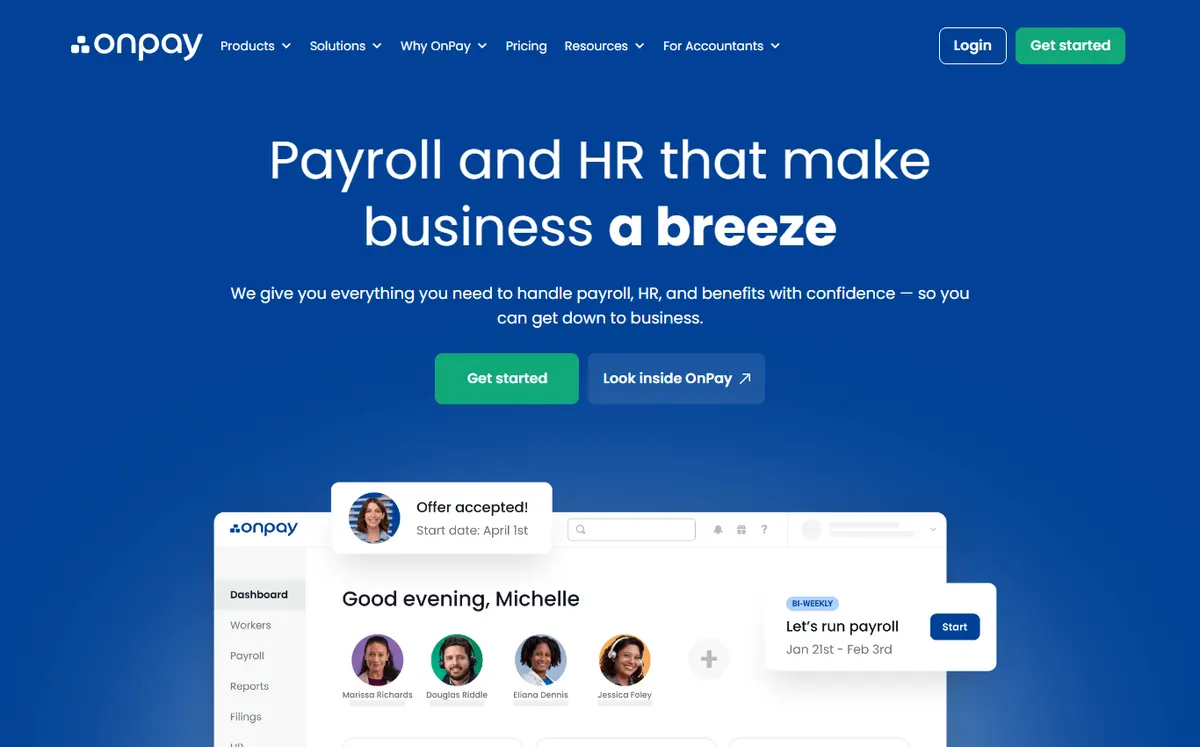
- +
Ranked #1 on the G2 Payroll Index for Summer 2026, beating Gusto and Rippling: users consistently praise the simplicity, speed of setup and lack of hidden fees.
- +
One transparent plan: $49/month base plus $6 per employee, covers W-2 and 1099 payroll, unlimited pay runs, federal and multi-state tax filing, benefits administration and employee portals, all included with no add-on surprises.
- +
Cloud-native interface designed to minimize setup time: most companies go live within days, not weeks. Strong customer support and an active marketplace of integrations.
- –
OnPay is less well known than Gusto or ADP among the broader public, so you may need to educate new hires and managers on how to use the employee portal.
- –
The platform ecosystem is smaller than the giants: fewer HR and accounting integrations out of the box, though API and Zapier connections bridge many gaps.
Our take
OnPay earns our top spot for most US SMBs: the #1 G2 rating, one transparent all-in plan and included multi-state tax filing make it the least stressful choice. The real reservations are a smaller integration ecosystem and lower brand recognition than Gusto or ADP, so expect to onboard new hires to the portal.
Patriot Payroll
The most affordable payroll platform for tiny teams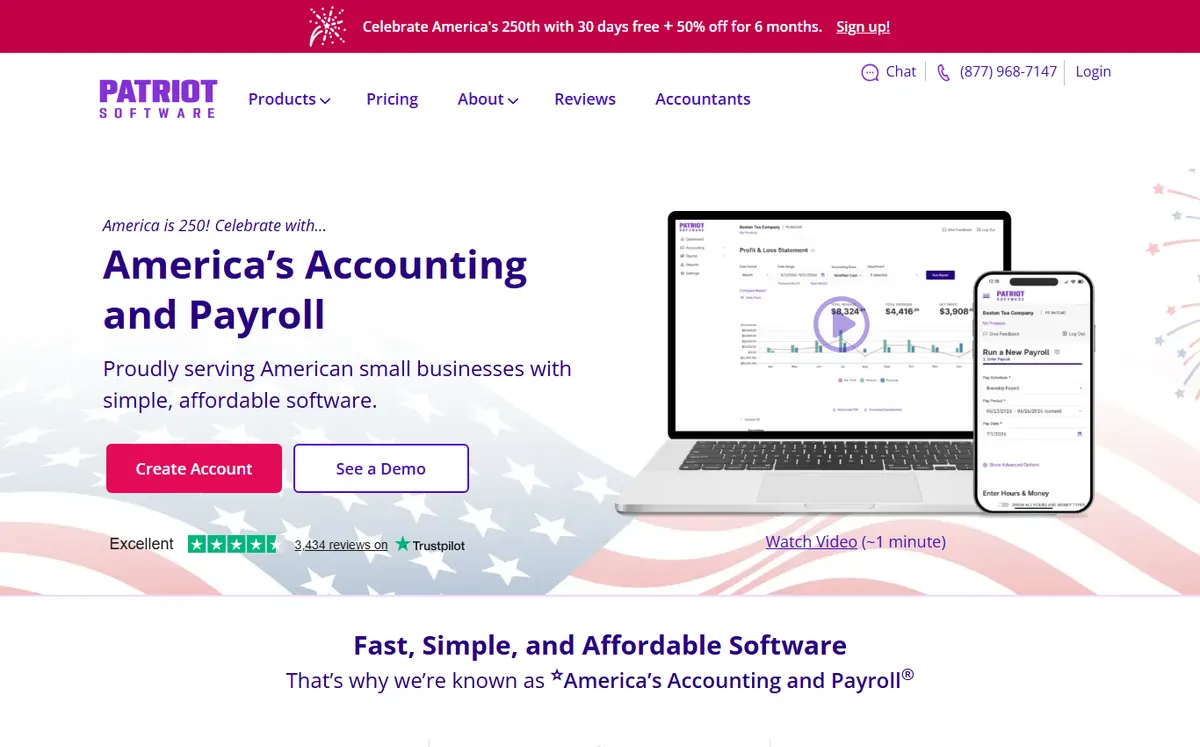
- +
The lowest entry price in the comparison: Basic Payroll starts at $17/month plus $4 per employee, ideal if you want to keep costs minimal and handle tax filings yourself.
- +
Two tiers for choice: DIY (Basic, $17+$4) lets you file taxes yourself, while Full Service ($37+$5) automates federal and state deposits with a tax compliance guarantee, a smart middle ground.
- +
Highly rated support and setup experience: Patriot is geared toward solopreneurs and micro-businesses and it shows in the simplicity and responsiveness.
- –
Direct deposit processing is sometimes slower than competitors, with stricter cutoff times for same-week pay runs, which matters if you have employees on tight schedules.
- –
Reporting and advanced analytics are more limited than Gusto or Rippling, and time tracking must be added as a separate module, not bundled.
Our take
Patriot is the value pick for micro-teams and sole proprietors: the lowest entry price in the comparison, with an optional Full Service tier that adds a tax-filing guarantee. Watch the slower direct deposit cutoffs and lighter reporting if you need same-week runs or deep analytics.
Gusto
The most intuitive and feature-rich payroll for growing teams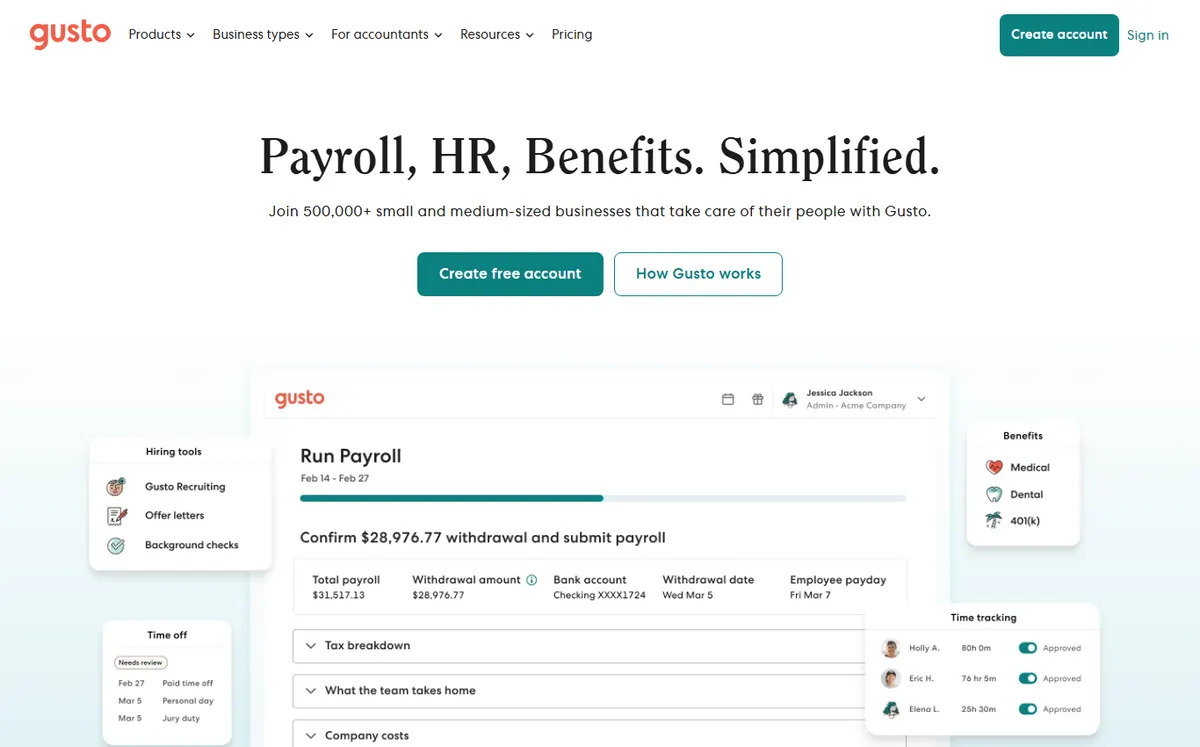
- +
Cloud-native payroll designed from day one for ease: the interface is widely praised as the most intuitive in the category, and setup does not require a payroll specialist.
- +
Bundles payroll, benefits admin (health insurance, 401k enrollment), hiring, onboarding and contractor payments (1099s) in one platform, eliminating tab-switching and data re-entry.
- +
Strong customer satisfaction (G2 4.6/5) and partner integrations, especially with time tracking and HR tools, making Gusto a smart choice for a young company scaling from 1 to 100.
- –
Pricing has risen: the Simple plan climbed from $40 to $49/month in early 2026, and multi-state support requires the pricier Plus plan ($80+$12/employee), which adds up fast.
- –
Less suitable for teams with complex compliance needs or those already committed to enterprise payroll infrastructure, where ADP or Paychex might be better choices.
Our take
Gusto is the most intuitive all-in-one, bundling payroll, benefits and hiring in one friendly dashboard. Its limits are pricing that has climbed and multi-state support locked behind the pricier Plus plan, so cross-state teams pay more.
Want payroll, benefits and hiring in one place?
Gusto bundles W-2 and 1099 payroll, health insurance and 401k enrollment, and applicant tracking in a single intuitive dashboard, no integrations needed.
RUN Powered by ADP
The global payroll giant trusted for compliance and scale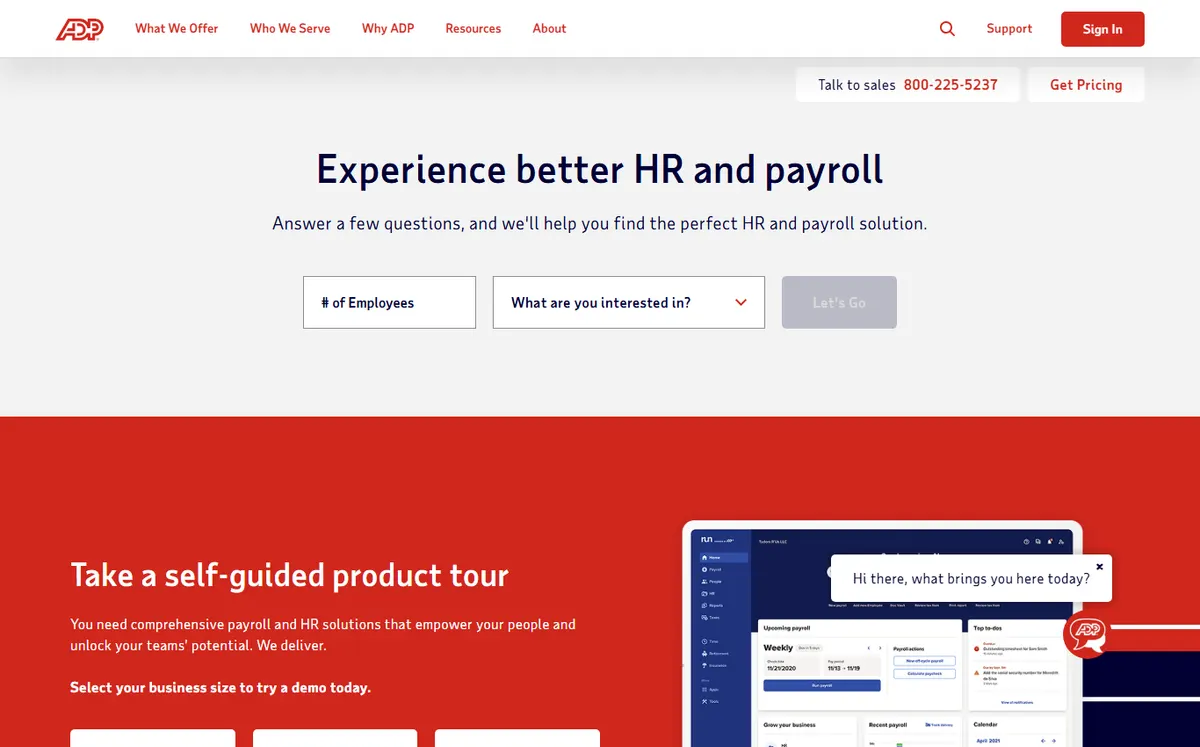
- +
The most trusted name in US payroll: ADP is the global standard for compliance, audit trails and data security, a reassuring choice if your company anticipates rapid growth or multi-state operations.
- +
Deep ecosystem: integrated access to ZipRecruiter for hiring, unemployment insurance management, wage garnishment processing and HR add-ons, all under one vendor.
- +
Tiered plans (Essential, Enhanced, Complete) let you scale features as you grow: start lean and add compliance, benefits and analytics modules as headcount rises.
- –
Pricing is opaque and requires a quote: no published rate card online. Third-party estimates suggest ~$79 per pay run plus $4/employee on the Essential plan, but actual prices vary widely by negotiation.
- –
Contracts often include annual terms with early-exit penalties and automatic renewal fees criticized in user reviews: carefully review the fine print before signing.
Our take
RUN by ADP is the compliance heavyweight, built to scale to thousands with multi-state depth and a huge ecosystem. The trade-offs are opaque, quote-only pricing and long contracts with renewal fees, so read the fine print before signing.
Paychex Flex
Payroll plus HR expertise, with a path to PEO services
- +
Payroll bundled with access to certified HR specialists available 24/7, a unique advantage if your team is young and has frequent HR questions (hiring, termination, compliance).
- +
Natural bridge to Paychex’s PEO (Professional Employer Organization) offering: as you scale, you can move from self-service payroll to full outsourced HR and payroll without switching vendors.
- +
Essentials plan at $39/month plus $5/employee is competitive on price, with flexible upsells for time tracking, benefits and advanced reporting.
- –
Customer satisfaction lags the leaders: some users report slower support during peak tax season and occasional platform performance issues.
- –
Like ADP, Paychex does not publish full rate cards for higher tiers: Select, Pro and Enterprise require negotiated quotes, making comparison shopping harder.
Our take
Paychex Flex pairs payroll with 24/7 certified HR experts and a clear path to a PEO as you grow. Satisfaction lags the leaders and higher tiers are quote-only, which makes side-by-side comparison harder.
QuickBooks Payroll (QuickBooks Workforce)
Payroll for teams already on QuickBooks Online
- +
If your business already runs on QuickBooks Online, payroll data syncs automatically: no manual reconciliation between payroll and accounting, saving time and reducing errors.
- +
Intuit expanded the brand in 2026 to “QuickBooks Workforce” to cover the full employee lifecycle (hiring, onboarding, payroll, time tracking), all within the QB ecosystem.
- +
Flexible pricing tiers (Core at $50, Premium at $85, Elite at $130, plus per-employee) let you pick the feature set that matches your needs without overpaying.
- –
Customer support is often slow, and setup can feel fragmented across QB and the payroll module, not as seamless as Gusto or OnPay.
- –
Pricing has risen roughly 20% since May 2026, and total cost climbs quickly when you stack payroll on top of QB Online accounting subscription plus multi-state or module add-ons.
Our take
QuickBooks Payroll is the obvious pick if you already run QuickBooks Online: payroll and accounting sync automatically, no double entry. Support can be slow and prices rose in 2026, so total cost climbs once you stack it on your QB subscription.
Already using QuickBooks?
QuickBooks Payroll (now Workforce) integrates payroll directly with your accounting ledger, eliminating duplicate data entry and reconciliation headaches.
Our analysis
Comparison: payroll run, tax filing and features
Beyond the headline price, what really separates these platforms is how much of the payroll run they automate, how deeply they handle tax filing and compliance, and how far they stretch into benefits, HR and integrations. We compared all six on the fronts that matter most to a US SMB. The coverage scores below are our editorial assessments, based on the features vendors published in July 2026.
Payroll run and automation
This is the first decision criterion: how much of each pay run the software handles for you, from gross-to-net calculation to direct deposit and automatic tax deposits, versus how much you still touch by hand.
Our payroll automation score, out of 5, converted to a percentage. The longer the bar, the more automated and hands-off the pay run.
- OnPay and Gusto lead on hands-off pay runs: unlimited runs, automatic tax deposits and a clean review-and-approve flow.
- ADP automates deeply too, but the experience is heavier and geared to larger, multi-site operations.
- Patriot Basic keeps tax filing manual by design (that is how it stays cheap); Full Service adds the automation.
Key takeaway. Want the least manual work? OnPay or Gusto. On a tight budget and happy to file yourself? Patriot Basic. Already deep in QuickBooks accounting? QuickBooks Payroll keeps the ledger in sync automatically.
Tax filing, W-2/1099 and compliance
Payroll is really about getting taxes right. Here is how each platform handles federal and state filing, year-end forms, multi-state returns and accuracy guarantees. Scroll the table horizontally if needed.
| Platform | Federal & state filing | W-2 / 1099 | Multi-state | Accuracy guarantee |
|---|---|---|---|---|
| OnPay | ✓ automated | ✓ | ✓ included | ✓ |
| Patriot | ✓ Full Service | ✓ | ✓ extra | ✓ Full Service |
| Gusto | ✓ automated | ✓ | ✓ Plus plan | ✓ |
| RUN by ADP | ✓ automated | ✓ | ✓ built-in | ✓ |
| Paychex Flex | ✓ automated | ✓ | ✓ | ✓ |
| QuickBooks | ✓ automated | ✓ | ✓ Elite | ✓ Elite |
Key takeaway. All six file federal and state taxes electronically. The differences are in the details: Patriot puts filing behind Full Service, Gusto behind the Plus plan for multi-state, and QuickBooks reserves tax penalty protection for Elite. Confirm your states are covered at quote time.
Feature coverage: benefits, HR and contractors
Payroll rarely lives alone. Depending on your team you may also need benefits administration, contractor (1099) payments, light HR tools and time tracking. Here is where each platform stretches beyond the pay run.
✓ solid, integrated module · ✓ partial = present but limited · ✗ absent or via a third party.
| Platform | Benefits admin | Contractor 1099 | HR tools | Time tracking |
|---|---|---|---|---|
| OnPay | ✓ | ✓ | ✓ light | ✓ add-on |
| Patriot | ✓ partial | ✓ | ✗ | ✓ add-on |
| Gusto | ✓ | ✓ | ✓ hiring | ✓ |
| RUN by ADP | ✓ | ✓ | ✓ | ✓ |
| Paychex Flex | ✓ | ✓ | ✓ 24/7 experts | ✓ |
| QuickBooks | ✓ partial | ✓ | ✓ Workforce | ✓ |
- Gusto, ADP and Paychex are the broadest, adding benefits, hiring and HR support on top of payroll.
- OnPay covers benefits and contractors well, with lighter HR than the full suites.
- Patriot stays payroll-first: great value, but expect to add tools for benefits, HR and analytics.
Key takeaway. Need benefits, hiring and HR bundled in? Gusto, ADP or Paychex. Just clean, cheap payroll for a small team? OnPay or Patriot do the core job well.
Accounting integrations and ecosystem
Your payroll feeds your accounting: the tighter the sync, the less manual reconciliation each month. Here is the breadth of each platform’s accounting connectors and open API.
| Platform | Accounting sync | Open API | Ecosystem |
|---|---|---|---|
| OnPay | ✓ QuickBooks, Xero | ✓ | Growing, plus Zapier |
| Patriot | ✓ Patriot Accounting | ✓ | Limited |
| Gusto | ✓ QuickBooks, Xero | ✓ | Broad marketplace |
| RUN by ADP | ✓ | ✓ | 300+ integrations |
| Paychex Flex | ✓ | ✓ | Broad, HR-focused |
| QuickBooks | ✓ native QuickBooks | ✓ | QuickBooks ecosystem |
Which payroll tool for which use case?
In short, here is our recommendation based on your situation and priority:
| Use case | Our pick | Why |
|---|---|---|
| Solopreneur / 1 to 5 employees | Patriot | Lowest cost, DIY or optional full-service tax filing |
| Small team wanting simplicity | OnPay | One transparent all-in plan, top G2 rating |
| Startup needing benefits + hiring | Gusto | Bundled benefits, 401k and onboarding |
| Already on QuickBooks | QuickBooks Payroll | Native accounting sync, no double entry |
| Multi-state / scaling fast | RUN by ADP | Built-in compliance and multi-state at scale |
| Wants HR experts on call | Paychex Flex | 24/7 certified HR specialists, PEO pathway |

How did we build this ranking?
Each payroll platform is scored on six weighted criteria: payroll run and automation (W-2 and 1099 processing, unlimited pay runs, direct deposit, hands-off tax deposits), tax filing and compliance (federal and multi-state filing, IRS readiness, audit trails, accuracy guarantees), benefits and deductions (health, 401k, garnishments and other deductions), multi-state and contractor support (cross-state returns, 1099 payments, employer of record where relevant), accounting and HR integrations (QuickBooks, Xero, open API, marketplace) and real per-employee cost (base fee plus per-employee charge, state fees, add-on modules, setup costs). We favor platforms genuinely suited to small and mid-sized US businesses, and we re-review offers whenever a vendor changes pricing or terms, which is why the update date sits at the top of the page. Quoted prices are indicative: because most of these vendors bill per employee and per pay run, only a custom quote reflects your exact cost.
Do you want to run payroll yourself or delegate it?
The first decision is whether to keep payroll in-house or hand it off entirely. Self-service payroll (OnPay, Patriot, Gusto, QuickBooks) gives you full control: you input hours, review paychecks and file taxes on your own timeline, cutting the per-check cost and letting you scale without waiting for a payroll service. In return, you need someone on your team who understands tax deadlines and payroll compliance. Full-service or delegated payroll (ADP offers this) means you provide hours, then ADP or a payroll processor handles everything, tax deposits, W-2 printing, corrections, and you pay a premium per check. This is worth it if you have no HR person on staff or expect high complexity (multi-state, contractors, garnishments).
For most small US teams, self-service payroll via OnPay, Patriot or Gusto is the smarter choice: lower cost per check, instant control and faster turnaround on questions. ADP’s full-service model starts to make sense at 50+ employees and especially on multi-site operations. If you want the full picture on HR alongside payroll, see our best HR software comparison and the HR & payroll hub.
How do you pick the right payroll software in 2026?
Second, consider your accounting setup. If you already use QuickBooks Online, payroll plugs in and your entries sync automatically, saving hours per month on reconciliation. If you use Xero, Wave, or another ledger, make sure integrations are solid. Most standalone payroll software handles this via CSV exports or accounting partner integrations, so it is not a blocker, just a time-saver.
Third, check multi-state support. If all your employees live and work in one state, even basic payroll handles it. Multi-state operations (employees in different states, or a headquarters in one state with a satellite office elsewhere) require the software to file separate state returns and apply state-specific taxes. Gusto requires the Plus plan ($80+$12/employee) for multi-state; most others charge extra per state; ADP and Paychex build it in at higher tiers. Get a quote if you cross state lines.
Finally, think about growth trajectory. OnPay and Patriot scale well up to 50 to 100 employees, then you might outgrow their reporting or want HR bundling. Gusto is comfortable to about 100. ADP and Paychex are built to scale to thousands. For a startup expecting hypergrowth, Gusto is the natural on-ramp, with a clear upgrade path to ADP once you hit 100+ headcount.
US payroll basics: for reference only
Quick reminders whatever tool you pick: federal income tax withholding depends on the employee’s W-4 form (updated each year), and state withholding rules vary widely (some states have no income tax). Social Security and Medicare (FICA) are flat percentages of gross pay (combined about 15.3%, split between employer and employee). Employers also owe federal unemployment insurance (FUTA) and state unemployment insurance (SUTA), which vary by state and industry. Most payroll software calculates all of these automatically, but these are indicative only, not tax or legal advice. For current rules and thresholds, refer to the IRS (irs.gov), your state’s department of revenue, or your accountant.
Frequently asked questions
What is the best payroll software for a small US business in 2026?
For most small teams seeking simple, transparent pricing and high ratings, OnPay is our top pick: it ranks #1 on G2’s Payroll Index, charges one all-in-one fee ($49+$6/employee) with no surprises, and has strong customer support. If you want the broadest feature set and best usability, Gusto is excellent if you are growing and need benefits and hiring bundled in. Patriot is the lowest-cost entry if you have a tiny team and want to run payroll yourself. For teams already on QuickBooks, QuickBooks Payroll integrates seamlessly. And for companies scaling fast or with multi-state complexity, ADP or Paychex offer depth and compliance muscle at a higher price.
How much does payroll software cost per employee per month?
Payroll platforms typically charge a monthly base fee plus a per-employee per-month cost. Patriot Basic is the lowest: $17/month + $4/employee. OnPay and Gusto are mid-range at around $49/month + $6/employee. Paychex Flex is $39/month + $5/employee. QuickBooks is $50/month + $6/employee on top of QuickBooks Online. ADP and Paychex higher tiers are quote-based and can run $79 per pay run + $4 to $6/employee or more. Add state compliance fees, setup costs and add-on modules, and your true all-in cost depends on your headcount and needs: always request a quote for your specific scenario.
Can I run payroll myself or should I delegate it?
Self-service payroll (OnPay, Patriot, Gusto, QuickBooks) is cheaper per check and gives you instant control if you have someone on your team who understands tax deadlines and federal and state compliance. Delegated payroll (ADP full-service) costs more per check but moves the responsibility to the processor, useful if you have no HR staff or highly complex multi-state or international payroll. For most small US businesses without dedicated HR, self-service is the right call: software handles the math, and you keep the control.
Which payroll software handles multi-state operations best?
If all your employees work in one state, any of these platforms will work. For multi-state operations, Gusto requires the Plus plan ($80+$12/employee) or higher to handle multiple state returns and tax rules. OnPay includes multi-state filing in its single plan, while Patriot and others charge extra per state or require upgrades. ADP and Paychex build multi-state support into most tiers, but you have to compare at quote time. If you cross state lines regularly, get a detailed quote from your finalists before signing, since multi-state complexity can raise the per-employee cost.
Is payroll software secure and IRS compliant?
All the platforms we rank are built for IRS compliance: they file W-2s, 1099s and tax deposits electronically with federal and state authorities, apply correct withholding formulas and maintain audit trails. OnPay, Gusto, ADP and Paychex all carry SOC 2 or equivalent data security certifications, and data is encrypted both in transit and at rest. That said, always confirm the platform’s uptime SLA (they often guarantee 99.5%+) and whether they carry errors and omissions insurance, Gusto and ADP do, which is reassuring. For the highest security needs, request the data processing agreement (DPA) and vendor security audit (SOC 2 report) in your contract.