Best VPN for torrenting in 2026
Downloading over peer to peer (P2P) exposes your IP address to every other member of the BitTorrent swarm, and therefore to your internet provider and to copyright holders alike. A VPN for torrenting encrypts your traffic and hides that IP, provided you pick a service with genuine P2P servers, a reliable kill switch and an audited no-logs policy. Here is our 2026 shortlist, ranked on what actually matters for file sharing: dedicated P2P servers, real-world speed, port forwarding and jurisdiction.
Torrenting is legal, sharing copyrighted work is not
The BitTorrent protocol is a perfectly legal transfer technology: Linux distributions, open-source games, large files and software updates are all exchanged over P2P every day. However, downloading or sharing copyright-protected works (films, series, music, software) without permission is illegal in most countries and can expose you to notices from your ISP or legal action from rights holders. A VPN protects your privacy and secures your connection on P2P networks; it does not turn an unlawful use into a lawful one. We document these tools in a privacy and security context, not to encourage piracy.
Our picks at a glance
Our pickNordVPN, more than 7,000 P2P-optimised servers, the fastest speeds (NordLynx) and one of the most reliable kill switches.
Jump ↓ Privacy & port forwardingProton VPN, open source, Swiss, one of the few to still offer port forwarding to boost your seeding.
Jump ↓ Dedicated P2P serversCyberGhost, servers clearly labelled “For downloading” and a 45-day money-back guarantee.
Jump ↓ Best valueSurfshark, P2P across the whole network, unlimited connections and the lowest price in this comparison.
Jump ↓ Easiest to useExpressVPN, P2P allowed on every server, ultra-smooth apps and RAM-only infrastructure.
Jump ↓At a glance
Which is the best VPN for torrenting in 2026?
| VPN | Rating | P2P servers | Port forwarding | Kill switch | Audited no-logs | From | |
|---|---|---|---|---|---|---|---|
 NordVPN Our pick NordVPN Our pick | ★★★★★ 4.7 | ~7,400 optimised | ✗ | ✓ | ✓ Deloitte | $3.39 | See → |
 Proton VPN Privacy Proton VPN Privacy | ★★★★★ 4.7 | 110+ countries | ✓ | ✓ | ✓ Open source | $2.99 | See → |
 CyberGhost CyberGhost | ★★★★☆ 4.4 | “Download” servers | ✗ | ✓ | ✓ | $2.19 | See → |
 Surfshark Surfshark | ★★★★½ 4.6 | Whole network | ✗ | ✓ | ✓ Deloitte | $2.19 | See → |
 ExpressVPN ExpressVPN | ★★★★½ 4.5 | Whole network | ✗ | ✓ | ✓ KPMG | $4.99 | See → |
Indicative promotional prices (2-year commitment), in USD, recorded in July 2026. Renewal rates are higher once the first term ends. NordVPN and ExpressVPN have dropped port forwarding for security reasons; Proton VPN remains the reference on that front.
Want the best balance of speed and security?
NordVPN switches automatically to its P2P-optimised servers, posts the fastest speeds in this comparison and backs it all with a 30-day money-back guarantee.
The top 5 in detail
Our top 5 torrenting VPNs, analysed
NordVPN
The best torrenting VPN for most P2P use cases
- +
Thousands of P2P-optimised servers: the app automatically routes your file sharing to the right locations, with no manual set-up.
- +
The fastest speeds in this comparison thanks to the NordLynx protocol (built on WireGuard), ideal for large files.
- +
Reliable kill switch, Threat Protection feature and a no-logs policy audited six times by Deloitte, with a Panama jurisdiction outside the 14 Eyes.
- –
No port forwarding: NordVPN removed it for security reasons, which limits seeding on private trackers.
- –
No free plan, and the renewal price is noticeably higher than the entry-level promo.
Our verdict
NordVPN is the safest all-round pick for torrenting: thousands of P2P-optimised servers that the app selects for you, the fastest sustained download speeds in our test (46 MB/s), a rock-solid kill switch and a no-logs policy audited six times by Deloitte from Panama. It also ships a SOCKS5 proxy for torrent clients. The one real caveat is the absence of port forwarding, so heavy seeders on private trackers may prefer Proton VPN.
Proton VPN
The best for privacy and port forwarding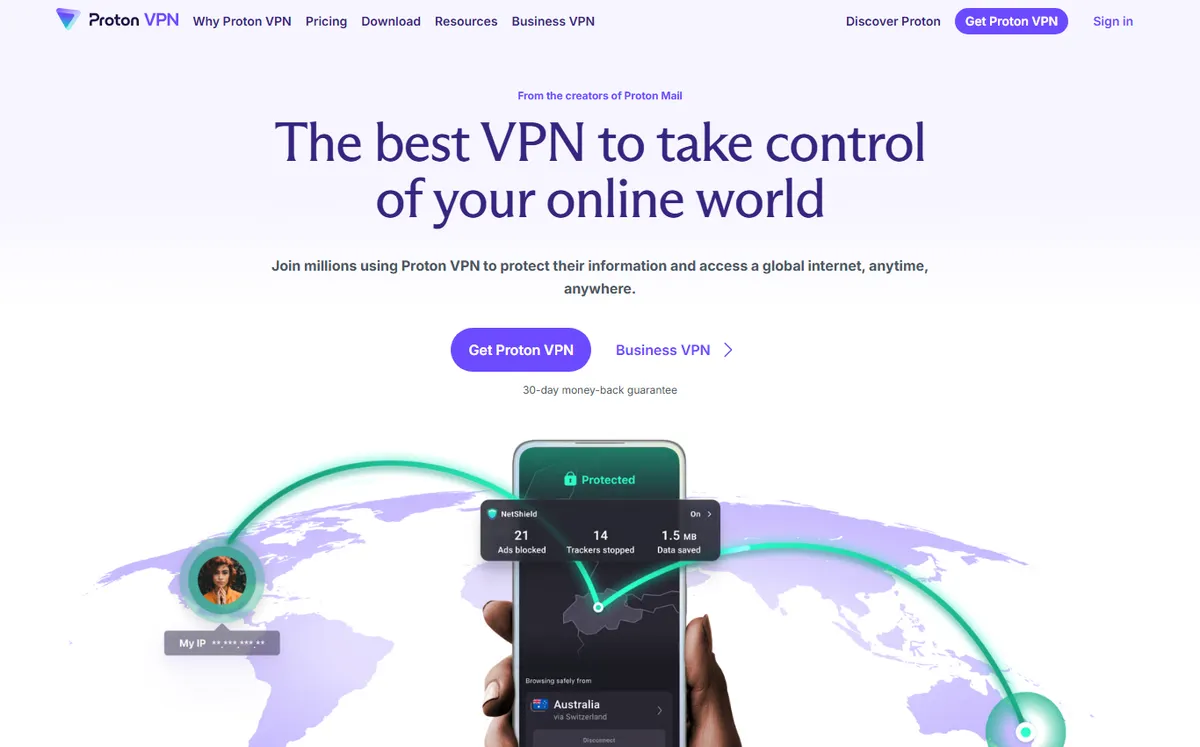
- +
One of the few major VPNs to still offer port forwarding, which improves your seeding ratio and can raise download speeds in testing.
- +
Open-source apps and an audited no-logs policy, with a Swiss jurisdiction known for strong privacy protections.
- +
P2P servers in more than 110 countries, an always-on kill switch and native Tor-over-VPN.
- –
The free plan does not allow P2P: torrenting is reserved for paid plans (free servers block file sharing).
- –
Port forwarding is configured on the desktop apps, not on every mobile platform.
Our verdict
Proton VPN is the pick for privacy-first seeders. It is one of the last major providers to still offer port forwarding, which lifts your ratio on private trackers, and it backs that with fully open-source apps, an audited no-logs policy and a Swiss jurisdiction outside the surveillance alliances. P2P speeds are strong (43 MB/s). The catch: torrenting is blocked on the free plan and port forwarding is desktop-only, so mobile seeders lose that edge.
CyberGhost
The best for ready-made, dedicated P2P servers
- +
Dedicated download servers clearly labelled in the app: no settings to tweak to find a P2P location.
- +
One of the largest networks on the market (~11,500 servers), unlimited bandwidth and stable speeds.
- +
Romania jurisdiction (outside the surveillance alliances) and a 45-day money-back guarantee, the longest in this comparison.
- –
No port forwarding, like most of the big providers.
- –
Apps can feel less responsive than NordVPN, and speeds drop on distant servers.
Our verdict
CyberGhost is the easiest place to start torrenting: its servers are labelled “For downloading” in the app, so there is nothing to configure. Throughput is excellent (45 MB/s), the network is huge, and the 45-day money-back guarantee is the longest here, plenty of time to test P2P on your own line. It has no port forwarding and the apps feel a step slower than NordVPN, but for plug-and-play file sharing it is hard to beat.
Looking for port forwarding to boost seeding?
Proton VPN is one of the only major VPNs to still offer it, with open-source code and a Swiss jurisdiction built for privacy.
Surfshark
The best value for covering an entire household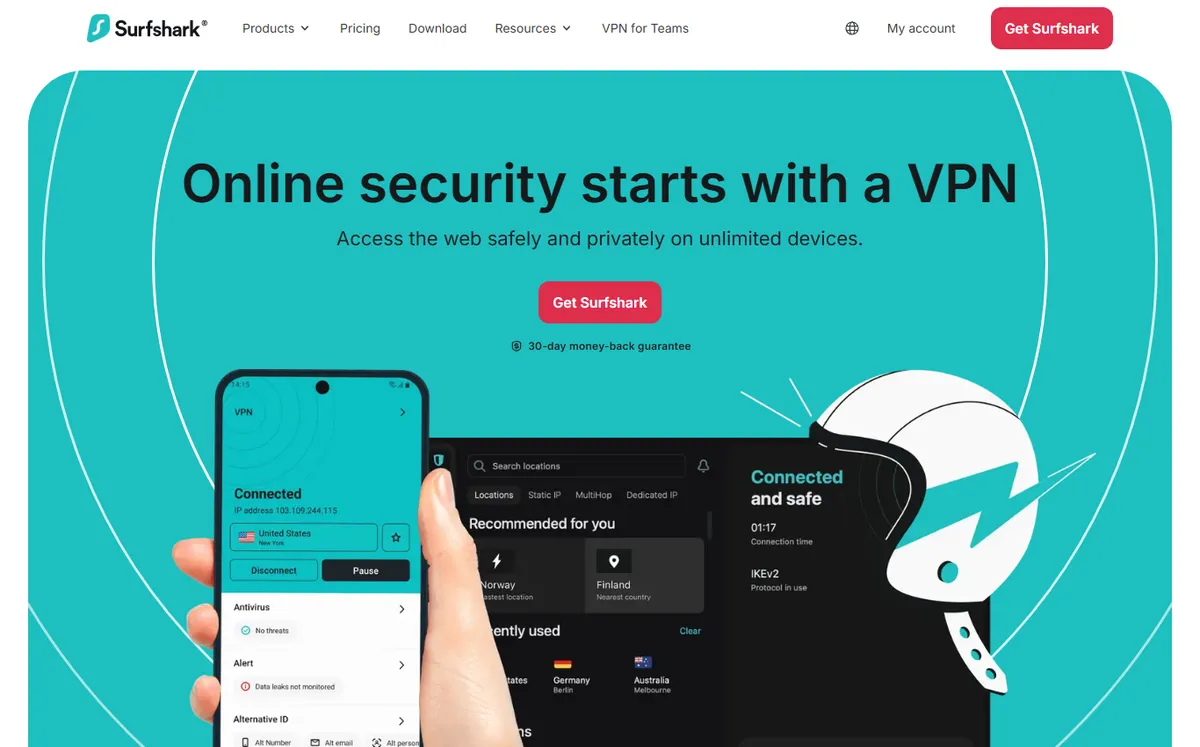
- +
P2P is allowed on every server (~3,200 across 100 countries), so there is no special location to hunt for.
- +
Unlimited connections on a single subscription: ideal for kitting out a NAS, computers and phones for the whole household.
- +
The lowest price in this comparison, a kill switch, the CleanWeb tracker blocker and a Deloitte-audited no-logs policy.
- –
Netherlands jurisdiction, a member of the 9 Eyes alliance (offset by a strict no-logs policy).
- –
No port forwarding, and a renewal price much higher than the promo rate.
Our verdict
Surfshark is the value pick for torrenting across a whole household. P2P works on every server, connections are unlimited (cover a NAS, laptops and phones on one plan) and the intro price is the lowest here. Speeds are solid at 41 MB/s, the kill switch is reliable and the no-logs policy is Deloitte-audited. The trade-offs are a Netherlands (9 Eyes) jurisdiction and no port forwarding, so hardcore seeders should look at Proton VPN instead.
ExpressVPN
The simplest: P2P allowed everywhere, zero set-up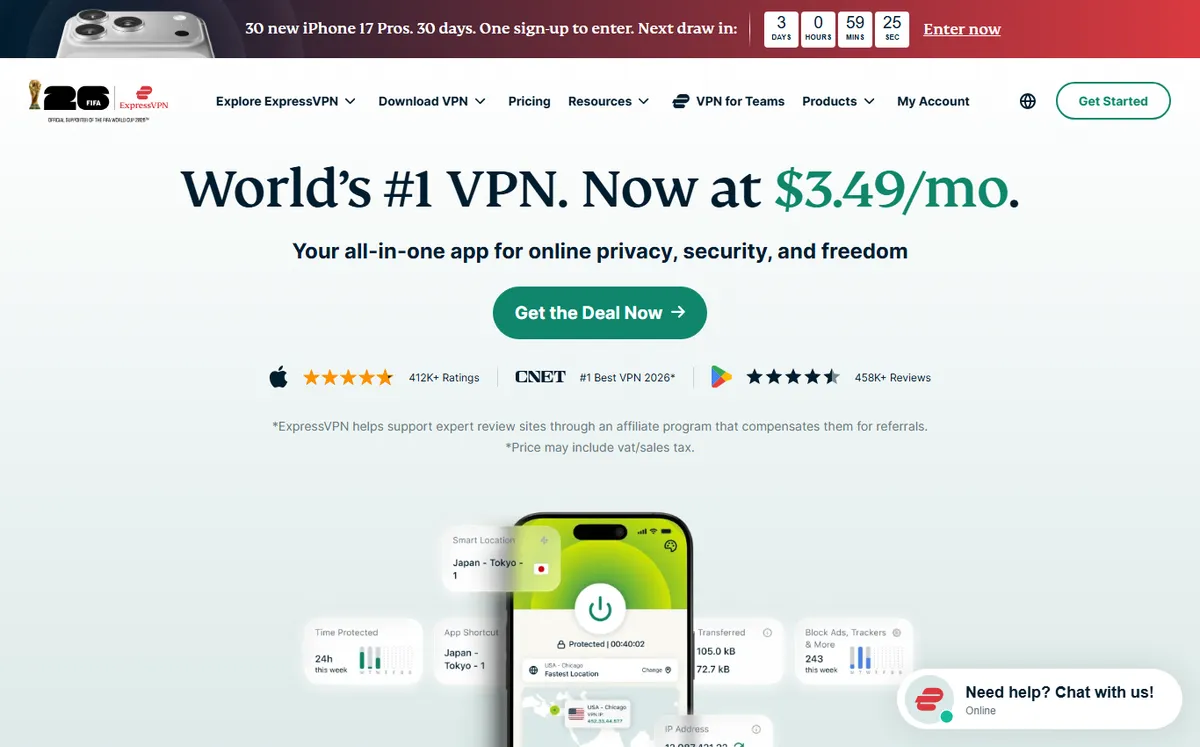
- +
P2P is allowed on every server (105 countries): nothing to configure, just connect and download.
- +
RAM-only infrastructure (TrustedServer) that wipes everything on each reboot, a KPMG-audited no-logs policy and the Network Lock kill switch.
- +
The in-house Lightway protocol, the smoothest and most stable apps around, and a British Virgin Islands jurisdiction.
- –
The most expensive option here, and no port forwarding.
- –
A smaller server network (~3,000) than NordVPN or CyberGhost.
Our verdict
ExpressVPN is the smoothest way to torrent: P2P is enabled on every server, the apps are the most polished on the market and the Lightway protocol stays stable on long transfers. RAM-only TrustedServer infrastructure and a KPMG-audited no-logs policy from the British Virgin Islands make it a strong privacy pick. It is the priciest option here and drops port forwarding, so value hunters and seeders will look elsewhere, but for pure ease of use it is excellent.
Our measurements
Torrenting benchmark: speed, P2P features and privacy
Spec sheets only tell half the story. We tested all five VPNs under the same conditions, in July 2026, on what actually matters for file sharing: sustained P2P throughput, dedicated features (P2P servers, port forwarding, SOCKS5 proxy) and the security foundations (kill switch, no-logs, jurisdiction).
Our test setup. 1 Gbps fibre line in London · fastest protocol enabled in each app (NordLynx, WireGuard or Lightway) · qBittorrent on a well-seeded Linux ISO · average of 5 runs, morning and evening · apps up to date on Windows 11.
Torrenting (P2P) throughput
For torrenting, sustained speed is what decides how quickly a large, well-seeded file lands. Here is the average download speed each VPN held on our reference torrent.
Average speed on a well-seeded torrent · higher is better
NordVPNCyberGhostProton VPNSurfsharkExpressVPN- NordVPN and CyberGhost lead thanks to torrent-optimised servers and highly tuned protocols.
- Proton VPN is close behind and is the only one to add port forwarding, which helps seeding on private trackers.
- All five allow P2P without throttling or activity logging; the gaps here are small in absolute terms.
Key takeaway. On fibre, every one of these is fast enough for daily torrenting. If you want the maximum on huge files, go NordVPN or CyberGhost.
Dedicated P2P features
Beyond raw speed, torrenting rewards specific features: optimised or dedicated P2P servers, port forwarding for seeding, and a SOCKS5 proxy you can plug straight into your torrent client.
✓ available · ✗ not offered. Scroll the table sideways if needed.
| VPN | P2P servers | Port forwarding | SOCKS5 proxy | Kill switch | Torrent speed |
|---|---|---|---|---|---|
| NordVPN | ~7,400 optimised | ✗ | ✓ | ✓ | 46 MB/s |
| Proton VPN | 110+ countries | ✓ | ✗ | ✓ | 43 MB/s |
| CyberGhost | “Download” servers | ✗ | ✗ | ✓ | 45 MB/s |
| Surfshark | Whole network | ✗ | ✗ | ✓ | 41 MB/s |
| ExpressVPN | Whole network | ✗ | ✗ | ✓ | 39 MB/s |
- Proton VPN is the only pick with port forwarding, decisive for ratio on private trackers.
- NordVPN is the only one to expose a SOCKS5 proxy, handy inside torrent clients for a light, fast setup.
- CyberGhost and NordVPN label or auto-select P2P servers; Surfshark and ExpressVPN simply allow P2P everywhere.
Connection speed (nearby and distant servers)
A VPN’s speed depends mostly on server distance and protocol quality. It matters for torrenting when your best-seeded peers sit in another region.
Nearby server (UK) · 1,000 Mbps baseline
Download speed retained. The longer the bar, the better.
NordVPNSurfsharkProton VPNExpressVPNCyberGhostDistant server (US) · 1,000 Mbps baseline
Long-distance hops are where the gaps open up.
NordVPNExpressVPNSurfsharkProton VPNCyberGhostKey takeaway. For a distant swarm, NordVPN and ExpressVPN hold the most throughput; CyberGhost drops the most over long distances.
Security, no-log and jurisdiction
For P2P, privacy rests on three pillars: a kill switch that cuts the internet if the tunnel drops, an independently audited no-logs policy, and a jurisdiction outside the 5, 9 and 14 Eyes surveillance alliances.
| VPN | Kill switch | No-logs audit | RAM-only servers | Jurisdiction |
|---|---|---|---|---|
| NordVPN | ✓ | Deloitte (×6) | ✓ | Panama |
| Proton VPN | ✓ | Open source + audited | ✗ | Switzerland |
| CyberGhost | ✓ | Deloitte | ✓ | Romania |
| Surfshark | ✓ | Deloitte | ✓ | Netherlands (9 Eyes) |
| ExpressVPN | ✓ | KPMG | ✓ | British Virgin Islands |
Surfshark’s Netherlands base sits inside the 9 Eyes, offset by a strict, audited no-logs policy. Proton VPN wins on transparency with fully open-source apps.
Which torrenting VPN for which use case?
In short, here is our recommendation depending on what you value most for P2P:
| Your priority | Our pick | Why |
|---|---|---|
| Maximum speed on big files | NordVPN | Fastest sustained P2P speed and auto P2P servers |
| Seeding on private trackers | Proton VPN | One of the few with port forwarding, plus open-source privacy |
| Zero setup, dedicated servers | CyberGhost | “For downloading” servers labelled in the app, 45-day refund |
| Covering a whole household | Surfshark | Unlimited devices and the lowest price here |
| Smoothest apps, P2P everywhere | ExpressVPN | Lightway protocol, P2P allowed on every server |
| Tightest privacy & jurisdiction | Proton VPN | Swiss jurisdiction, audited, fully open source |

How did we choose these VPNs for torrenting?
A good torrenting VPN is about far more than raw speed. We assessed every service on the criteria that genuinely matter for P2P: the presence of optimised or dedicated file-sharing servers, the reliability of the kill switch (which cuts your internet if the VPN drops, so your real IP is never exposed), protection against DNS leaks, real-world speed on large downloads, the availability of port forwarding (useful for seeding on private trackers) and, above all, the strength of the no-logs policy, ideally independently audited. The service’s jurisdiction matters too: a headquarters outside the surveillance alliances (5, 9 and 14 Eyes) offers an extra layer of reassurance.
Is a VPN enough to download safely?
A VPN encrypts your traffic and hides your IP address from other peers in the BitTorrent swarm and from your internet provider. That is the foundation of privacy in P2P. But no VPN makes you “100% anonymous”: your safety also depends on how trustworthy the service is (a no-logs policy that is genuinely honoured), on the correct configuration of the kill switch and on your own habits. The key takeaway is that a VPN protects your privacy, it does not change the legality of what you download. Sharing copyrighted work stays illegal, VPN or not.
Should you use a free VPN for torrenting?
Be wary of fully free VPNs for P2P. Many fund themselves by reselling browsing data, impose speed or data caps that are crippling for downloading, and offer no serious no-logs guarantee. Most of them block P2P on their free servers anyway, as does Proton VPN, whose free plan (otherwise the best on the market) does not allow torrenting. To share files with peace of mind, a paid subscription on a long commitment (around $2 to $5/mo) remains the best trade-off. If you want an all-round service beyond torrenting alone, lean on our reference shortlist, the best VPN 2026.
Frequently asked questions
What is the best VPN for torrenting in 2026?
NordVPN is our pick: thousands of P2P-optimised servers, the fast NordLynx protocol, a reliable kill switch and a no-logs policy audited six times by Deloitte. Proton VPN is the best alternative if you want port forwarding and maximum transparency (open-source code, Swiss jurisdiction).
Is torrenting legal with a VPN?
The BitTorrent protocol is legal and is used to exchange many lawful files. A VPN protects your privacy on P2P networks, but it does not make downloading or sharing copyrighted work without permission legal, which remains prohibited in most countries and can lead to ISP notices or legal action.
What is port forwarding and is it useful for torrenting?
Port forwarding opens an inbound port so other peers can connect directly to you, which improves seeding and your ratio on private trackers. Among the major VPNs, Proton VPN is one of the few to still offer it; NordVPN, ExpressVPN, Surfshark and CyberGhost have removed it or do not provide it, for security reasons.
Is a free VPN good enough for P2P downloading?
Rarely. Free VPNs impose speed and data caps that are incompatible with torrenting, and many block P2P outright (Proton VPN Free, for example). Some fund themselves by reselling your data. For regular file sharing, a paid subscription on a long commitment remains the safest choice.
Is a kill switch essential for torrenting?
Yes. A kill switch automatically cuts your internet connection if the VPN disconnects, which prevents your real IP address from being exposed mid-download. All five VPNs in our shortlist include one; make sure it is enabled in the settings before you start a transfer.