Best AI video generator 2026: our top picks compared
An AI video generator turns a simple script, text prompt or image into a ready-to-publish video, with no camera or crew. In 2026, the market has split into two families: speaking avatar generators (Synthesia, HeyGen), built for training, marketing and internal comms, and generative models (Runway, Pika) that invent cinematic shots from a text prompt. Separately, assisted editing tools like Descript are rising by editing through text. We compare them on what actually matters: output quality, free plans, real pricing, language support and commercial rights. Here is our shortlist.

Our picks at a glance
Our pickSynthesia, the most polished AI avatar generator for training and enterprise comms, in 140+ languages.
See ↓ Best for multilingualHeyGen, the expert at speaking avatars and video dubbing and translation with lip-sync.
See ↓ Best for generative videoRunway (Gen-4), the creative standard for generating cinematic shots from text or image.
See ↓ Best for text-based editingDescript, video and podcast editing that works like a Word doc, with voiceover cloning and auto captions.
See ↓ Most accessiblePika, the consumer tool for short clips, effects and fun generative video at a low price point.
See ↓At a glance
How the best AI video generators compare
| Tool | Rating | Free plan | Paid from | Type | Best for | |
|---|---|---|---|---|---|---|
| Synthesia Our pick | ★★★★½ 4.6 | ✓ (~10 min/mo) | ~$29 | Avatar AI | Training, HR, marketing | See → |
| HeyGen Multilingual | ★★★★½ 4.5 | ✓ (3 videos/mo) | ~$29 | Avatar AI | Video dubbing, translation | See → |
| Runway Creative | ★★★★☆ 4.3 | ✓ (free credits) | ~$15 | Generative | Studios, motion, ads | See → |
| Descript | ★★★★☆ 4.2 | ✓ | ~$24 | AI editing | Podcasts, tutorials, YouTube | See → |
| Pika | ★★★★☆ 4.0 | ✓ (80 credits) | ~$10 | Generative | Social media, effects | See → |
Indicative prices for entry-level paid plans, billed in USD (publishers charge in USD, ex. VAT), recorded July 2026: Synthesia Starter ~$29/month (~$18 annual), HeyGen Creator ~$29/month (~$24 annual), Runway Standard ~$15/month (~$12 annual), Descript Creator ~$24/month annual (~$35 monthly), Pika Standard ~$10/month. Pro, team and enterprise plans (up to $90+/month, sometimes custom quotes) exist at each provider. Features, credits and pricing evolve rapidly in this market: always check the listed price before subscribing.
Want to test without paying?
All five tools offer a free version. For avatar videos ready to publish, Synthesia and HeyGen are the easiest to use (watermark and minute limits on the free tier apply).
The top in detail
Our top 5 AI video tools, analysed

Synthesia
The best for training and corporate avatar videos
- +
A simple script becomes a video presented by a convincing AI avatar, no camera, studio or editing needed: ideal for training, HR onboarding and product tutorials.
- +
140+ languages and hundreds of avatars and voices, with ready-to-use templates and a slide-like editor that works for non-technical teams.
- +
Serious enterprise options (custom avatars, brand controls, collaboration, compliance) that make it a standard for L&D and comms teams.
- –
This is an avatar generator, not a cinematic model: it does not create action sequences or film shots, only presenters on a background or set.
- –
Minutes add up fast: the Starter plan caps out around 10 minutes of video per month, and every editor needs a paid seat.
Our verdict
Synthesia is the safest pick for spoken avatar videos: you paste a script and get a polished presenter in 140+ languages, no camera or editing skills needed. It is the standard for training, HR onboarding and product tutorials. Its real limit is scope, it is not a cinematic model and cannot invent action shots, and minutes run out fast on the entry plan.

HeyGen
Best for video dubbing and lip-synced translation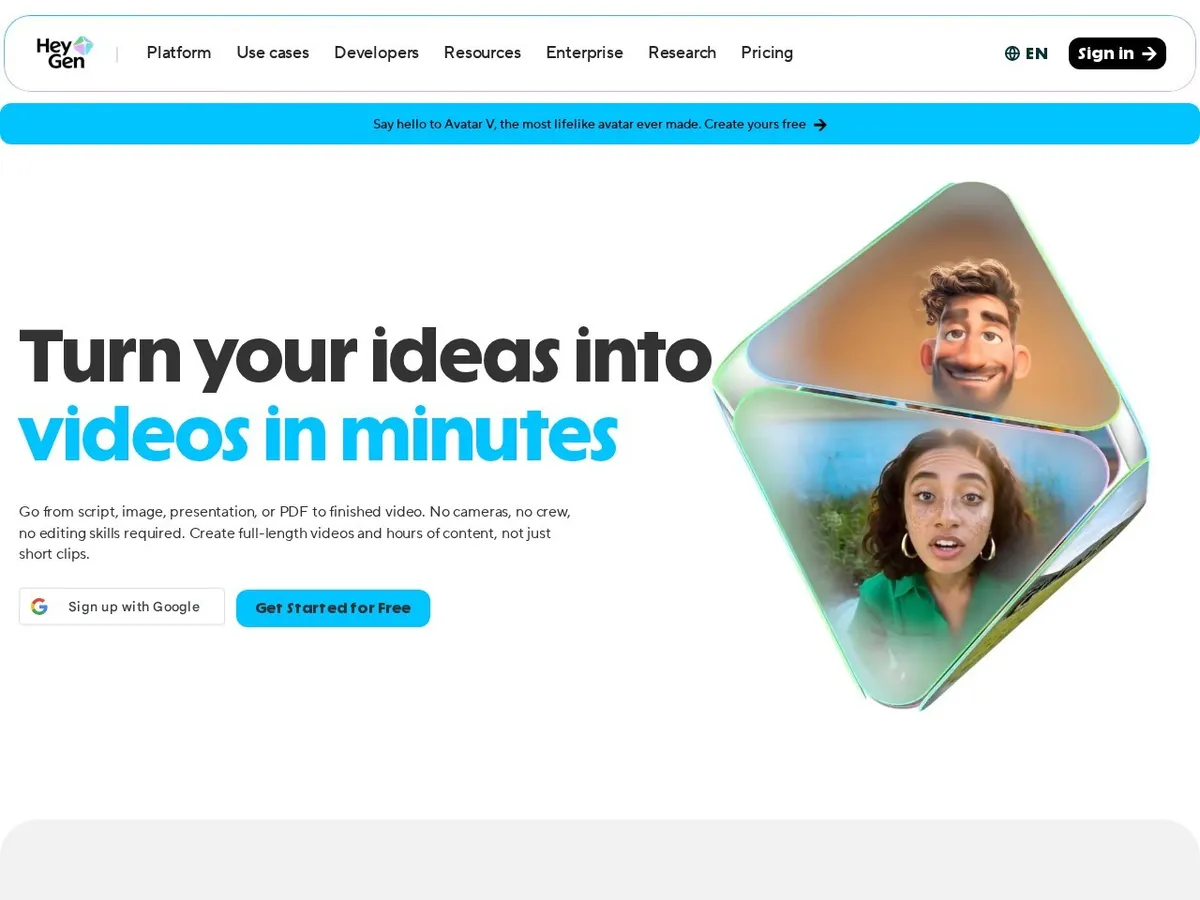
- +
Video translation is striking: it takes your video, dubs it into another language and re-syncs the speaker’s lips, a major advantage for reaching multiple markets.
- +
High-quality AI avatars (including custom avatars from a short video) and a steady pace of innovation, with models updated regularly.
- +
Quick ramp-up and a rich library of templates aimed at marketing, social and training.
- –
The credit system is tricky: premium features like high-quality avatars burn through your monthly quota fast, inflating real cost.
- –
The old Team plan was discontinued early 2026 in favor of a pricier Business plan (~$149/month plus per-seat cost), less suited to small teams.
Our verdict
HeyGen is our pick when the goal is multilingual reach: its video translation takes an existing clip, dubs it into another language and re-syncs the speaker’s lips, which is a real edge for global content. Avatars are excellent and updates land fast. The catch is the credit system, premium features drain your monthly quota quickly, and the new Business plan is pricey for small teams.

Runway
Best for creating cinematic shots from text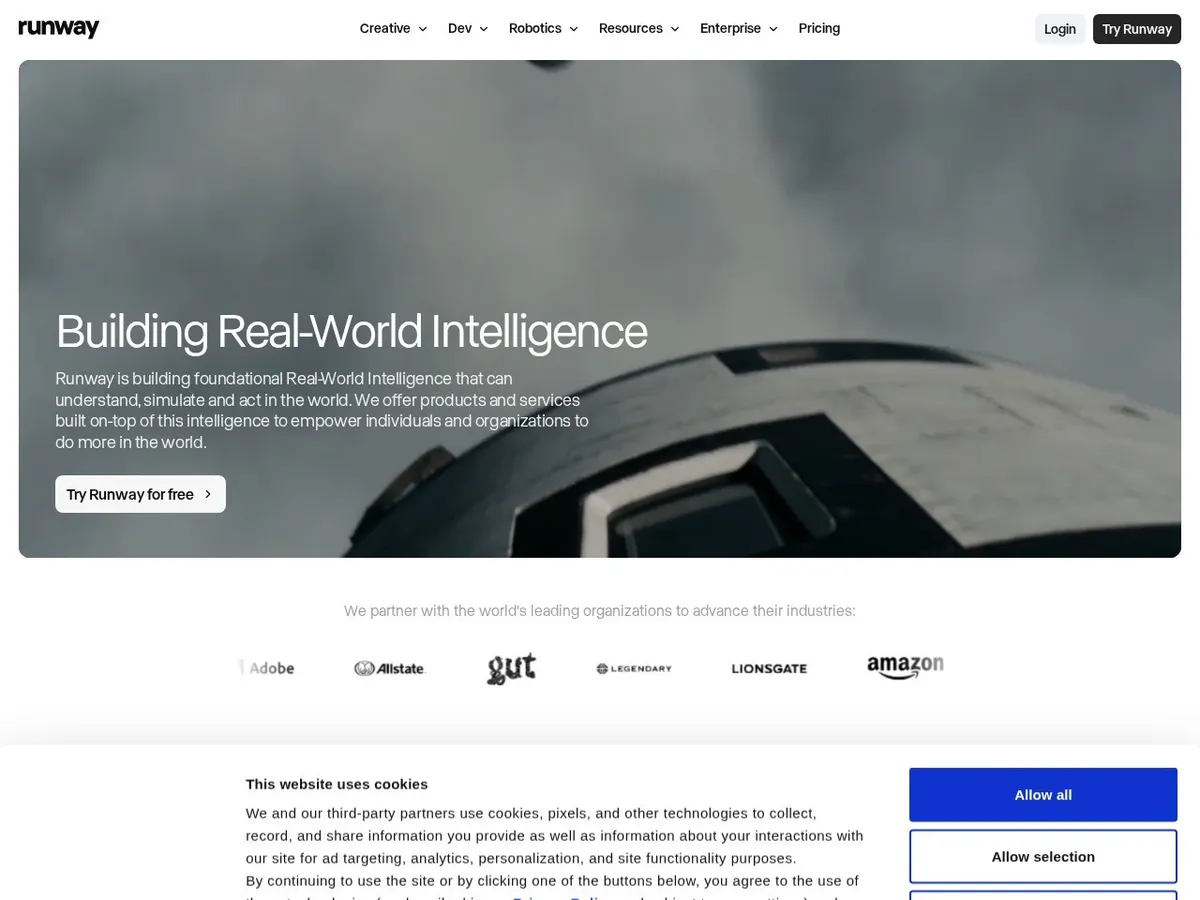
- +
The standard in pro generative video: its Gen-4 and Gen-4.5 models produce realistic, coherent shots from a simple text prompt or image.
- +
Full creative suite (generation, shot extension, effects, rotoscoping, cleanup) used by studios, agencies and motion designers.
- +
Standard plan is affordable from ~$12/month annual, with a free version bundled with credits to experiment.
- –
Credits melt fast: one second from the flagship model costs roughly 25 credits, meaning barely 25 seconds of video per month on Standard.
- –
Real learning curve: crafting a usable shot takes careful prompts and accepting failed attempts, far from the convenience of an avatar generator.
Our verdict
Runway is the reference for pro generative video: its Gen-4 and Gen-4.5 models turn a text prompt or image into coherent, cinematic shots, and the full suite (extension, effects, rotoscoping) is used by studios and motion designers. It is the most creative option here. Be ready for the trade-offs though, credits melt fast (roughly 25 per second on the flagship model) and there is a genuine learning curve.
Speaking avatar or generative video: which should you pick?
For training, a brand message or a tutorial, an avatar generator like Synthesia is faster and more predictable. For creative or ad shots, a generative model like Runway gives you far more visual freedom.

Descript
Best for editing video and podcasts as a text document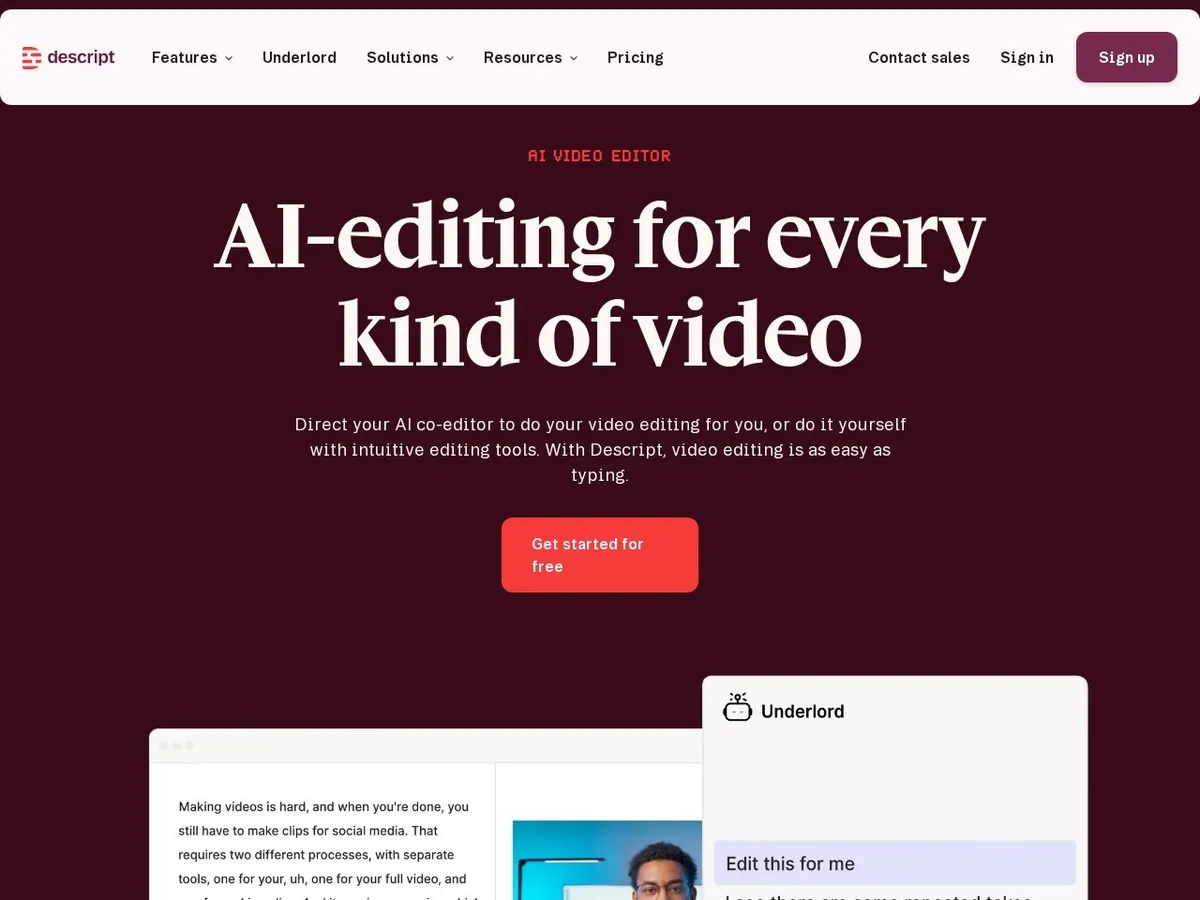
- +
Unique approach: Descript transcribes your video and lets you edit it by editing the text, delete a sentence and the on-screen clip vanishes, saving hours on podcasts and tutorials.
- +
Solid AI tools: auto-remove filler words and silence, voice cloning (Overdub) to fix a word without re-recording, auto-generated captions and short clips.
- +
4K export without watermark on the paid plan, avatars and re-record features, all in an interface for non-editors.
- –
This is not a video generator from scratch: Descript edits and improves existing content, it does not create scenes or cinematic avatars from nothing.
- –
Transcription hours and AI credits are capped by plan (roughly 30 hours of media per month on Creator): large volumes push you to higher tiers.
Our verdict
Descript wins for anyone assembling existing footage, podcasts or tutorials: you edit the video by editing its transcript, delete a sentence and the matching clip disappears, which saves hours. Filler-word removal, Overdub voice cloning and auto captions are genuinely useful. Just remember it edits and improves content, it does not generate scenes from scratch, and transcription hours are capped per plan.

Pika
Best for short clips and effects on a budget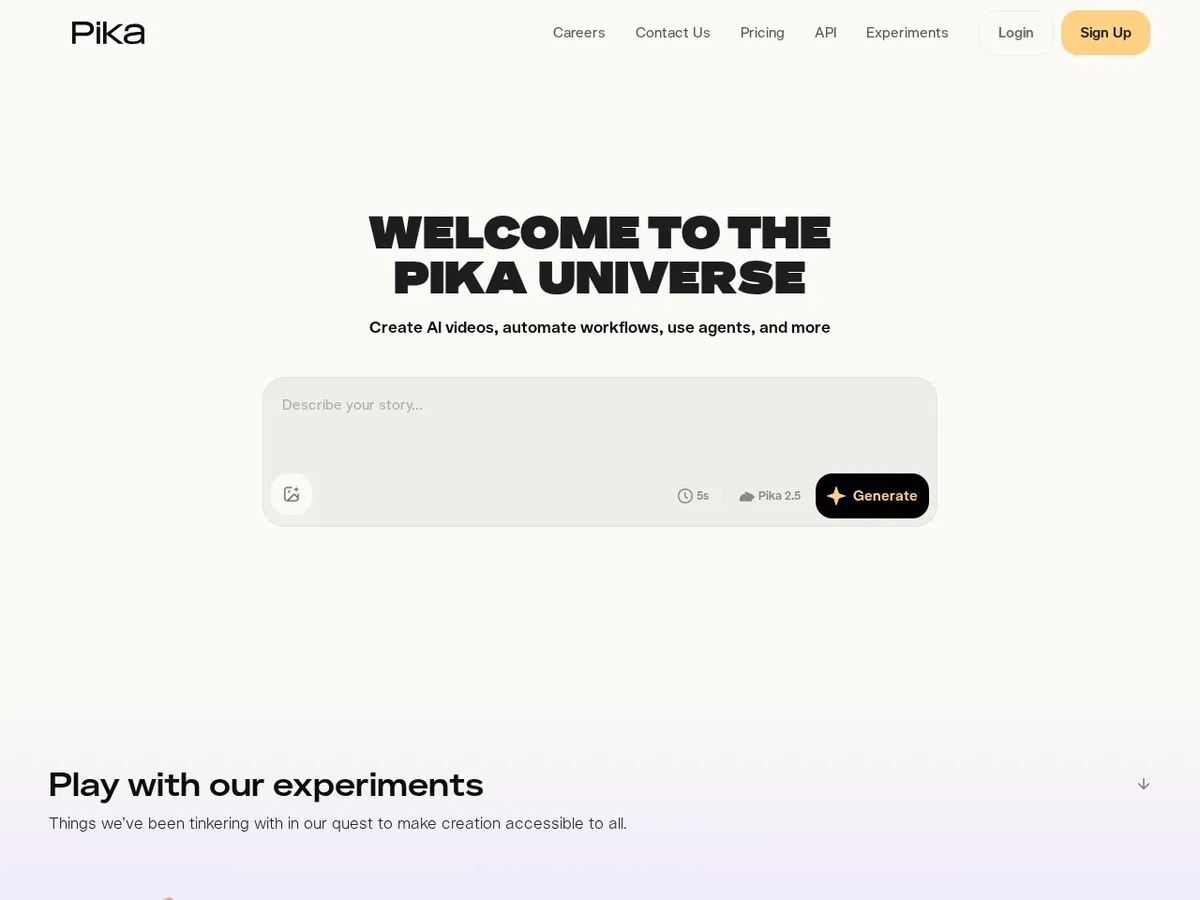
- +
The most consumer-friendly generator: fun interface, immediate ramp-up and one of the lowest entry prices (~$10/month), perfect for social creators.
- +
Signature fun effects (Pikaframes, Pikaswaps, Pikadditions) to animate an image, swap an element or create original transitions without editing skill.
- +
Free version with credits to get a feel for it, and progressive upgrades based on how much you generate.
- –
Geared toward short, fun clips: consistency and control are more limited than Runway for professional or long-form output.
- –
Opaque credit system: a quality generation can burn through a lot of credits, and the Standard plan runs dry fast if you do many attempts.
Our verdict
Pika is the most approachable generative tool: a fun interface, instant ramp-up and one of the lowest entry prices, ideal for social creators who want short clips and effects (Pikaframes, Pikaswaps, Pikadditions). It is the budget way into generative video. For professional or long-form work, though, consistency and control lag behind Runway, and its credit system is opaque and drains fast on many attempts.
Our analysis
Output quality, capabilities and real cost, compared
Beyond the marketing, three things decide which AI video tool fits you: the raw quality of what it outputs, the capabilities it actually covers (avatars, text-to-video, dubbing, editing) and the real cost once credits and minutes are factored in. Here is the detailed comparison, based on our hands-on tests in July 2026.
Our test method. The same briefs (a training script, a text-to-video prompt, a dubbing job, a podcast edit) run through each tool · blind review of realism, coherence and artefacts · verification of pricing, credits and commercial rights in each vendor’s official documentation.
Overall output quality
Indicative overall score from our tests (realism, coherence, resolution, fit for purpose). Avatar tools and generative models are scored on their own turf, so this reflects how well each does the job it is built for.
Score out of 5. The longer the bar, the better.
SynthesiaHeyGenRunwayDescriptPika- Synthesia and HeyGen lead for spoken avatar videos: predictable, clean output that is ready to publish for training and comms.
- Runway tops raw visual quality on generative shots, but demands prompting skill and accepts some failed attempts.
- Descript shines at polishing existing footage, and Pika is the most fun for quick social clips.
Key takeaway. Match the tool to the job: an avatar generator for a spoken message, a generative model for creative shots, an editor for content you already have. To place video in the wider picture, see our best AI software 2026 comparison.
Capabilities compared
Not every tool does every job. This is what separates a speaking-avatar generator from a generative model or an assisted editor.
✓ available · ✗ absent or very limited, recorded July 2026. Scroll the table if needed.
| Tool | AI avatars | Text-to-video | Dubbing / translation | Assisted editing | Languages |
|---|---|---|---|---|---|
| Synthesia | ✓ | ✗ | ✓ | ✓ (slide-style) | 140+ |
| HeyGen | ✓ | ✗ | ✓ (lip-sync) | ✓ | 175+ |
| Runway | ✗ | ✓ (Gen-4) | ✗ | ✓ (pro suite) | Prompt in EN |
| Descript | ✓ (basic) | ✗ | ✓ (translate) | ✓ (text-based) | 20+ |
| Pika | ✗ | ✓ | ✗ | ✗ (limited) | Prompt in EN |
- Avatar family (Synthesia, HeyGen): a virtual presenter reads your script, output is predictable and multilingual.
- Generative family (Runway, Pika): the model invents shots from a prompt, with more freedom and more trial and error.
- Editing (Descript): not a generator, it transforms footage you already have via a text transcript.
Pricing and real cost
Advertised prices tell only half the story: most tools bill in USD and run on credits or minutes, so what a typical video actually costs matters more than the sticker price. Verify commercial rights before you publish for a brand.
| Tool | Free plan | Entry paid | Billing unit | Commercial rights |
|---|---|---|---|---|
| Synthesia | ✓ (~10 min/mo) | ~$29/mo (Starter) | Minutes | ✓ (paid plans) |
| HeyGen | ✓ (3 videos/mo) | ~$29/mo (Creator) | Credits | ✓ (paid plans) |
| Runway | ✓ (free credits) | ~$15/mo (Standard) | Credits | ✓ (paid plans) |
| Descript | ✓ (trial) | ~$24/mo (Creator) | Transcription hours | ✓ (paid plans) |
| Pika | ✓ (80 credits) | ~$10/mo (Standard) | Credits | ✓ (paid plans) |
Watch the credit trap
Premium features (high-quality avatars on HeyGen, the flagship model on Runway or Pika) burn credits fast, so the real monthly cost can be well above the entry price. Calculate what one typical video costs in your case before you commit. For the full method, read our guide to choosing AI software.
Which AI video tool for which use case?
In short, here is our recommendation depending on what you put first:
| Your use case | Our pick | Why |
|---|---|---|
| Training / HR onboarding | Synthesia | Script to avatar video, predictable, 140+ languages |
| Multilingual / dubbing | HeyGen | Lip-synced video translation into many languages |
| Creative / ad shots | Runway | Gen-4 cinematic shots and a full pro editing suite |
| Podcasts / tutorials editing | Descript | Text-based editing, voice cloning, auto captions |
| Social clips on a budget | Pika | Low entry price and fun generative effects |
| Free trial first | Runway / Pika | Free credits to experiment before paying |
How to choose an AI video generator
The first step is not to compare prices but to pinpoint your need, because these tools do different jobs. If you want a presenter to explain a process, train colleagues or carry a brand message, head for a speaking avatar generator like Synthesia or HeyGen: write a script, the avatar reads it, output is predictable and fast. If you need to invent shots, atmosphere or a visual ad that does not yet exist, you need a generative model like Runway or Pika: you describe a scene and the AI builds it, with more freedom but also more trial and error. Last, if you already have footage, a podcast or a tutorial to assemble, an assisted editing tool like Descript will save you hours by editing via text.
Once you pick a family, look at five concrete criteria. Real pricing first: most of these editors charge in dollars and run on credits or minutes, so the advertised rate tells you little about actual cost, calculate what a typical video costs in your case. Languages next, critical for multilingual use: Synthesia tops 140 languages and HeyGen excels at lip-synced dubbing. Output quality and length, often capped on entry plans (duration, resolution, watermark). Commercial rights, essential if you publish for a brand: verify they are included in your plan. And collaboration if you work in a team, as each editor seat usually costs extra.
For broader context on all AI tool uses, see our complete AI tools guide and our best AI software 2026 comparison, which places video in the wider landscape of assistants, image generation and automation.
Can you still use Sora from OpenAI in 2026?
It is notably absent from our ranking, and for good reason. Sora impressed with unmatched realism, but OpenAI shut down the public Sora app (web and iOS) on April 26, 2026, and its API is set to end September 24, 2026. In practice, Sora is no longer a reliable option to generate videos today, so we could not recommend it in good faith. If you are after a “next-generation” generative model beyond Runway and Pika that is actively evolving, Google Veo 3.1 is the most solid alternative: it is available via Gemini and the Flow tool, starting at Google AI Pro subscription (~$19.99/month, indicative July 2026). We are tracking its progress and will integrate it into this comparison as soon as it is fully relevant for the English-speaking mainstream.
How we ranked these tools
Each tool is scored on five weighted axes: output quality (realism, coherence, resolution), ease of use (ramp-up, templates, interface), versatility (languages, formats, custom avatars, editing), real price (free tier, credits, cost per minute, commercial rights) and fit for purpose (training, marketing, creative, editing). We test these tools on real tasks and re-score the ranking whenever a new model or pricing grid lands, hence the update date at the top. A reminder that applies broadly: pricing, credits and features in this market shift fast, and AI videos can have flaws (hands, text, glitches). Always review output before publishing, and respect consent and image rights, especially for avatars and voice clones.
Frequently asked questions
What is the best AI video generator in 2026?
For avatar videos aimed at training, comms or marketing, Synthesia is our pick, thanks to realism and 140+ languages. HeyGen is the best choice for multilingual dubbing and lip-synced translation. For creative generative video, Runway (Gen-4) is the pro standard, while Pika is the most accessible for short clips. Descript shines at editing and improving existing video or podcast content via text.
Is there a free AI video generator?
Yes, all five tools in our shortlist offer a free version, but with limits: Synthesia gives roughly 10 minutes of video per month, HeyGen 3 short videos (1 minute, 720p, watermark), Runway and Pika free credits, and Descript a trial tier. The free plan is great to test quality, but watermarks, low resolution and quotas push toward paid quickly for professional work.
What is the difference between an avatar generator and a generative model?
An avatar generator like Synthesia or HeyGen makes a video where a virtual presenter reads your script: output is predictable and built for training, tutorials or comms. A generative model like Runway or Pika invents shots or scenes from a text or image prompt instead: far more visual freedom, at the cost of more attempts and a steeper learning curve. Pick by use case: spoken message on one side, visual creation on the other.
Can you still use OpenAI’s Sora?
Not really anymore. OpenAI shut down the public Sora app (web and iOS) on April 26, 2026, and its API is set to end September 24, 2026. Sora is therefore not a reliable solution to produce videos today, which is why it is absent from our ranking. The most actively developed generative alternative is Google Veo 3.1, available via Gemini and the Flow tool starting at Google AI Pro subscription (~$19.99/month, indicative July 2026).
How much does an AI video generator cost in 2026?
Entry-level paid plans start around $10 to $29/month (billed in USD): Pika Standard ~$10, Runway Standard ~$15, Descript Creator ~$24, Synthesia Starter and HeyGen Creator ~$29 (indicative, July 2026). Watch real cost: most run on credits or minutes, and premium features or high volume push costs up, with Pro and enterprise tiers exceeding $90/month or custom quotes.
Can you use AI videos commercially?
Generally yes on paid plans, but commercial rights are not always included on free or entry tiers: check before publishing for a brand. Also stay alert to image rights and consent for avatars and voice clones, and any mandatory disclosure of AI-generated content. When in doubt on a sensitive use, re-read the editor’s terms.