Best ticketing system 2026: our comparison
A ticketing system turns every request, email, chat, call, or internal issue into a tracked, prioritized and identified “ticket” assigned and resolved. It is the technical heart of customer service or IT support: single queue, SLAs, automations, full history and reporting. We continuously compare the leading solutions on the market. Here is our 2026 selection, ranked by type of ticketing (customer or IT), SLA and automation richness, administrative ease, data hosting, and real price per agent.
Our picks at a glance
Our pickZendesk, the most complete and scalable ticketing system, from simple support to an omnichannel platform with AI.
See ↓ Best valueFreshdesk, complete ticketing for less, with a free plan and built-in Freddy AI.
See ↓ Best for ITJira Service Management, the ticketing standard for IT and ITSM, free up to 3 agents.
See ↓ Most collaborativeFront, the shared inbox that does ticketing without looking like it, ideal for teams.
See ↓ SLA and automationHappyFox, the most structured ticketing system, built for strict SLAs and advanced workflows.
See ↓At a glance
What are the best ticketing systems compared?
| Software | Score | Best for | Ticketing type | Hosting | From | |
|---|---|---|---|---|---|---|
 Zendesk Our pick Zendesk Our pick | ★★★★½ 4.4 | SMBs and scale-ups | Customer, omnichannel | EU (option) | $19 | See → |
 Freshdesk Best value Freshdesk Best value | ★★★★½ 4.4 | Micro-businesses | Customer, omnichannel | EU (option) | $17 | See → |
 Jira Service Management Jira Service Management | ★★★★☆ 4.3 | IT teams / ITSM | IT and internal | EU (option) | $20 | See → |
 Front Front | ★★★★½ 4.4 | Collaborative teams | Shared inbox | United States | $25 | See → |
 HappyFox HappyFox | ★★★★☆ 4.3 | Strict SLA and process | Customer and IT | EU (option) | $24 | See → |
Indicative prices per agent/month billed annually, collected in July 2026 from the vendors’ websites. Zendesk, Jira Service Management, Front and HappyFox show prices in dollars, Freshdesk in euros. Zendesk starts at $19 on its Support Team plan (ticketing only), the omnichannel Suite starts at $55. Month-to-month billing is higher (20 to 30%), and AI is most often billed as an add-on. Zoho Desk, not included here as it is already covered in our help desk comparison, remains a cheaper alternative (from $9/agent).
Our pick for most teams: Zendesk
From simple ticketing to an omnichannel platform with AI, with a free trial before you commit.
The top in detail
Our top 5 ticketing systems, analyzed
Zendesk
The most complete and scalable ticketing system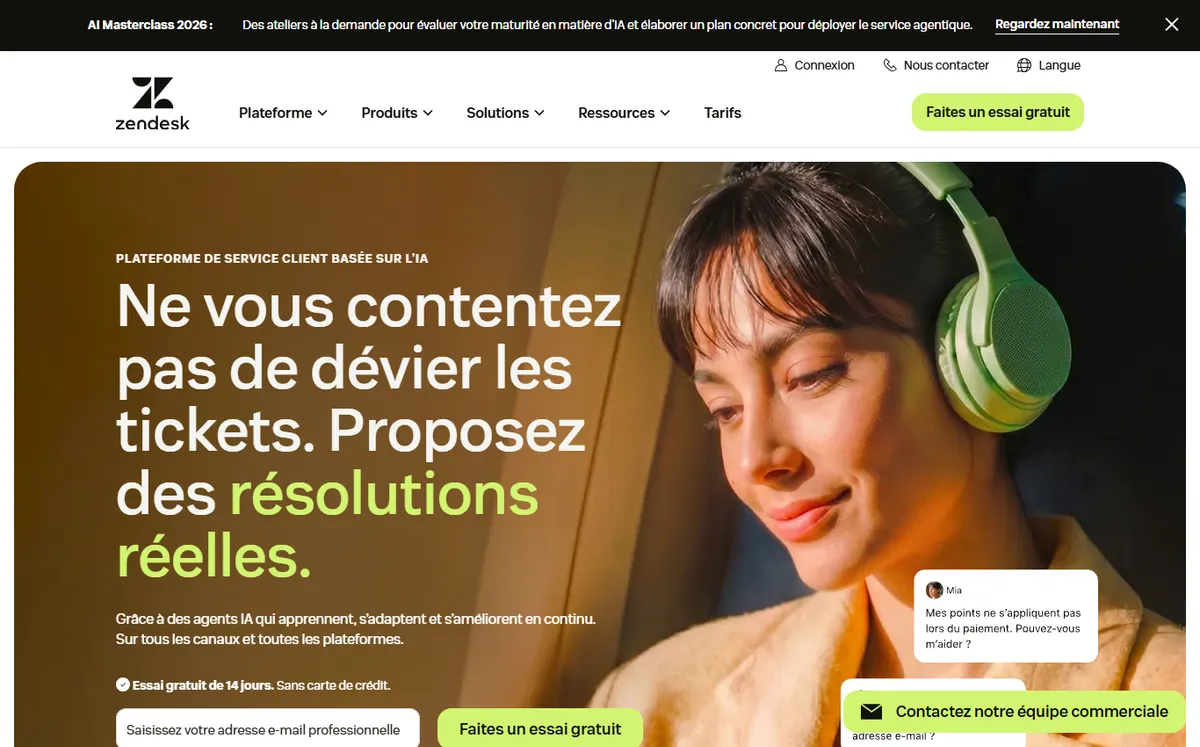
- +
The most sophisticated ticketing engine: SLAs, queues, macros, triggers and automations among the finest on the market.
- +
Scales with you: from Support Team plan (ticketing only, $19/agent) to the full omnichannel Suite (email, chat, phone, social media).
- +
AI automatic resolution (AI Agents), advanced reporting and choice of data hosting in the EU for GDPR compliance.
- –
The most expensive in this comparison as soon as you want omnichannel: Suite Team starts at $55/agent/month, and AI add-ons (from $50/agent) quickly inflate the bill.
- –
All that power demands real setup time: overkill for a team of one or two people.
Our verdict
Zendesk tops our ranking for teams that want a true ticketing platform they can grow into: the finest SLA, queue, macro and trigger engine in this comparison, scaling from a simple Support Team plan ($19/agent) to the full omnichannel Suite. AI Agents automate part of the resolution and optional EU hosting eases GDPR compliance. The trade-off is clear: it is the most expensive as soon as you want omnichannel, AI is billed on top and it demands real configuration, which is overkill for a one to two person team.
Freshdesk
The best value for money
- +
A genuinely usable free plan (up to 2 agents) to start ticketing with no budget, with knowledge base and reports ready to go.
- +
A more approachable interface than Zendesk, quick to learn, with gradual step-up pricing starting at $17/agent on the Growth plan.
- +
SLAs, automations and choice of data hosting in the EU (Freshworks), with built-in Freddy AI assistant.
- –
Full multichannel (chat, phone, social) requires moving to the pricier Omni edition plans.
- –
Freddy’s advanced features (Copilot, sessions) are billed as add-ons and quickly drive up the real cost per agent.
Our verdict
Freshdesk delivers the same ticketing logic as Zendesk for far less, with a genuinely usable free plan for up to 2 agents. SLAs, automations and a knowledge base are there from the start, the interface is quicker to learn and paid plans begin at $17/agent. Two caveats: full multichannel (chat, phone, social) means moving to the pricier Omni plans, and Freddy AI’s advanced features are add-ons that inflate the real cost per agent.
Jira Service Management
The standard for IT ticketing and ITSM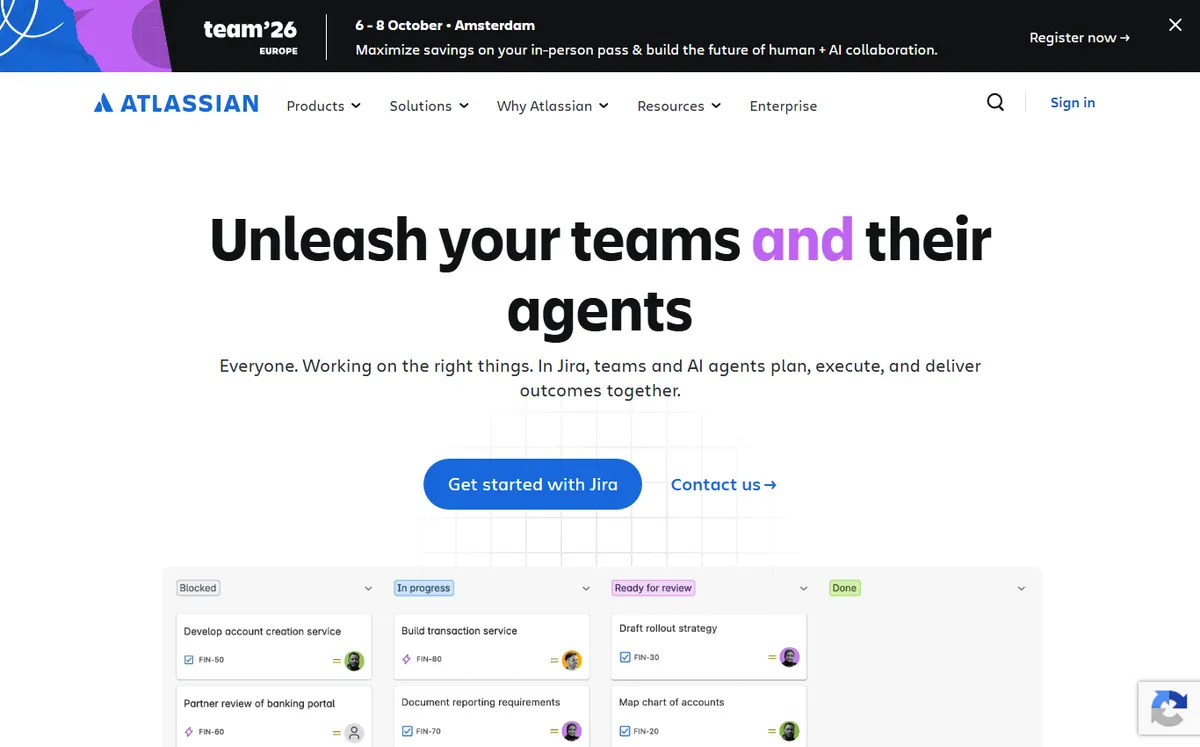
- +
The standard for IT ticketing: incident, request, problem and change management aligned with ITIL practices.
- +
Free plan up to 3 agents, and native integration with Jira (dev) and Confluence: unbeatable if your technical teams already live there.
- +
You only pay for agents handling tickets; employees submitting requests are free.
- –
Built for IT and internal support: less relevant for a large-scale omnichannel customer support operation (chat, social media).
- –
Full capability often requires paid Marketplace apps, which can push the real cost well beyond $20/agent.
Our verdict
Jira Service Management is the natural choice for internal IT and ITSM: incident, request, problem and change management aligned with ITIL, plus native links to Jira and Confluence. The free plan up to 3 agents and the fact that requesters are free make it very cost-effective for technical teams. It is less relevant for large-scale omnichannel consumer support, and full capability often needs paid Marketplace apps that push the real cost beyond $20/agent.
Front
The collaborative shared inbox that ticketing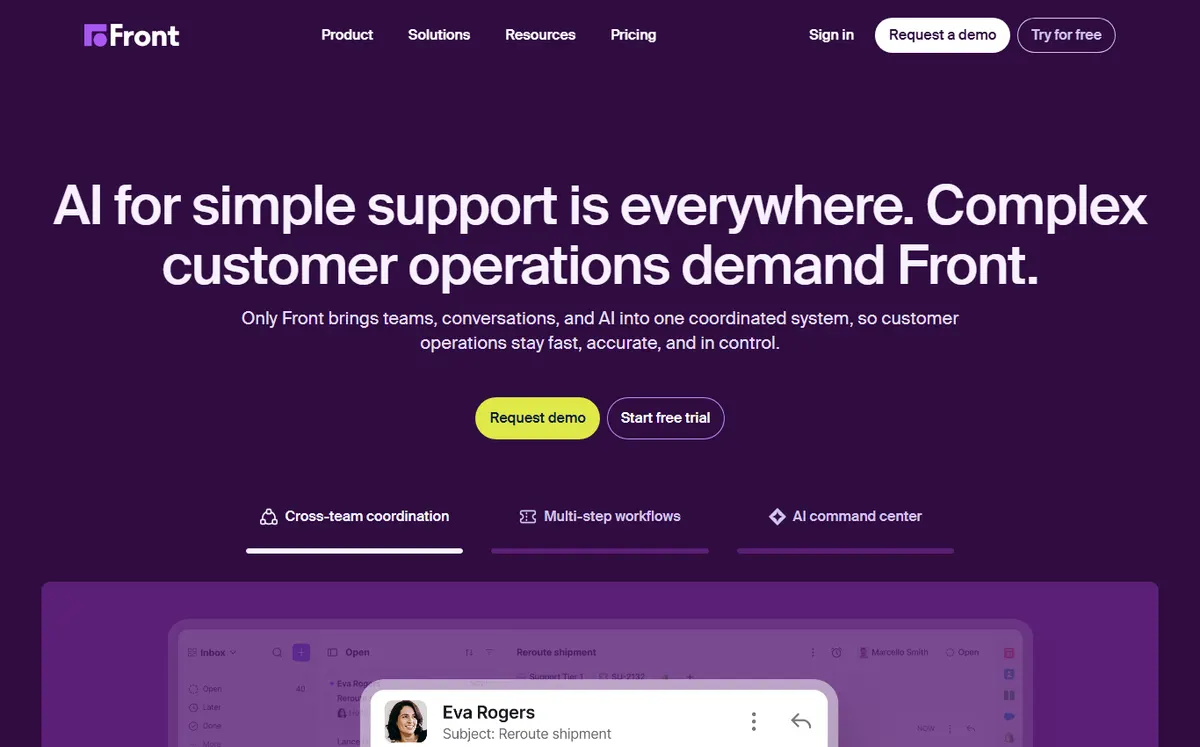
- +
A unique blend of email, messaging and ticketing: internal comments, shared drafts and assignments without leaving the conversation.
- +
Perfect for teams managing accounts and ongoing relationships (key accounts, operations, logistics), not just anonymous tickets.
- +
Automation rules, SLAs, analytics and solid integrations, with an interface that feels very close to a regular email inbox.
- –
Data is hosted in the United States: verify compliance with your GDPR data localization requirements.
- –
AI (Copilot, Smart QA, Autopilot) is an add-on on Starter and Professional plans, which raises the cost of advanced use.
Our verdict
Front blends email, messaging and ticketing in a shared inbox with internal comments, drafts and assignments, ideal for teams managing accounts and ongoing relationships rather than anonymous tickets. Automation rules, SLAs and analytics are solid and the interface feels like a normal inbox. Two limits: data is hosted in the United States, so verify your GDPR data-localization needs, and AI (Copilot, Smart QA) is an add-on on the lower plans.
HappyFox
The most structured ticketing system for strict SLAs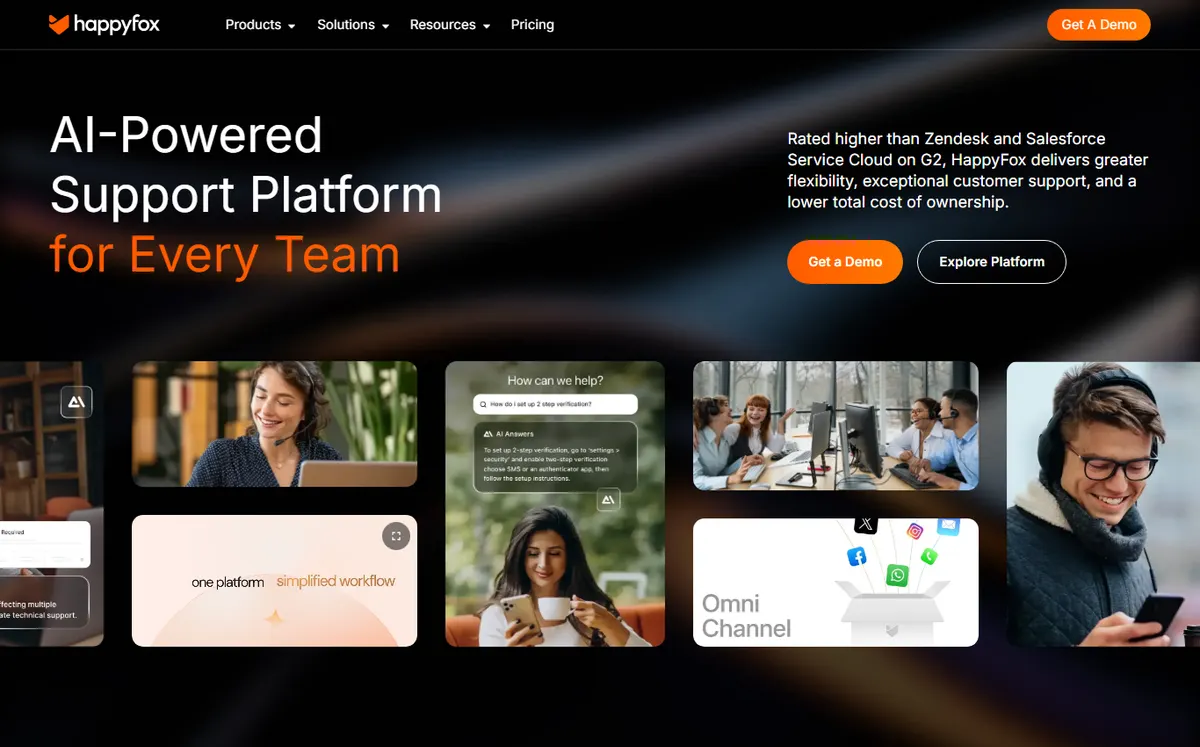
- +
A highly structured ticketing engine: custom categories, queues, statuses and fine-grained SLAs, valued by service teams with strict commitments.
- +
Advanced automation, intelligent rules and response templates, with solid knowledge base and reporting.
- +
Serves both customer support and internal IT support equally well, with choice of EU data center for compliance.
- –
Basic plan is capped at 5 agents: growing teams must quickly move to pricier tiers (Team, Pro).
- –
Less well known and less equipped than Zendesk on omnichannel consumer support (chat, social media) and integrations.
Our verdict
HappyFox is the most structured ticketing engine here: custom categories, queues, statuses and fine-grained SLAs make it a favorite of teams with strict commitments, on both customer and internal IT support, with an EU data center option. The downsides: the entry plan is capped at 5 agents so growing teams move up quickly, higher tiers are quote-based, and it is less equipped than Zendesk on omnichannel consumer channels and integrations.
Small budget or just starting? Freshdesk
A free plan for up to 2 agents and gradual step-up from $17/agent.
In depth
Ticket management, SLAs and automation compared
Beyond the price per agent, what separates these five systems is how they route and structure tickets, how far their SLAs and automations go, and where your data is hosted. Here is the detail, criterion by criterion, as we verified it in July 2026.
Ticket management and routing
A ticketing system is judged first on how it turns a request into a structured, assignable ticket. Scroll the table horizontally if needed.
| Software | Ticketing type | Auto-routing | Custom fields & statuses |
|---|---|---|---|
| Zendesk | Customer, omnichannel | Triggers, round-robin, skills | ✓ extensive |
| Freshdesk | Customer, omnichannel | Round-robin, load-based | ✓ |
| Jira Service Management | IT / ITSM | Queues, automation rules | ✓ (schemes) |
| Front | Shared inbox | Rules, round-robin | Limited (tags) |
| HappyFox | Customer + IT | Smart rules, queues | ✓ extensive |
- Zendesk and HappyFox offer the deepest ticket structure: custom fields, statuses, queues and fine-grained routing.
- Jira Service Management models IT work natively (incidents, requests, problems, changes) with request-type schemes.
- Front handles tickets as conversations in a shared inbox, which is flexible but less rigid than a classic ticket schema.
Key takeaway. For a highly structured queue with strict routing, Zendesk and HappyFox lead; for IT/ITSM, Jira is the natural fit; Front trades rigidity for a collaborative inbox feel.
SLA, priorities and automation
This is where a ticketing system earns its keep: enforcing response and resolution deadlines, escalating late tickets and automating repetitive work. All five offer an AI assistant, but almost always as a paid add-on.
✓ natively supported · ✗ absent or via a third-party app.
| Software | Custom SLAs | Business hours | Escalations | AI assistant |
|---|---|---|---|---|
| Zendesk | ✓ | ✓ | ✓ | AI Agents (paid) |
| Freshdesk | ✓ | ✓ | ✓ | Freddy (add-on) |
| Jira Service Management | ✓ | ✓ | ✓ | Atlassian Intelligence |
| Front | ✓ | ✓ | ✓ | Copilot (add-on) |
| HappyFox | ✓ | ✓ | ✓ | Limited |
Key takeaway. Every tool enforces custom SLAs and escalations, but weigh the real cost of AI: at Zendesk, Freshdesk and Front it is billed on top of the per-agent price.
Self-service, hosting and GDPR
A knowledge base deflects tickets before they reach an agent, and data residency decides whether a tool fits your compliance rules.
| Software | Knowledge base | Self-service portal | EU hosting |
|---|---|---|---|
| Zendesk | ✓ | ✓ | ✓ (option) |
| Freshdesk | ✓ | ✓ | ✓ (option) |
| Jira Service Management | ✓ (Confluence) | ✓ | ✓ (option) |
| Front | Limited | ✗ | ✗ (US) |
| HappyFox | ✓ | ✓ | ✓ (option) |
Key takeaway. For GDPR and data residency, Zendesk, Freshdesk, Jira and HappyFox all offer an EU hosting option; Front hosts in the United States, which may not suit strict data-localization rules.
Which ticketing system for which use case?
To sum up, here is our recommendation based on your profile and what you put first:
| Your profile | Our pick | Why |
|---|---|---|
| Customer support SMB | Zendesk | The most complete omnichannel ticketing engine, scaling from support to full suite |
| Small budget / startup | Freshdesk | Free plan, then Growth at $17; gradual step up with the team |
| Internal IT / ITSM | Jira Service Management | ITIL-aligned incidents, requests and changes, free up to 3 agents |
| Account & relationship teams | Front | Collaborative shared inbox with internal comments and assignments |
| Strict SLAs / process-heavy | HappyFox | Highly structured queues, statuses and fine-grained SLAs |
| E-commerce | Freshdesk | Omnichannel ticketing with a free plan and a low cost per agent |

How did we build this ranking?
Each ticketing system is evaluated on four weighted axes: the power of the ticketing engine (SLAs, queues, priorities, statuses, macros, automations and triggers), the scope (omnichannel customer ticketing, IT/ITSM ticketing, or collaborative shared inbox), compliance (data hosting, GDPR, support), and real price per agent (tiers, seat minimums, AI add-ons billed separately). We favor tools genuinely adapted to small and mid-sized English-speaking teams, and we re-evaluate each offer whenever the pricing grid changes, hence the update date shown at the top of the page. Our tracking metrics remain classic: first contact resolution rate, SLA compliance, CSAT and average handle time, which all of these tools can measure.
Ticketing vs. help desk: what’s the real difference?
The two terms overlap significantly, but they don’t mean exactly the same thing. Ticketing is the technical core: each request becomes an identified “ticket”, prioritized and tracked to closure, with SLAs and automation. Help desk is the broader ecosystem around it on the customer-facing side: multichannel shared inbox, self-service knowledge base, live chat, customer portal and reporting. A tool like Jira Service Management emphasizes internal and IT ticketing, while Zendesk or Freshdesk cover both ticketing and broad help desk functions for public customer support. If your need is primarily omnichannel customer relationship, see our best help desk software comparison instead.
How to choose the right ticketing system?
The right choice depends first on the nature of your tickets. For internal IT support and incident management aligned with ITIL, Jira Service Management is most natural, especially if your technical teams already live in the Atlassian ecosystem. For an omnichannel customer support operation answering everywhere (email, chat, social media, phone), Zendesk and Freshdesk remain the most complete. For a team managing accounts and ongoing relationships and wanting to collaborate in email, Front is ideal. And if you must enforce strict SLAs with tightly controlled workflows, HappyFox shines in the structure of its ticketing engine.
Then look at the real cost per agent, not just the headline price: most vendors bill AI (copilot, automatic resolution) as an add-on, some impose a seat minimum (5 agents on HappyFox Basic, 3 free agents on Jira). Finally, verify data hosting and availability of local support if GDPR compliance is a strong criterion in your sector. To go deeper, browse our guide to choosing a help desk, our complete Zendesk review, or all our resources on help desk support.
Frequently asked questions
What is the best ticketing system in 2026?
For most teams, Zendesk offers the most complete and scalable ticketing engine, from simple Support Team (ticketing only, $19/agent) to the full omnichannel Suite ($55+). Freshdesk delivers the same logic for less with a free plan, Jira Service Management is the IT ticketing standard (free up to 3 agents), Front is the most collaborative, and HappyFox is the most structured for strict SLAs.
Is there a free ticketing system?
Yes. Jira Service Management offers a free plan up to 3 agents, solid for internal IT ticketing. Freshdesk offers a free plan up to 2 agents for customer ticketing. These work for getting started, but omnichannel, advanced SLAs and AI require moving to paid plans.
How much does a ticketing system cost per agent?
Plan on $17 to $55/agent/month billed annually for a solid entry plan: Freshdesk from $17, Zendesk Support Team from $19, Jira Service Management from $20, HappyFox from $24, Front from $25/seat. Zendesk’s omnichannel Suite starts at $55. Watch for AI add-ons, often billed separately (from $50/agent at Zendesk), and for plan ceilings (5 agents on HappyFox Basic).
Which ticketing system is best for IT support (ITSM)?
For internal IT support and incident, problem and change management aligned with ITIL, Jira Service Management is the standard, especially if your technical teams already use the Atlassian ecosystem. Zendesk and HappyFox can also cover IT support, but Jira is the most natural fit.
Which ticketing system meets GDPR compliance?
Zendesk, Freshdesk, Jira Service Management and HappyFox all offer EU data hosting options depending on the plan, which supports GDPR compliance. Front hosts data in the United States: the vendor is GDPR-compliant, but this may not suit organizations with strict data-localization rules. Always verify the data center location on your specific plan.