Best construction CRM 2026: our comparison for contractors and specialty trades
A construction CRM is not a general sales tool. Contractors need to quote jobs from the field, run multiple job sites, track labor and materials, handle change orders, and stay on top of insurance and permits. We compared the leading purpose-built and adapted tools on job costing, estimates and bidding, field mobility, scheduling, real pricing and how well each one fits contractors, roofers, HVAC specialists and small to midsize construction firms.

Our picks at a glance
Our pickJobNimbus, the highest-rated CRM for roofing, exterior and specialty trades, with customizable pipelines and a strong field app.
See ↓ Most complete suiteBuildertrend, the industry leader for home builders and large remodelers, with integrated planning, finance and documents.
See ↓ Most transparent pricingJobber, the simplest, most affordable entry point for small service contractors, with public pricing from $49/month.
See ↓ Built-in lead genHouzz Pro, tapping a 200M+ user marketplace; ideal for remodelers chasing homeowner leads and design work.
See ↓ Specialist: roofingAccuLynx, purpose-built for roofers with aerial measurements, storm-damage tracking and supplier feeds.
See ↓ Bid tracking focusFollowup CRM, the most focused tool for contractors running heavy commercial bid pipelines.
See ↓At a glance
The best construction CRM software compared
| CRM | Rating | Job tracking | Mobile app | Best for | Starts at | |
|---|---|---|---|---|---|---|
 JobNimbus Our pick JobNimbus Our pick | ★★★★★ 4.6 | ✓ | ✓ | Roofers, exterior trades | On request | See → |
 Buildertrend Leader Buildertrend Leader | ★★★★☆ 4.2 | ✓ | ✓ | Home builders, remodelers | On request | See → |
 Jobber Jobber | ★★★★½ 4.6 | ✓ | ✓ | Small HVAC, plumbing | $49 | See → |
 Houzz Pro Houzz Pro | ★★★★☆ 4.3 | ✗ | ✓ | Remodelers, designers | Free / on request | See → |
 AccuLynx AccuLynx | ★★★★½ 4.6 | ✓ | ✓ | Roofing, exteriors | $250 | See → |
 Followup CRM Followup CRM | ★★★★☆ 4.4 | ✗ | ✗ | Commercial bid management | On request | See → |
Indicative prices checked in July 2026, USD/month on entry plans. JobNimbus, Buildertrend and Followup CRM do not publicly disclose fixed pricing; figures are estimates from independent sources. Jobber and AccuLynx display official prices. Houzz Pro offers a permanent free plan plus paid tiers with variable pricing. Costs often include per-user or per-job fees beyond the base price.
Looking for the highest-rated construction CRM?
JobNimbus leads on satisfaction (4.6/5 on Capterra, 480+ reviews) and is built for roofing, exterior and specialty trades. Start with its 14-day free trial.
The top picks in detail
Our top 6 construction CRMs, analyzed
JobNimbus
The best CRM for roofing, exterior and specialty contractors
- +
Highest satisfaction rating of the group (4.6/5 on Capterra from ~480 reviews, plus strong G2 scores).
- +
Highly customizable pipelines, built for roofing, siding, landscaping and similar trades.
- +
Bidirectional QuickBooks Online sync and a solid field mobile app for on-site updates and photos.
- –
Pricing is not published; you have to book a sales call to get a quote.
- –
Steeper learning curve than a simple field-service tool for a solo contractor.
Our verdict
JobNimbus takes the top spot because it was designed for the way exterior contractors actually work: customizable pipelines, job-site photos, estimates and QuickBooks sync in one place, with the highest satisfaction score in this comparison. It is the safest all-rounder for roofers and specialty trades. The catch is pricing opacity, you cannot compare a public rate before a sales call, and the depth can feel like a lot for a one-person crew.
Buildertrend
The most complete suite for home builders and large remodelers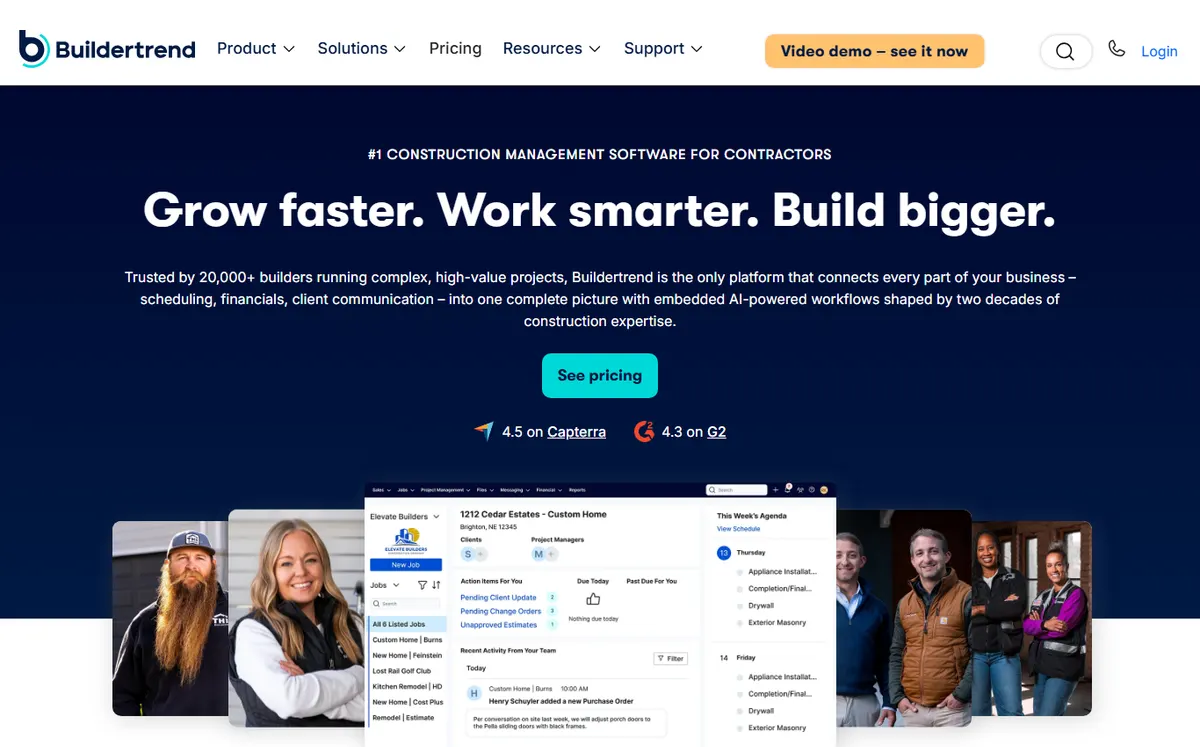
- +
The most comprehensive suite here: CRM, project planning, financials, documents and a customer portal in one platform.
- +
Used across a large share of US new-home construction, with strong brand recognition and support.
- +
Integrations with QuickBooks and Xero, plus a large ecosystem of add-ons.
- –
Pricing is opaque: quote-based after a multi-step form, with no public rate.
- –
No standard free trial (a $300 first-month discount plus demos instead).
- –
Users cite a steep learning curve and friction exporting data if you leave.
Our verdict
Buildertrend is the platform you pick when a job is a months-long project, not a one-day call-out: it bundles CRM, scheduling, budgets, selections and a client portal so a builder or large remodeler can run everything in one place. That breadth is also its cost, both the learning curve and the bill are real, and the quote-based pricing with no free trial makes it hard to test before you commit. Best suited to established firms that will use the whole suite.
Jobber
The simplest, most affordable all-in-one for small service contractors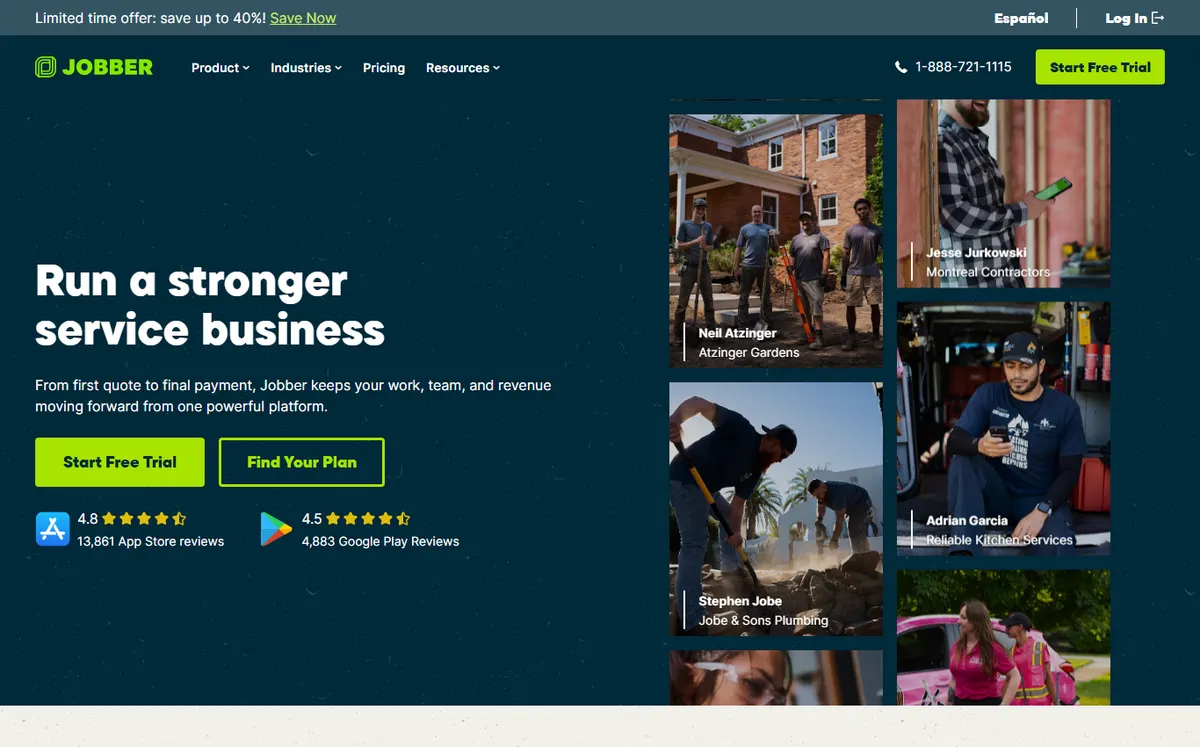
- +
Rare in this segment: fully transparent public pricing from $49/month for the Core plan.
- +
Built for home-service trades (HVAC, plumbing, electrical, landscaping) and famous for fast setup, teams live in about an hour.
- +
250,000+ pros on the platform, with a huge review base and active community.
- –
Less specialized for construction than JobNimbus or Buildertrend; closer to generic field service.
- –
Advanced job-site features (detailed bid tracking, aerial measurements, roofing takeoffs) are missing or limited.
Our verdict
Jobber is the pick for a small trades business that wants to quote, schedule, invoice and get paid without a week of setup. Public pricing from $49/month and one-hour onboarding make it the most approachable tool here, and payments plus QuickBooks sync cover the money side. The trade-off is depth: it is field-service software first, so heavy job costing, commercial bidding and roofing takeoffs are not its strong suit.
Want a construction CRM with no setup cost?
Jobber’s 14-day free trial lets you test every feature before you commit. Pricing is fully public and starts at $49/month.
Houzz Pro
The all-in-one for remodelers, backed by a 200M+ user marketplace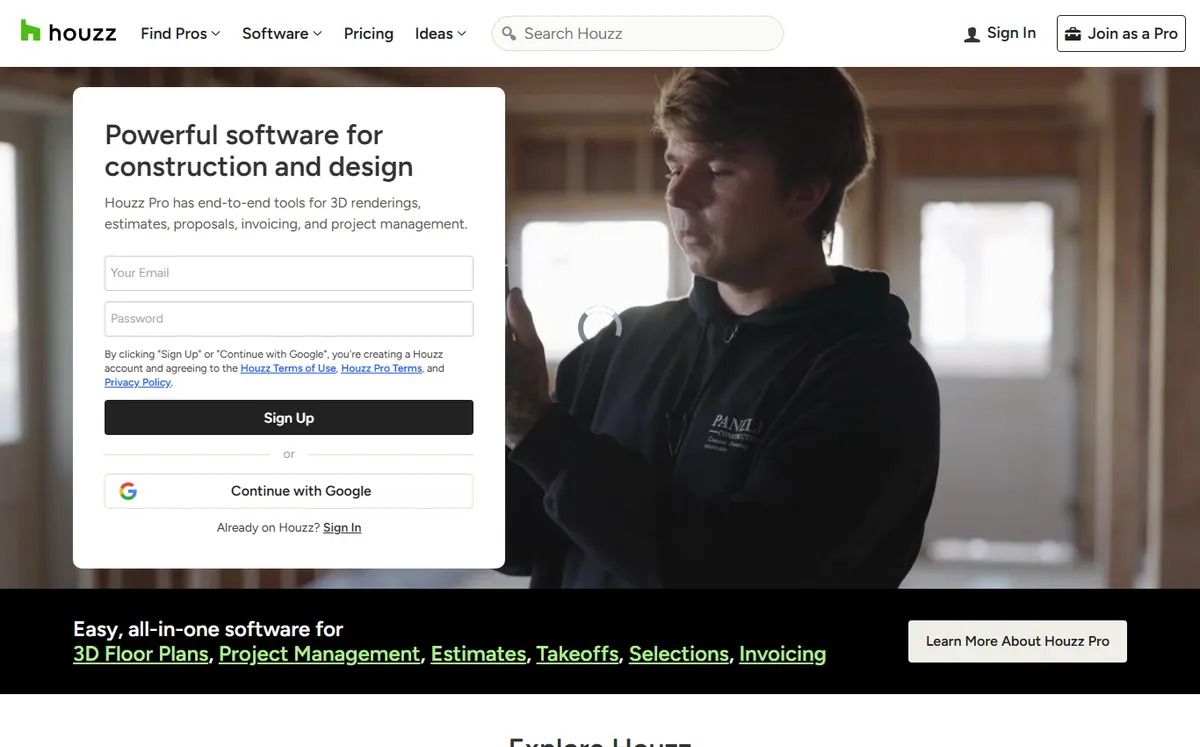
- +
Unique differentiator: lead generation from Houzz’s 200M+ user marketplace, no competitor offers this.
- +
Permanent free plan (3D floor planner, basic invoicing and quotes) with no credit card.
- +
Built for remodelers and interior designers, with budgeting, timelines and change orders.
- –
Paid-plan pricing is not disclosed publicly; you have to contact sales.
- –
Straddling construction and interior design can dilute focus on pure contractor workflows.
- –
No job-site field tracking on par with JobNimbus or Jobber.
Our verdict
Houzz Pro is the only tool here that also brings you work: its marketplace puts you in front of 200M+ homeowners, and the 3D floor planner is a genuine selling aid for remodel and design projects. A permanent free plan makes it easy to start. Two caveats keep it mid-pack for pure contractors: paid pricing is not public, and field job-site tracking is thin compared with the trade-first tools above.
AccuLynx
The most specialized CRM for roofing and exterior contractors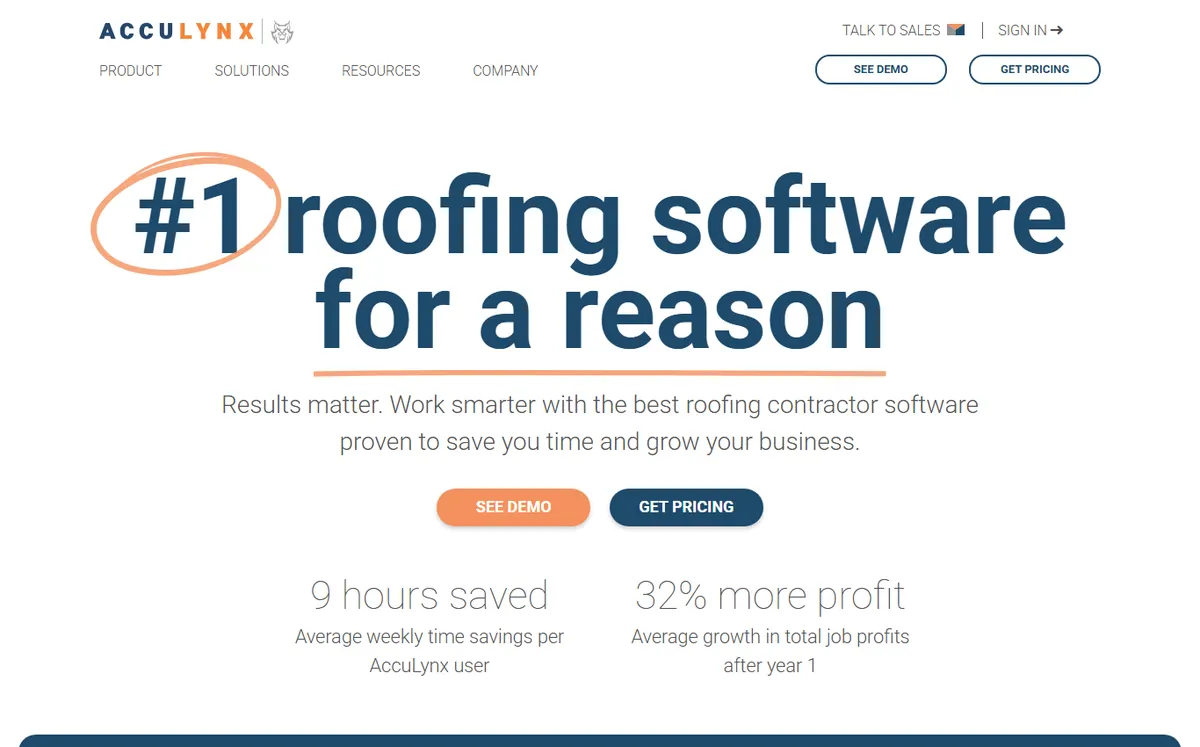
- +
The most specialized tool on this list, built specifically for roofing and exterior contractors.
- +
Native integrations with ABC Supply, SRS and other roofing suppliers, plus insurance-claim and storm-damage workflows.
- +
Built-in aerial measurement tools, a real differentiator for roofing estimates.
- –
Users report the mobile app is less polished than the desktop version.
- –
Too specialized for general construction or trades outside roofing and siding.
- –
At $250/month to start, it is one of the pricier entry points here.
Our verdict
AccuLynx is what a roofing company graduates to when generic tools stop fitting: aerial takeoffs, supplier ordering through ABC Supply and SRS, and insurance-claim workflows are baked in, which is why it matches the top satisfaction score for its niche. Outside roofing and exteriors it is overkill, the mobile app trails the desktop, and the $250/month floor makes it a commitment rather than a try-it tool.
Followup CRM
The most focused CRM for contractors running complex bid pipelines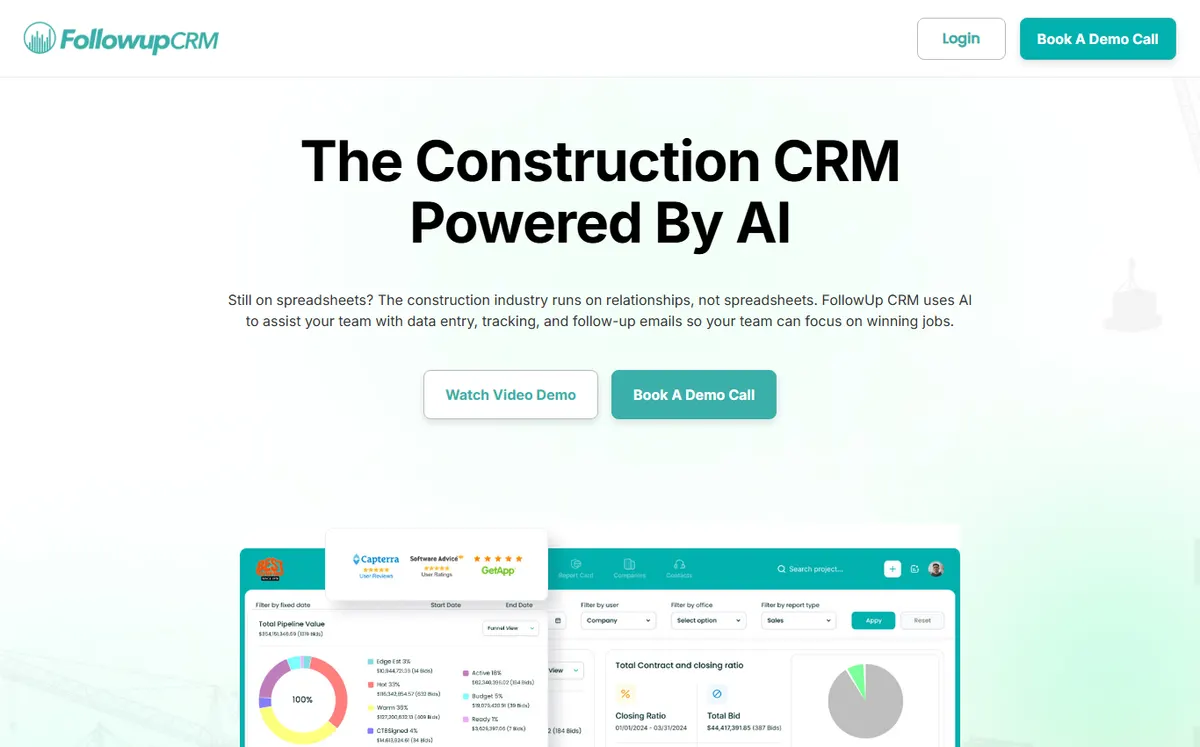
- +
The most specialized CRM here, entirely focused on bid and proposal management for subcontractors and commercial builders.
- +
Dedicated bid calendar, proposal tracking and integrations with ERP systems (Foundation, Sage, Viewpoint).
- +
30-day satisfaction guarantee (money back), plus QuickBooks Online integration.
- –
Narrow scope: no job-site management, no field app, no invoicing, you pair it with a separate execution tool.
- –
Pricing is not published; it requires a sales call.
- –
Some users find the interface less intuitive than purpose-built field CRMs.
Our verdict
Followup CRM is a specialist, not an all-rounder: if your growth depends on winning commercial bids, its bid calendar, proposal tracking and win-rate analytics are the best on this list, and the ERP hooks fit established contractors. But it deliberately stops at the bid, no field app, no job-site tracking, no invoicing, so it only makes sense alongside an execution tool. Judge it as a bidding layer, and it earns its place.
Our analysis
Comparison: field mobility, job costing and integrations
Spec sheets only get you so far. On a job site, three things decide whether a CRM sticks: how well it works from a phone in the field, how deeply it handles job costing and bids, and how it connects to your accounting, suppliers and ERP. The scores below reflect our analysis of each vendor’s construction feature set and its public reviews (July 2026). New to this? Our general guide on how to choose a CRM covers the method, and the CRM hub lists every comparison.
Our method. Each tool is rated on the same contractor scenario: quote a job from the field, track a multi-stage project, sync to accounting and report on the bid pipeline. Scores are assigned by our editors on that basis, then cross-checked against G2, Capterra and Software Advice reviews.
Field & mobile access
Most crews live on the job site, not at a desk. This score reflects how well each tool lets you quote, photograph, update jobs and dispatch from a phone.
Field & mobile score assigned by our editors · out of 5
The longer the bar, the more usable the tool is from the field without a laptop.
- Jobber and JobNimbus are the strongest in the field: fast mobile quoting, photos and job updates that sync in real time.
- Buildertrend and AccuLynx have capable apps, though users say they trail their own desktop experience.
- Followup CRM is desktop-first and not built for on-site work; pair it with a separate field tool.
Key takeaway. For crews that run everything from a phone, Jobber and JobNimbus are the safest bets; skip Followup CRM if field mobility is a priority.
Job costing & bid tracking
Winning and pricing work is where a construction CRM earns its keep: estimates, change orders, job costing and a clear view of the bid pipeline. This score reflects depth on quoting and bid management.
Estimates, job costing & bid tracking · out of 5
Reach of estimating, change-order handling and bid-pipeline reporting available out of the box.
- Followup CRM leads on pure bid management: submission calendar, proposal tracking and win-rate analytics.
- AccuLynx and JobNimbus pair strong estimating (aerial takeoffs on AccuLynx) with real job tracking.
- Jobber covers quoting well but is lighter on detailed job costing and commercial bids.
Key takeaway. For commercial bidding, Followup CRM is the specialist; for roofing estimates that flow into the job, AccuLynx and JobNimbus win.
Key integrations by product
A construction CRM has to connect to accounting, suppliers and sometimes an ERP. Here are the most requested connectors and their availability, as of July 2026.
✓ native integration or official connector · ✗ missing or limited. Scroll the table horizontally if needed.
| CRM | Ecosystem | QuickBooks | Supplier feeds | ERP sync | Mobile app |
|---|---|---|---|---|---|
| JobNimbus | Zapier + API | ✓ | ✗ | ✗ | ✓ |
| Buildertrend | Add-on marketplace | ✓ (+Xero) | ✗ | ✗ | ✓ |
| Jobber | App marketplace | ✓ | ✗ | ✗ | ✓ |
| Houzz Pro | Houzz marketplace | ✓ | ✗ | ✗ | ✓ |
| AccuLynx | Supplier network | ✓ | ✓ (ABC, SRS) | ✗ | ✓ |
| Followup CRM | ERP connectors | ✓ | ✗ | ✓ (Foundation, Sage) | ✗ |
- AccuLynx is unique on supplier feeds, ordering directly from ABC Supply and SRS inside the CRM.
- Followup CRM is the only one with real ERP sync (Foundation, Sage, Viewpoint) for larger contractors.
- Everyone handles QuickBooks; JobNimbus and Jobber lean on Zapier and app marketplaces for the rest.
Key takeaway. Roofers who order materials in-app should look at AccuLynx; contractors on a construction ERP will value Followup CRM’s connectors.
Advanced features
Job-site tracking, estimating, scheduling, native invoicing, aerial takeoffs: here is what each CRM offers out of the box, with no add-on.
| CRM | Job-site tracking | Estimates & bids | Scheduling | Native invoicing | Aerial takeoffs |
|---|---|---|---|---|---|
| JobNimbus | ✓ | ✓ | ✓ | ✓ | ✗ |
| Buildertrend | ✓ | ✓ | ✓ | ✓ | ✗ |
| Jobber | ✓ | ✓ | ✓ | ✓ | ✗ |
| Houzz Pro | ✗ | ✓ | Limited | ✓ | ✗ (3D planner) |
| AccuLynx | ✓ | ✓ | ✓ | ✓ | ✓ |
| Followup CRM | ✗ | ✓ (bids) | ✗ | ✗ | ✗ |
Only AccuLynx bundles native aerial takeoffs for roofing estimates. Followup CRM deliberately stops at the bid stage (no scheduling, no invoicing), so it is meant to run alongside an execution tool rather than replace one.
Which construction CRM for which use case?
In short, here is our recommendation based on your trade and business model:
| Your profile | Our pick | Why |
|---|---|---|
| Roofing / exterior contractor | JobNimbus | Highest-rated, customizable pipelines and a strong field app |
| Roofing with insurance / storm work | AccuLynx | Aerial measurements, supplier feeds and claim workflows |
| Home builder / large remodeler | Buildertrend | Most complete suite: CRM, planning and finance in one |
| Small HVAC / plumbing / electrical | Jobber | Transparent $49/mo pricing, fastest to adopt |
| Remodeler seeking homeowner leads | Houzz Pro | 200M+ marketplace, free plan and 3D planner |
| Commercial / subcontractor bidding | Followup CRM | Dedicated bid calendar and proposal tracking |
Why construction CRMs are different
A standard CRM tracks contacts, leads and deals. A construction CRM must also handle job costing, field mobility, multiple job sites, labor tracking, materials and change orders. Contractors need to quote fast (often on-site), manage cash flow across several invoicing stages (bids, deposits, progress payments), stay compliant with insurance and permits, and coordinate crews in the field. The best tools bake these workflows in rather than forcing you to bend a generic CRM into shape. If you also want to see how general-purpose tools compare, our best CRM software 2026 ranking covers the all-rounders.
Field app or desktop first?
Most modern crews work from job sites, not offices. Look for a CRM with a strong mobile app that lets you enter updates, take photos, send quotes and track labor from the field. JobNimbus, Jobber, Houzz Pro and AccuLynx all emphasize mobile-first workflows; Buildertrend has a full mobile platform; Followup CRM is desktop-focused and not a fit for on-site work.
How much does a construction CRM cost?
Entry prices range widely. Jobber is the most affordable and transparent at $49/month for the Core plan (annual billing), with a 14-day free trial. AccuLynx starts at $250/month for the Essential plan. JobNimbus, Buildertrend and Followup CRM do not publish pricing and require a sales conversation; third-party sources estimate $200-$500+/month. Houzz Pro offers a permanent free tier plus paid plans (pricing not public). When comparing, watch for per-user fees, job-site minimums and add-ons that inflate the real cost.
How we ranked these construction CRMs
Every tool is scored on six criteria weighted for contractors: job & project tracking (quotes, job sites, labor and materials), estimates & bidding (speed and depth from lead to signed job), field & mobile access (mobile app quality), scheduling & dispatch (crew coordination), industry integrations (accounting, suppliers, insurance, ERP) and value for money (transparent pricing that fits small to midsize teams). We favor tools proven with a strong contractor base and re-check pricing and features whenever vendors update them, which is why the update date sits at the top of the page. Ratings draw on G2, Capterra and Software Advice as cited; all data is from July 2026.
Frequently asked questions
What is the best construction CRM in 2026?
JobNimbus is our top pick for most contractors, especially roofers and exterior trades. It has the highest satisfaction ratings (4.6/5), customizable pipelines and strong mobile support. For home builders, Buildertrend is the most complete integrated suite. For small HVAC, plumbing or electrical firms, Jobber offers the best mix of simplicity and affordability.
Which construction CRM has the best free trial?
Jobber and JobNimbus both offer 14 days free with no credit card, and Houzz Pro has a permanent free plan for basic work. Buildertrend does not offer a traditional free trial, but provides a $300 discount on your first month plus demo sessions.
Is construction CRM software subject to sales tax?
Most software-as-a-service (SaaS) subscriptions are not subject to sales tax in many US states, but several (Illinois, South Dakota, Tennessee, Washington, among others) do tax SaaS. Check your state and local tax authority for current guidance. All prices quoted here are USD and exclude any state sales tax.
How much does a construction CRM cost per month?
Expect $50 to $500+ per month depending on the tool and features. Jobber starts at $49/month (most transparent) and AccuLynx at $250/month. JobNimbus, Buildertrend and Followup CRM use quote-based pricing (typically $200-$500+/month). Houzz Pro is free for basic use or tiered by job volume. Watch for hidden per-user or per-site fees when comparing.
Do construction CRMs have mobile apps?
Yes, most do. JobNimbus, Jobber, Houzz Pro, Buildertrend and AccuLynx all offer iOS and Android apps for field work. Followup CRM is primarily desktop-focused and does not emphasize mobile. App quality varies, so check reviews for photo upload, offline mode and real-time sync before you commit.