Best CRM for accountants 2026: practice management software compared
Accountants and tax professionals need more than a general-purpose CRM. You need a platform built for practice management: client documents, engagement letters, fee tracking, and tax deadline alerts all in one place. We’ve compared six leading accounting practice management platforms built for US firms. Here’s our 2026 shortlist, ranked on features, pricing, onboarding speed and real-world usability for accounting teams.

Our picks at a glance
Our pickTaxDome, the most widely adopted all-in-one platform with documents, eSignature, client portal and fee automation.
See ↓ Best ease of useKarbon, ranked #1 for workflow management and team collaboration, with top marks on ease of administration.
See ↓ Most comprehensiveCanopy, the all-in-one suite covering practice management, tax resolution, client engagement and AI.
See ↓ Best valueFinancial Cents, built for small firms and solo practitioners, from $49/user with excellent support.
See ↓ Easiest entryJetpack Workflow, a lightweight workflow and deadline tracker, perfect for firms just starting to centralize.
See ↓ Document specialistLiscio, the smartest file intelligence platform for reading and organizing client documents automatically.
See ↓At a glance
The best accounting CRM software compared
| Platform | Rating | Document mgmt | Client portal | Best for | Starts at | |
|---|---|---|---|---|---|---|
 TaxDome Our pick TaxDome Our pick | ★★★★★ 4.7 | ✓ full | ✓ | Complete practices | $83 | See → |
 Karbon Simple Karbon Simple | ★★★★★ 4.8 | ✓ limited | ✓ | Team collaboration | $59 | See → |
 Canopy Canopy | ★★★★☆ 4.6 | ✓ full | ✓ | Tax specialists | $74 | See → |
 Financial Cents Financial Cents | ★★★★★ 4.7 | ✓ basic | ✓ | Small firms | $49 | See → |
 Jetpack Workflow Jetpack Workflow | ★★★★½ 4.8 | ✗ | ✗ | Workflow only | $40 | See → |
 Liscio Liscio | ★★★★☆ 4.6 | ✓ AI-powered | ✓ | File intelligence | $19 | See → |
Indicative prices per user/month on annual billing, checked in July 2026. TaxDome: Pro plan, unlimited seats. Karbon: Team plan. Canopy: Standard module. Financial Cents: Team plan. Jetpack: Starter plan. Liscio: Intelligent Files plan. Quote-based plans available from all vendors.
Looking for an all-in-one accounting CRM?
TaxDome combines documents, eSignature, client portal and billing in one platform, no tool juggling required.
The top picks in detail
Our 6 best accounting CRMs, analyzed
TaxDome
The most complete platform for accounting and tax firms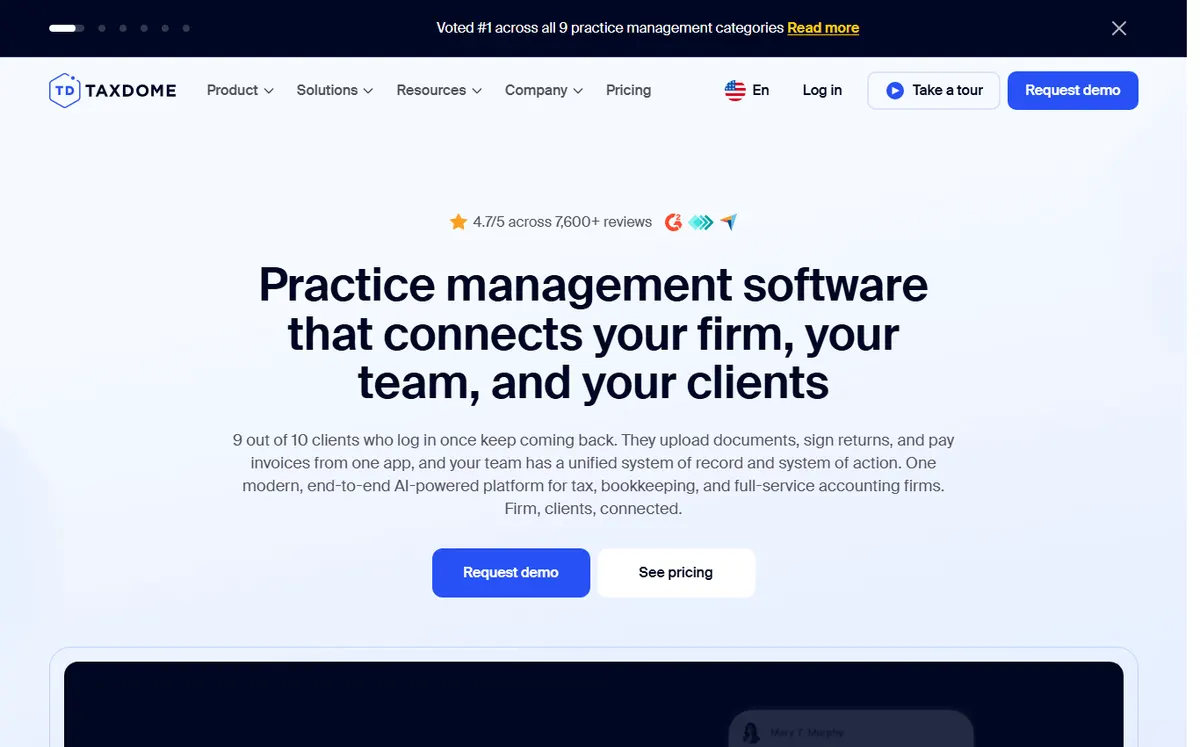
- +
True all-in-one: engagement letters, eSignature, document management, client portal and automated fee collection in one platform.
- +
Highest user volume on the market (3,594 Capterra reviews) and consistently top-rated for ease of use and client satisfaction on G2.
- +
Mobile client app rated 4.9/5 by clients; clients can securely upload documents and check engagement status from anywhere.
- –
Setup and initial configuration is steep; expect a longer onboarding than simpler tools.
- –
Annual billing enforced for best pricing; no standard month-to-month self-service option.
Our verdict
TaxDome earns the top spot because it replaces a whole stack, documents, eSignature, client portal, proposals and billing, with one platform, and its mobile client app is rated 4.9/5 by clients. The real caveat is onboarding: initial configuration is steeper than lighter tools, and best pricing requires annual billing. For a full-service practice that wants everything under one roof, it is the safest pick.
Karbon
Ranked #1 for workflow management and team admin
- +
Industry leader: ranked #1 practice management software for 19 consecutive quarters on G2 (per vendor claim).
- +
Best-in-class workflow automation and task templates built for tax and accounting seasons; team collaboration scoring highest on G2.
- +
Very responsive support team; users consistently praise Karbon’s customer service on Capterra (4.7/5 on 207 reviews).
- –
No free plan; requires demo before purchase, which extends sales cycles.
- –
Document storage in the client portal is limited; you may need a separate file system for large volumes.
Our verdict
Karbon is the reference for workflow and team collaboration: task templates built around tax season, shared inboxes and top marks for ease of administration. The trade-off is document storage, its client portal stays light, so document-heavy firms often pair it with a dedicated file system. Ideal for growing practices that live and die by their workflow.
Canopy
The all-in-one suite for practice management and tax resolution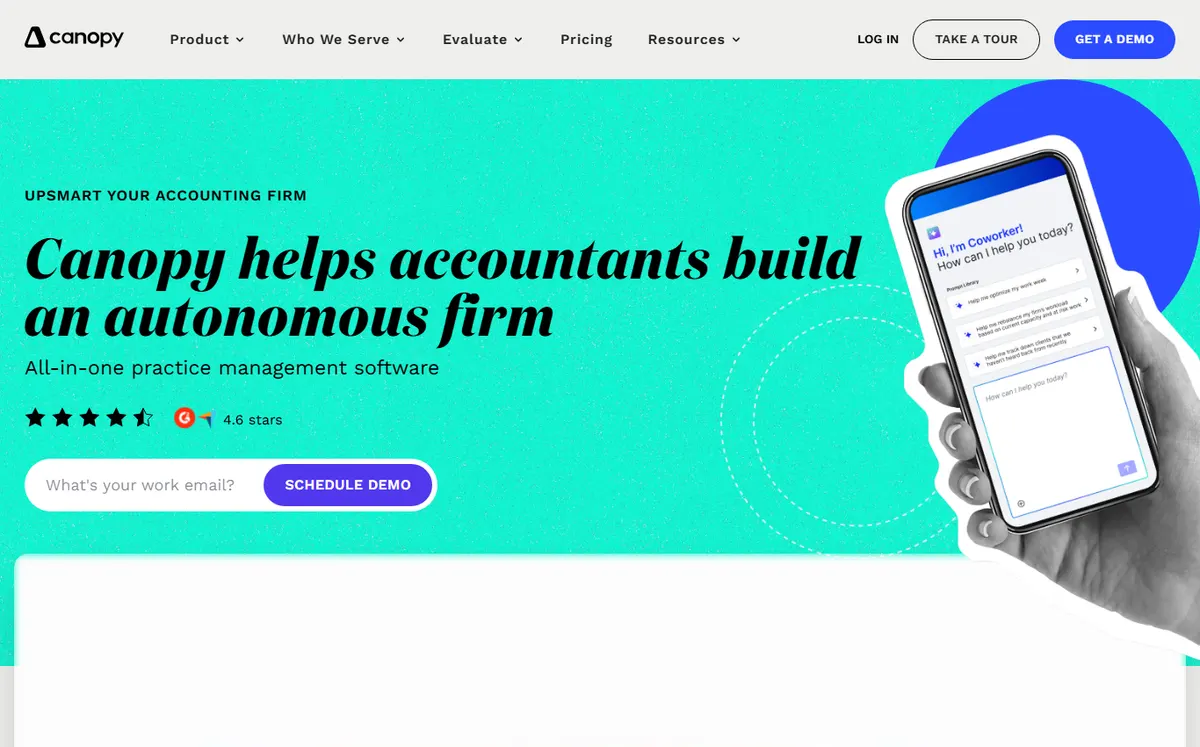
- +
Modular suite that replaces multiple disconnected tools (QuickBooks, HelloSign, Practice CS, GoFileRoom) with one integrated platform.
- +
Tax-focused: specialized workflows and modules for tax resolution and seasonal processing beyond basic practice management.
- +
Ease of use rated high on G2 and Capterra; customizable client portal and built-in AI features for automation.
- –
Modular pricing gets complex fast: each add-on (e.g., Tax Resolution) is priced separately, raising total cost.
- –
Reporting features are limited; users ask for more canned/stock reports on Capterra.
Our verdict
Canopy is the most comprehensive suite, bundling practice management, a customizable client portal, tax resolution modules and built-in AI. Its weakness is pricing: the modular model means each add-on is billed separately, so the real cost climbs fast, and reporting stays basic. A strong fit for tax-focused firms that want one platform to replace several disconnected tools.
Want the most feature-rich accounting CRM?
Canopy bundles practice management, tax resolution and client engagement in one platform, perfect for growing tax firms.
Financial Cents
The best CRM for solo practitioners and small firms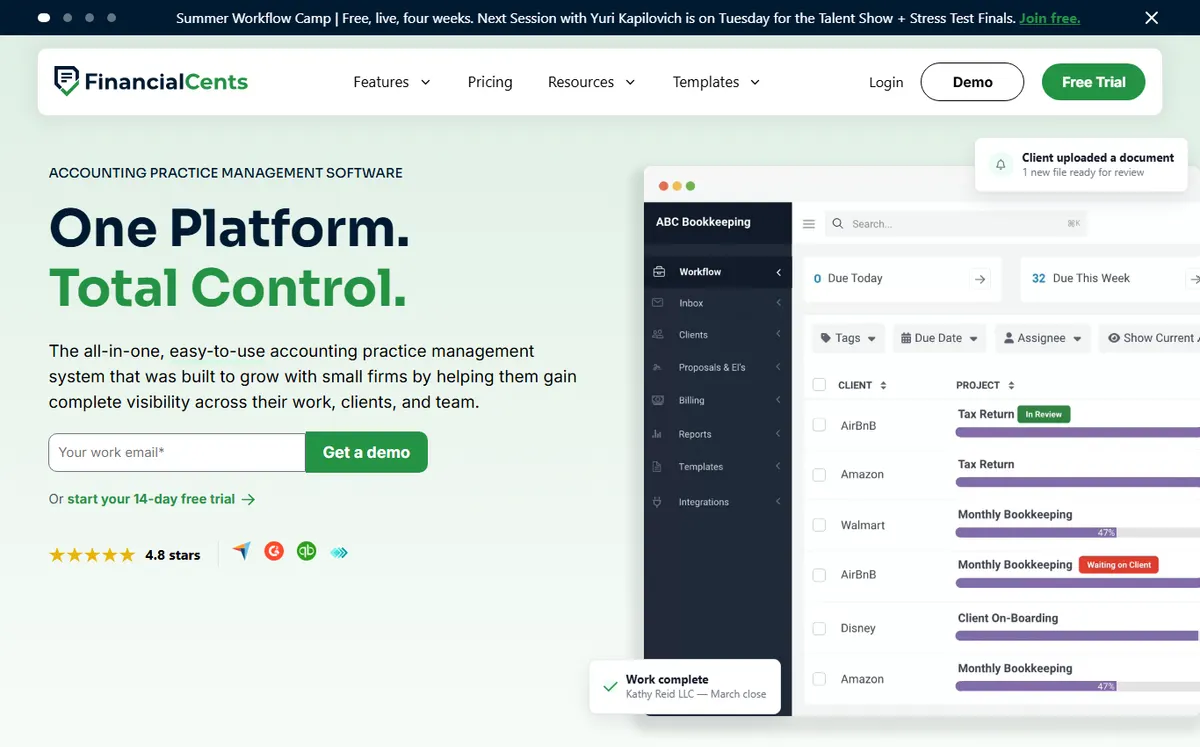
- +
Purpose-built for small accounting firms and solo practitioners; uncluttered interface focused on real-world workflows.
- +
Support quality rated highest in segment (9.3/10 on G2, 4.6/5 on Capterra); responsive and accounting-savvy support team.
- +
14-day free trial (no credit card required); affordable Team plan starting at $49/user, much lower than full-featured suites.
- –
File management is basic: no inline editing and syncing; re-downloading files is often necessary.
- –
QuickBooks Online sync is incomplete; balance sheet reconciliation may require manual workarounds.
Our verdict
Financial Cents delivers the best value for small firms and solo practitioners: an uncluttered interface, the highest-rated support in this comparison (9.3/10 on G2) and a 14-day free trial with no card. Its limits are file management (no inline editing) and an incomplete QuickBooks Online sync. For a 2 to 10-person firm on a budget, it is our best value pick.
Jetpack Workflow
Simple workflow and deadline tracking for micro-practices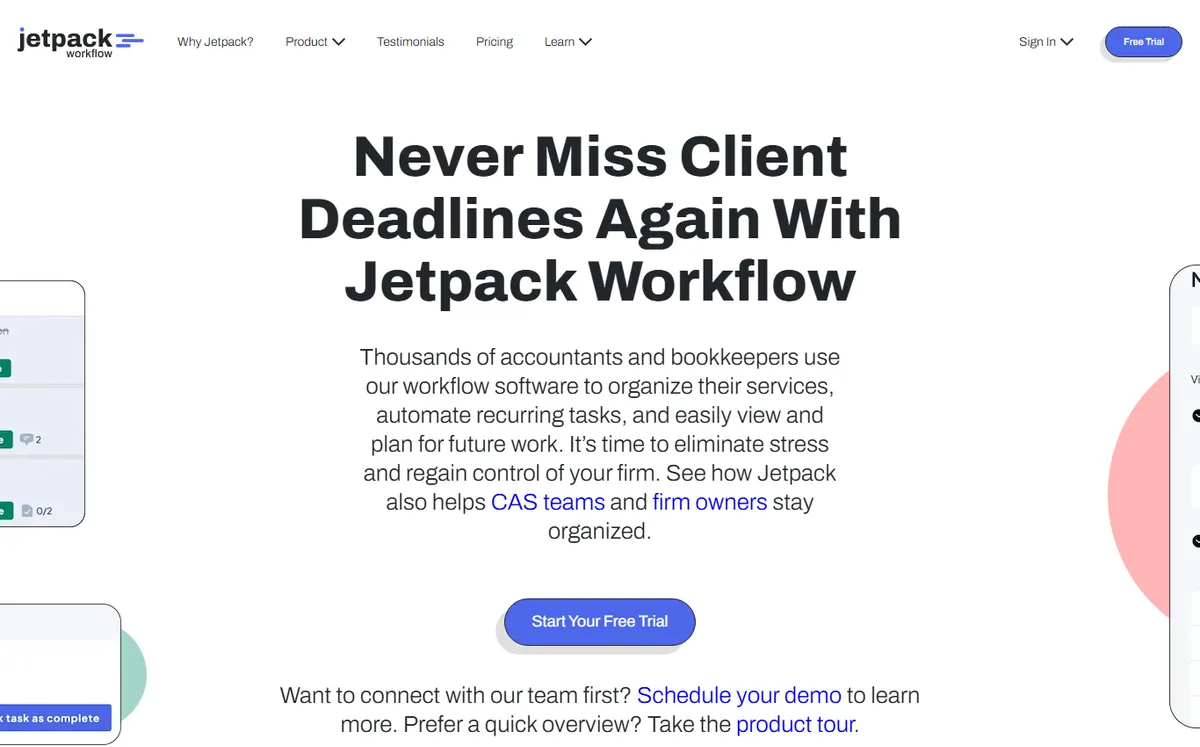
- +
Simplest onboarding: minimal setup, designed specifically for accounting firms to move off spreadsheets.
- +
Straightforward task and deadline management; users praise the learning curve as negligible on G2 and Capterra.
- +
Bootstrapped, independent company; 14-day free trial plus 30-day money-back guarantee on annual plans.
- –
No native email integration; limited add-ons and API, so customization is restricted.
- –
Lacks reporting and analytics; a few users report outgrowing it as their firm scales.
Our verdict
Jetpack Workflow is the easiest way to leave spreadsheets behind: minimal setup, clear task and deadline tracking, and a 30-day money-back guarantee. It deliberately stays narrow, no client portal, no document management, no native email, and lacks reporting, so firms outgrow it as they scale. Perfect as a first, low-cost step into structured workflows.
Liscio
File intelligence and automated document organization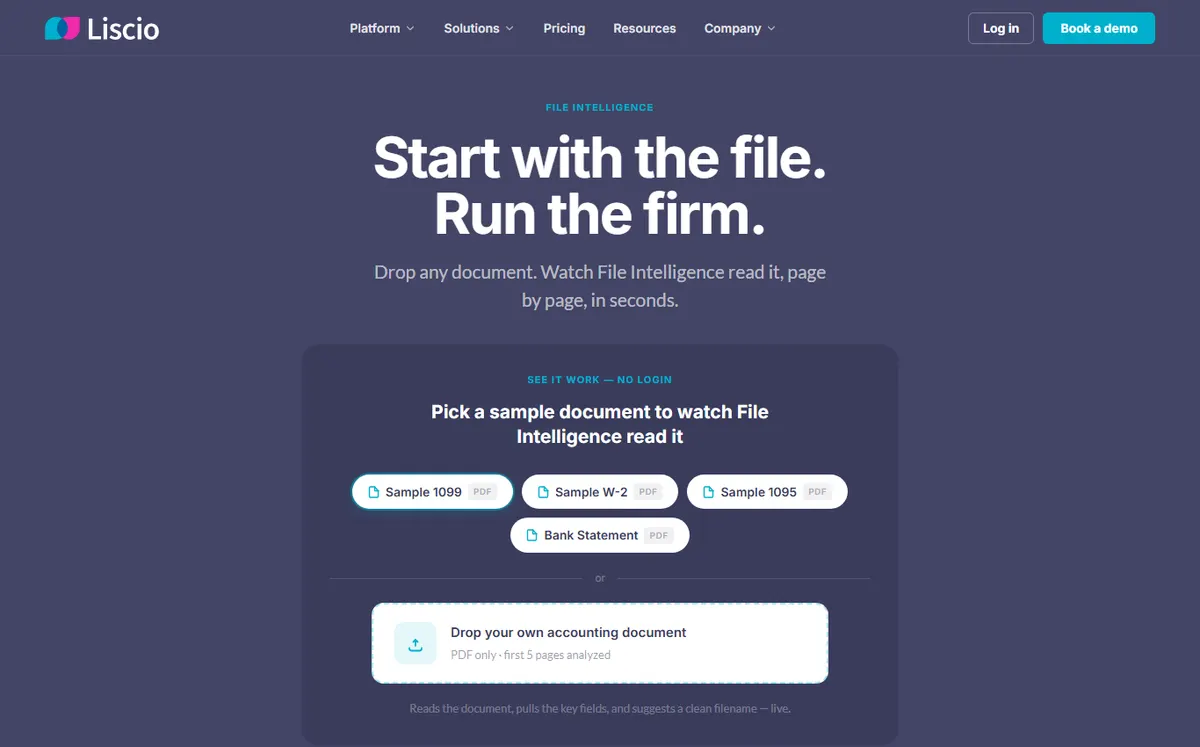
- +
Breakthrough File Intelligence: reads and auto-classifies 191+ document types (tax forms, invoices, receipts) deterministically without guessing.
- +
SOC 2 certified and invite-only platform; security-first approach with encrypted storage and fine-grained access controls.
- +
Ease of use (4.6/5) and customer service (4.8/5) rated highest on Capterra; pairs well alongside a separate practice management tool.
- –
No bulk export or backup download; disaster recovery and data portability are limited compared to peers.
- –
Tag-based organization (no traditional folder hierarchy); harder to manage at large document volumes.
Our verdict
Liscio is the document specialist: its File Intelligence reads and auto-classifies 191+ document types deterministically, and the platform is SOC 2 certified and invite-only. The catch is portability, there is no bulk export or backup download, and tag-based organization can get unwieldy at volume. Best used alongside a practice management tool rather than as your only system.
Our analysis
Comparison: portals, document management and deadline tracking
Beyond feature checklists, four things decide daily life in a firm: how good the client portal and document handling are, how tightly the tool tracks workflows and tax deadlines, how well it plugs into your accounting software, and the real price per seat. The scores below come from our hands-on tests (July 2026) and each vendor’s public feature grid. New to this? Our guide on how to choose a CRM lays out the method, and our general best CRM software shortlist covers sales-first tools.
Our method. Each platform runs the same firm scenario: onboard a client, send an engagement letter, request documents through the portal, set a tax-season workflow with deadlines and bill a fixed fee. Scores are assigned by our editors, then cross-checked against G2 and Capterra reviews.
Client portal & document management
Your clients live in the portal, and your team lives in the document library. This score rates how secure, complete and usable each platform is for exchanging and organizing files.
Client portal & document management score · out of 5
The longer the bar, the more complete the portal and document handling.
- TaxDome and Liscio lead on secure document handling; Liscio even auto-classifies 191+ file types automatically.
- Canopy offers a fully customizable client portal with full document management.
- Karbon’s portal is lighter, and Jetpack has none at all, it is workflow-only.
Key takeaway. For a document-heavy or paperless practice, TaxDome, Canopy or Liscio are the safe bets; Jetpack is simply not built for this.
Workflow & deadline / tax tracking
Missing a filing deadline is not an option. This score reflects how well each tool automates recurring workflows, assigns tasks and tracks tax-season due dates across the team.
Workflow & deadline tracking score · out of 5
Reach of templates, task automation and deadline alerts for a full accounting team.
- Karbon is the reference for workflow automation and team task management across tax season.
- Jetpack is deliberately focused on task and deadline tracking, and does it very well.
- Liscio is document-first, so its workflow engine is lighter than the rest.
Key takeaway. To never miss a filing deadline while coordinating a team, Karbon is unbeaten; Jetpack is the cheapest way to get organized.
Accounting-software integrations
An accounting CRM has to talk to your ledger. Here is how each platform connects to the tools firms use most, as of July 2026.
✓ native integration or official connector · ✗ missing or limited. Scroll the table horizontally if needed.
| Platform | QuickBooks Online | Xero | Zapier | Open API |
|---|---|---|---|---|
| TaxDome | ✓ | ✓ | ✓ | ✓ |
| Karbon | ✓ | ✓ | ✓ | ✓ |
| Canopy | ✓ | ✗ limited | ✓ | ✓ |
| Financial Cents | ✓ | ✓ | ✓ | ✗ limited |
| Jetpack Workflow | ✓ | ✗ | ✓ | ✗ |
| Liscio | ✓ | ✗ | ✓ | ✓ |
Key takeaway. If you run QuickBooks Online, every tool connects; Xero users should favor TaxDome, Karbon or Financial Cents.
Advanced features
Client portal, eSignature, native billing, built-in AI, time tracking: here is what each platform bundles out of the box, with no third-party add-on.
| Platform | Client portal | eSignature | Billing / invoicing | Built-in AI | Time tracking |
|---|---|---|---|---|---|
| TaxDome | ✓ | ✓ | ✓ | ✓ | ✓ |
| Karbon | ✓ | ✓ add-in | ✓ | Karbon AI | ✓ |
| Canopy | ✓ | ✓ | ✓ | ✓ | ✓ |
| Financial Cents | ✓ | ✗ | ✓ basic | ✗ | ✓ |
| Jetpack Workflow | ✗ | ✗ | ✗ | ✗ | ✓ |
| Liscio | ✓ | ✓ | ✗ | File Intelligence | ✗ |
Only TaxDome and Canopy bundle the full stack (portal, eSignature, billing, AI). Jetpack stays workflow-only; Liscio focuses on documents and AI classification. Some AI features are reserved for higher tiers.
Which accounting CRM for which use case?
In short, here is our recommendation based on your firm profile:
| Your profile | Our pick | Why |
|---|---|---|
| Solo practitioner | Jetpack Workflow | Cheapest way to track tasks and deadlines, from $40/user |
| Small firm (2-10) | Financial Cents | Best value all-in-one with the highest-rated support |
| Growing firm (10+) | Karbon | Best workflow and team collaboration at scale |
| Full-service tax practice | TaxDome | All-in-one documents, eSignature, portal and billing |
| Tax resolution specialists | Canopy | Dedicated tax resolution modules and built-in AI |
| Document-heavy firm | Liscio | AI file intelligence, auto-classifies 191+ document types |

Why accountants need a specialized CRM
A general CRM built for sales teams won’t cut it in accounting. You need software that understands your workflow: managing client engagements from intake through tax season, organizing documents securely, tracking fee profitability by client, sending deadline alerts, and maintaining a compliant client portal. A purpose-built accounting CRM handles these tasks natively, whereas you’d need to bolt on third-party tools (e.g., document management, eSignature, billing) to a generic CRM like HubSpot.
The six platforms we’ve ranked here range from all-in-one suites (TaxDome, Canopy) to specialized tools (Liscio for file intelligence) and workflow-only solutions (Jetpack). Choose based on your firm’s size, tech comfort level and budget.
How to choose the best accounting CRM
Four factors matter most. First, what’s already in your stack? If you’re on QuickBooks Online, you’ll want a CRM that integrates deeply (Financial Cents). If you’re self-contained, an all-in-one like TaxDome eliminates tool juggling. Second, how large is your team? Solo practitioners benefit from Financial Cents or Jetpack; growing firms (10+ people) should look at Karbon or Canopy for scalability.
Third, what’s your priority? If workflow and team management matter most, Karbon is unbeaten. If you need best-in-class document automation, Liscio shines as a complement. If you want everything in one place, TaxDome. Finally, test before buying. Many vendors offer free trials (Financial Cents, Jetpack) so you can see the platform in action with your own data.
Still deciding between all-in-one and specialist tools?
Start with a free trial (Financial Cents or Jetpack) to test the experience. Most accounting firms eventually migrate to an all-in-one like TaxDome once they scale.
Frequently asked questions
What is the best CRM for a small accounting firm in 2026?
For small firms (1-30 people), Financial Cents is the best value: $49/user/month with excellent support, or Jetpack Workflow ($40/user) if you just need workflow and deadline tracking. Both offer free trials. For solo practitioners, Jetpack is the cheapest entry point at $40/user/month.
Which accounting CRM is easiest to use?
Karbon ranks highest for ease of use and administration on G2 (4.8/5), followed by Jetpack Workflow (4.8/5 on Capterra). Both are intuitive and require minimal setup. Jetpack is simpler overall since it handles only workflows, while Karbon excels at team collaboration and task management across your entire practice.
Does this accounting CRM include document management?
TaxDome, Karbon, Canopy and Financial Cents all include client portals and document sharing. TaxDome and Canopy offer full document management; Karbon’s portal is more limited. Liscio specializes in intelligent document reading and auto-classification and pairs well as a complement to any practice management tool. Jetpack Workflow does not include document management.
Can I try an accounting CRM for free?
Yes. Financial Cents offers a 14-day free trial (no credit card). Jetpack Workflow offers a 14-day free trial plus 30-day money-back guarantee on annual plans. The others (TaxDome, Karbon, Canopy, Liscio) require a demo or sales contact before trial access, though some publish free guides or interactive product tours.
What’s the real cost of an accounting CRM for a 5-person firm?
Rough monthly estimate for 5 users on annual billing: Jetpack Workflow ($200), Financial Cents ($245), Karbon ($295), TaxDome ($415), Canopy ($370 base, more with add-ons), Liscio ($95). Add onboarding fees (typically $500-$2,000 one-time on TaxDome and Canopy). All prices are indicative and vary by plan tier and promotions.