Best contractor invoicing software 2026: field service management and payments
Contractor invoicing software is not just a tool to send an invoice. It manages job scheduling, route optimization, time tracking, automated quotes, field payments and client communication from the mobile app on the job site. We continuously compare the leading platforms built for trades. Here is our 2026 selection, ranked on simplicity, mobile experience, job costing, integration with accounting and real payment speed for contractors and service businesses.

Our picks at a glance
Our choiceJobber, the most complete field service management platform for contractors, with the fastest mobile workflow and strongest routing.
See ↓ Best for online bookingHousecall Pro, invoicing built around instant online reservations and on-site card payments for HVAC, plumbing and electrical contractors.
See ↓ Best for solo contractorsJoist, the simplest mobile-first app for fast quotes, invoicing and job payments, starting at $10 per month.
See ↓ Best for job costingKnowify, project management and detailed job costing for specialized contractors and subcontractors tracking per-job margins.
See ↓ Best value for constructionContractor Foreman, full-suite construction management, quotes, invoicing, scheduling, budgets and documents, at a locked lifetime rate.
See ↓ Best budget optionInvoiceOwl, lean invoicing and quotes with integrated payments for small trades, starting at just $4 per month.
See ↓At a glance
What is the comparison of the best contractor invoicing software?
| Software | Rating | Target | Job scheduling | Mobile app | From | |
|---|---|---|---|---|---|---|
 Jobber Our choice Jobber Our choice | ★★★★½ 4.6 | Contractors | ✓ Advanced | ✓ Full-featured | $29 | See → |
 Housecall Pro Booking Housecall Pro Booking | ★★★★½ 4.7 | HVAC, Plumbing | ✓ Dispatch | ✓ Full-featured | $59 | See → |
 Joist Joist | ★★★★☆ 4.1 | Solo contractors | ✗ | ✓ Mobile-first | $10 | See → |
 Knowify Knowify | ★★★★½ 4.5 | Subcontractors | ✓ Basic | ✗ Light | $99 | See → |
 Contractor Foreman Contractor Foreman | ★★★★½ 4.5 | Construction | ✓ Full suite | ✓ | $49 | See → |
 InvoiceOwl InvoiceOwl | ★★★★☆ 4.5 | Small trades | ✗ | ✓ Basic | $4 | See → |
Indicative starting prices in USD, annual billing recorded in July 2026. Jobber and Contractor Foreman shown as annual prepay rates; Housecall Pro shows annual billing (monthly rates are higher). Knowify and InvoiceOwl annual rates shown. These are entry-tier prices; most platforms charge more for additional users or advanced modules.
Just need quotes and invoicing on mobile?
Joist and Jobber both put you on the job site with invoicing in seconds. Start with our overall favorite.
The top in detail
Our top 6 contractor tools, reviewed
Jobber
The most complete field service management platform for contractors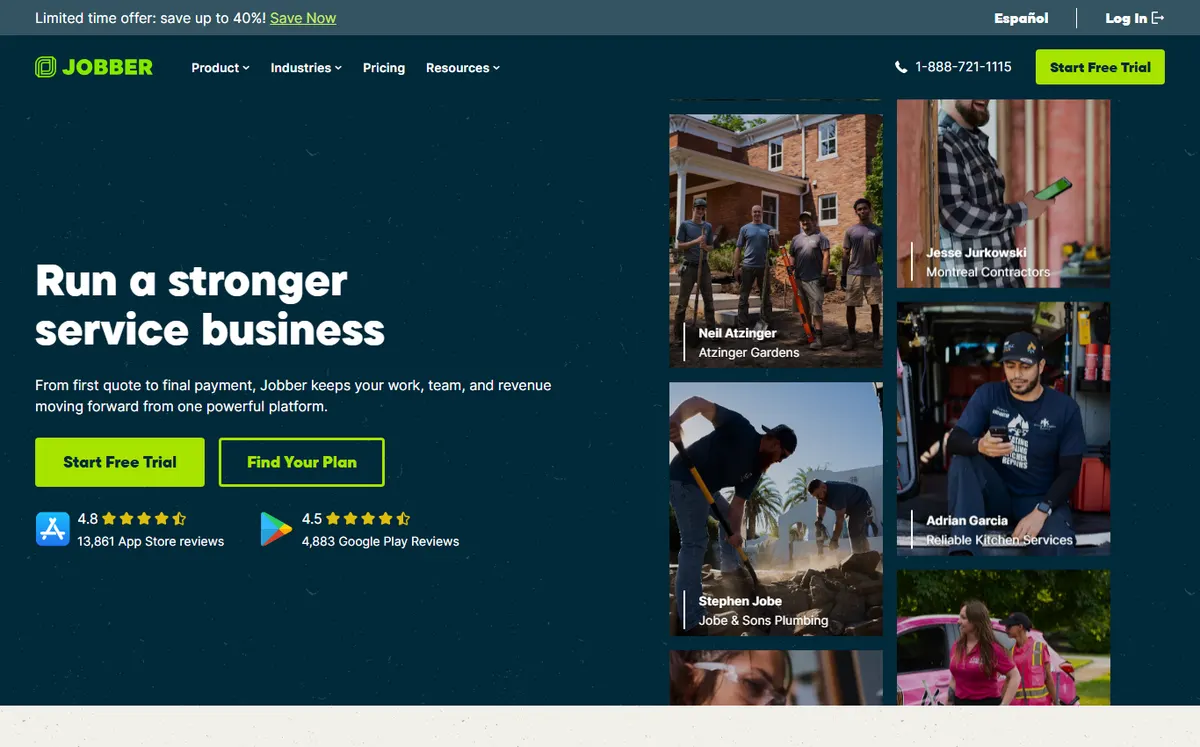
- +
The most polished all-in-one platform: quotes, scheduling, route planning, invoicing, customer communication and payments all in one app. Widely used in HVAC, plumbing, electrical and landscaping.
- +
Mobile app is the industry standard for on-site invoicing and payments. Contractors report faster payment times after switching to Jobber’s built-in payment processing.
- +
Strong integration with QuickBooks, comprehensive CRM and marketing tools, with a large ecosystem of add-ons.
- –
Price climbs quickly: extra team members cost roughly $29 per month each, and marketing and AI add-ons push the bill higher.
- –
Payment processing carries a 2.9% plus $0.30 per transaction fee on top of the subscription, a meaningful cost for frequent invoicing.
Our verdict
The safest all-round pick for a growing crew. You pay a premium and processing fees, but no rival matches its blend of dispatch, mobile invoicing and payment speed.
Housecall Pro
Invoicing built around instant online reservations and on-site card payments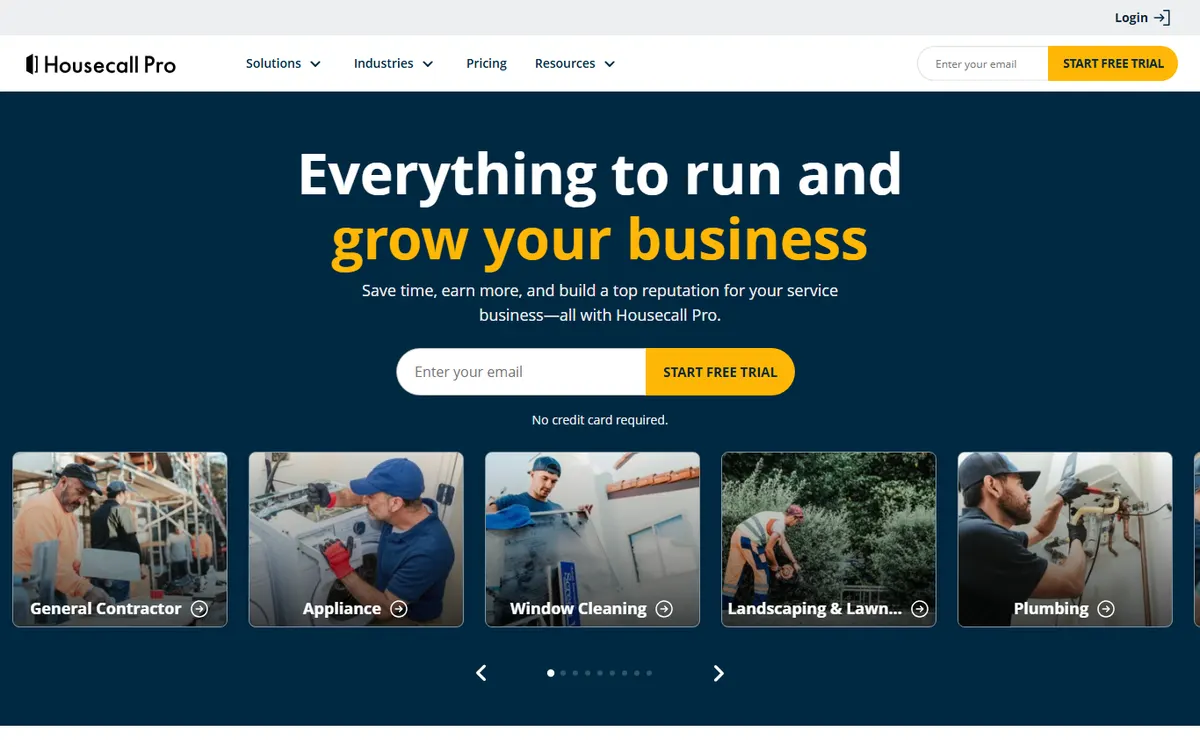
- +
Exceptional focus on getting clients to book and pay instantly: 24/7 online booking widget, Google integration and on-site card reader. Invoicing scored 9.3/10 by users for speed and clarity.
- +
Built for HVAC, plumbing and electrical contractors who want the booking engine to drive the business and payment processing to happen immediately.
- +
Customer support is exceptionally well-rated (8.8/10 on G2), a major differentiator in field service software.
- –
Entry Basic tier lacks QuickBooks integration; you move to Essentials at $149/mo to sync accounting, a meaningful jump.
- –
Extra team members cost about $35 per month each, so staffing a full crew adds up quickly.
Our verdict
Buy it for the booking engine and instant on-site card payments. Just budget for Essentials at $149/mo if you need QuickBooks sync.
Running a multi-person crew and need online booking?
Jobber and Housecall Pro both handle team dispatch, customer scheduling and field payments. Start with our overall pick.
Joist
The simplest mobile-first invoicing app for fast quotes and payments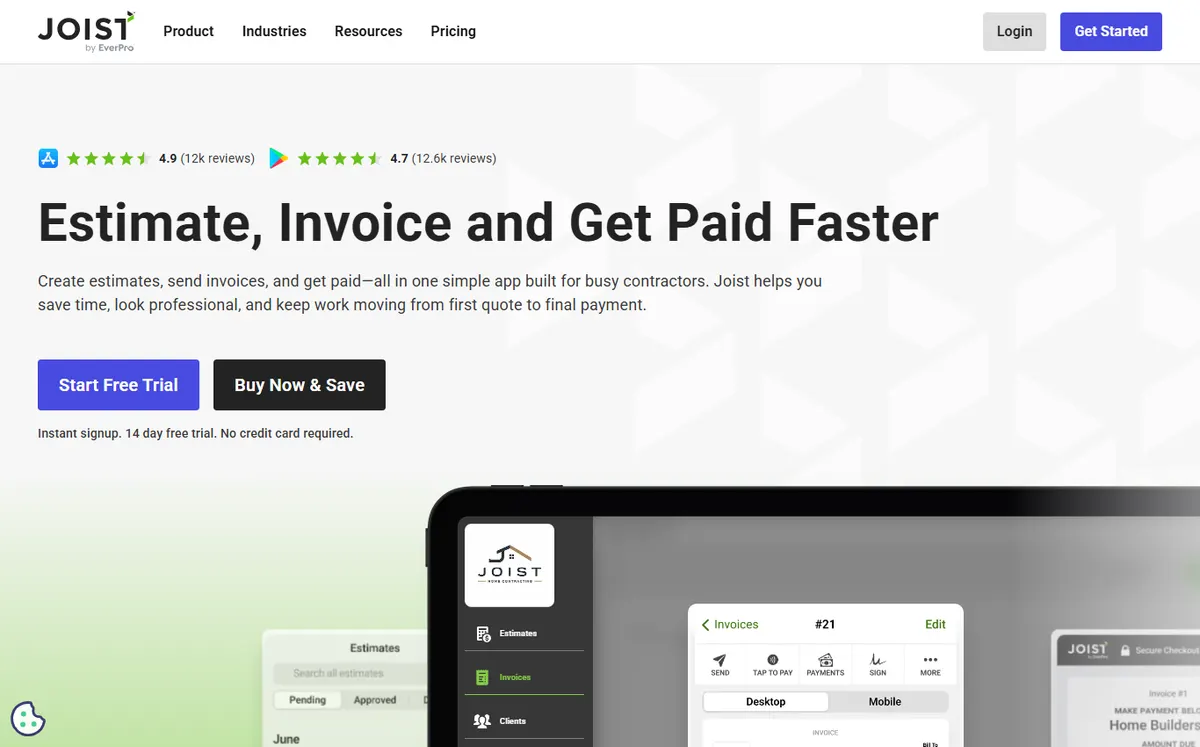
- +
Extremely fast to set up and use: an artisan or solo contractor can send a professional quote and invoice from the job site in minutes, with no training.
- +
Built-in financing: clients can pay in installments via Joist, a powerful tool to close jobs and ease cash flow for the customer.
- +
Low price: $10 per month gets you unlimited quotes, invoices and basic payments, with no surprise add-ons on the entry tier.
- –
No team scheduling or dispatch: Joist is a solo or small-team invoicing app, not a full field service platform.
- –
Minimal project management compared to Jobber or Housecall Pro, so contractors managing large jobs need to track work separately.
Our verdict
The fastest way for a solo contractor to quote and invoice from the truck, with customer financing baked in. Not a crew platform.
Knowify
Project management and detailed job costing for specialized contractors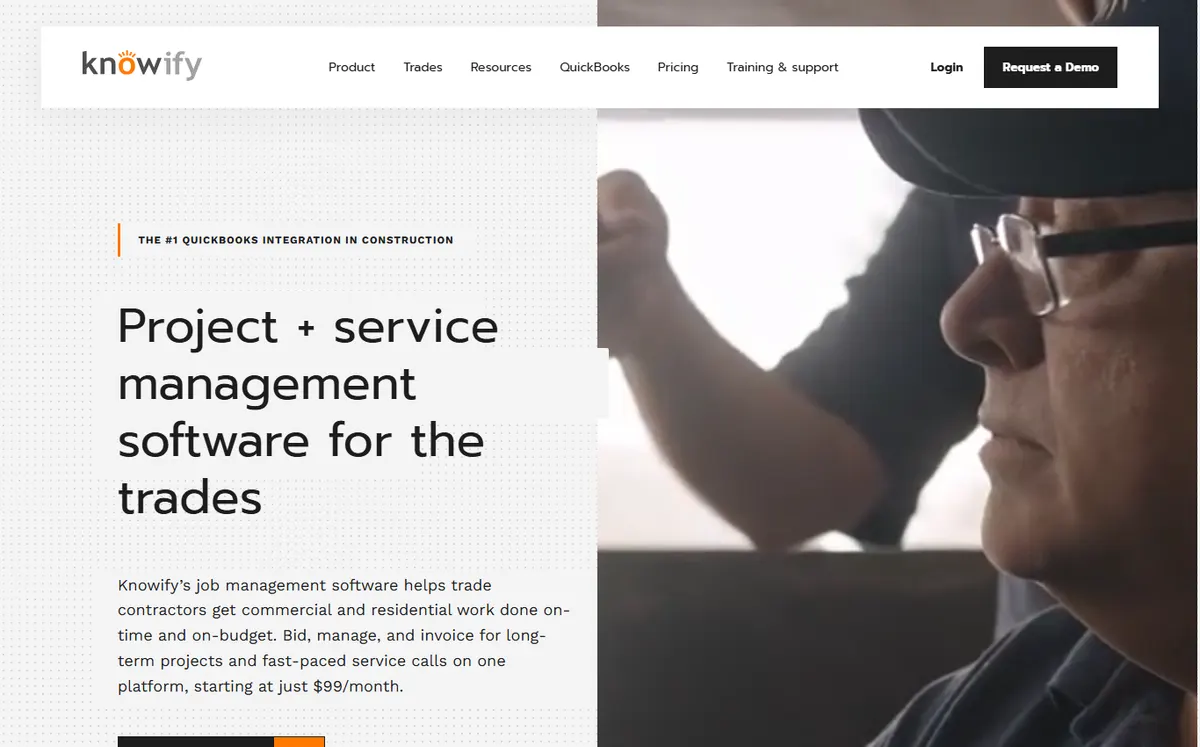
- +
The strongest job costing engine in this comparison: track materials, labor, equipment and overhead per job, then compare actual costs to bid to measure profit by project. Essential for subcontractors and specialized trades.
- +
Change order and change management built in from the start, critical for construction. Native integration with QuickBooks Online and Desktop, the industry standard for contractor accounting.
- +
Strong support and training. Knowify is positioned as back-office software for serious construction professionals, not a simple invoicing tool.
- –
Price jumps significantly: Advanced plan hits $329/mo, so Knowify is best suited to established contractors with healthy margins.
- –
Mobile app is lighter than Jobber or Housecall Pro: the software is built around the desktop experience first.
Our verdict
The one to pick when per-job margin is the whole point. Deep job costing and progress billing, at a price only established contractors will justify.
Contractor Foreman
Full-suite construction management at a locked lifetime rate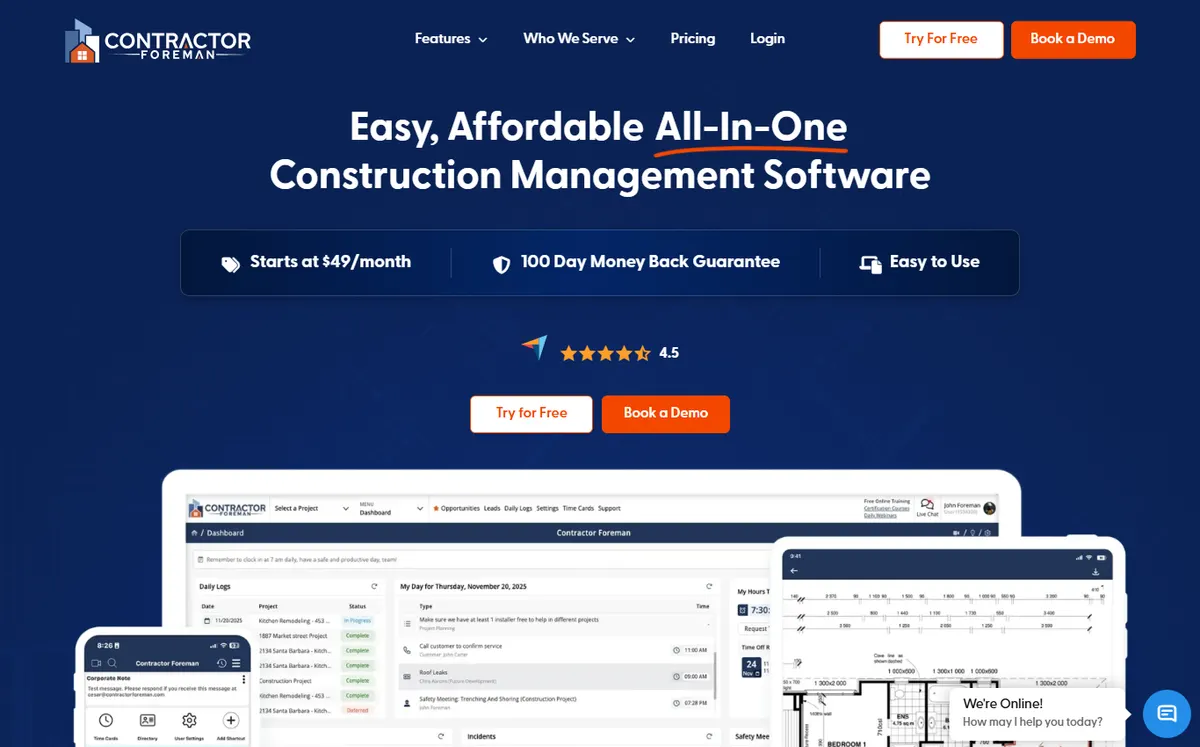
- +
Outstanding value: quotes, invoicing, scheduling, budgets and document management all included at $49/mo annual. Most competitors require add-ons or higher tiers to get this breadth.
- +
Price is locked at signup: the rate you start with never increases, a genuine differentiator in the SaaS world. Used by contractors in 75+ countries according to the vendor.
- +
The most review volume on Capterra (833 reviews) among construction-focused tools in this comparison, suggesting real market penetration.
- –
Interface is more complex and dated than modern competitors like Jobber or Housecall Pro, with a steeper learning curve for non-technical users.
- –
Some users report occasional sync issues and performance lags during peak usage, suggesting the platform may need optimization.
Our verdict
The most features per dollar in construction, with a rate locked for life. The interface is dated, but the breadth is hard to beat at $49/mo.
InvoiceOwl
Lean invoicing and quotes with integrated payments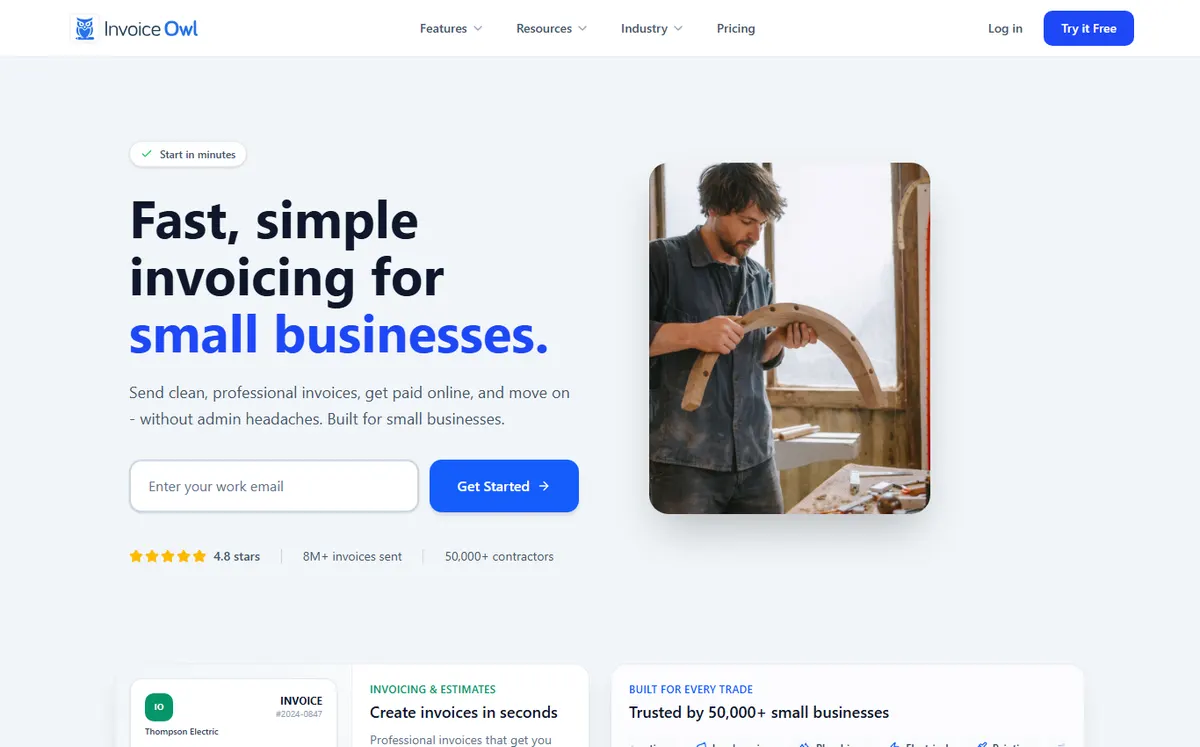
- +
The lowest price in this comparison: $4 per month annual billing buys you quotes, invoices, online payments and e-signatures, a rare combination at this price point.
- +
Payment processing is included from day one: card, ACH, Apple Pay and Google Pay all supported, with multi-currency capability.
- +
Clean, simple interface: designed for solopreneurs and small trades who do not need complex project management or job costing.
- –
Not specialized for construction or trades: InvoiceOwl is a general-purpose invoicing tool, without job costing, crew scheduling or field service features.
- –
Very limited review sample on G2 and Capterra, so take user ratings with caution; the vendor also does not actively manage its G2 profile.
Our verdict
Unbeatable on price for quotes, invoices and payments. Skip it if you need job costing or crew scheduling.
Running a construction company and tracking job margins?
Knowify and Contractor Foreman both handle job costing and change orders, critical for managing profit by project.
In depth
How do the contractor tools score head to head?
Mobile & field invoicing
The single biggest driver of payment speed for a contractor is whether you can quote, invoice and take the money before you leave the job. Here is how deep each app goes in the field: native app, offline work and on-site card payments.
Higher is better. Composite of native app depth, offline capability and on-site card payments (our testing, July 2026).
Takeaway: Jobber and Housecall Pro are the only two here with fully native, offline-capable apps and a physical card reader for on-site payment. Knowify is powerful, but its mobile app trails because it is built desktop-first.
Value for money
Entry price only tells half the story. What matters is the breadth of features you actually get for it, and how fast the bill climbs once you add users, modules or payment fees.
Higher is better. Balances entry price, included modules and add-on and processing costs.
- InvoiceOwl and Contractor Foreman pack the most into their entry tier: $4/mo for full invoicing, $49/mo for a locked, all-in construction suite.
- Jobber and Housecall Pro earn their higher price with depth, but per-user fees and a 2.9% plus $0.30 processing cut add up fast on high volume.
- Knowify is the priciest, and only makes sense when precise job costing directly protects your margins.
Decision table
Which contractor invoicing tool for which use case?
| Your situation | Best pick | Why |
|---|---|---|
| Solo contractor or handyman | Joist | Quote and invoice from the job in minutes, with customer financing, at $10/mo. |
| Small trade on a tight budget | InvoiceOwl | Cheapest option with online payments and e-signature included, at $4/mo. |
| HVAC, plumbing or electrical wanting online booking | Housecall Pro | 24/7 booking widget plus instant on-site card payments. |
| Multi-person field service crew | Jobber | Dispatch, route optimization and the deepest mobile workflow. |
| Subcontractor tracking per-job margin | Knowify | Best job costing and progress billing, with native QuickBooks sync. |
| Construction firm wanting breadth and value | Contractor Foreman | Budgets, documents and scheduling at a locked $49/mo rate. |

How did we build this ranking?
Each tool is scored on five weighted criteria tailored to contractors: how fast you can create and send a quote (time from job walkthrough to quote in the customer’s hands), mobile experience on the job (native app, offline work, on-site payments), job tracking and scheduling (for crews, does it handle routing and dispatch?), getting paid fast (payment gateways, client portal, automated reminders) and the real price (entry tier, user add-ons, payment processing fees). We favor tools that contractors actually use day to day without training, and we update pricing and features whenever a vendor changes them, which is why you see a dated update at the top of the page.
Why contractor software is different from general invoicing
Contractor invoicing is not the same as generic billing. Contractors need to capture the job scope quickly (photo, measurements, sketch) and turn it into a quote while standing in front of the customer. Most invoicing tools force you to go back to the office to build the estimate. Scheduling and routing are often make-or-break: if your team is spending an extra hour a day in the truck because the software does not optimize routes, that is a direct hit to profit. Job costing (tracking material and labor by project) is critical to know which jobs make money and which do not. And payment processing on site has become table stakes: contractors who accept card payments at the job close projects weeks faster than those waiting for checks.
Pick a tool built for your trade, not a generic invoicing platform. Jobber, Housecall Pro and Contractor Foreman are purpose-built for this world. Zoho Invoice or Wave are designed for freelancers and micro-businesses, and they fall short on mobile workflow and job costing.
Mobile app and on-site payments: why they matter in 2026
Mobile invoicing has become the norm. A contractor who can send a professional invoice on the job site (with photos, line items and a payment link) closes jobs faster and gets paid sooner. On-site card processing is now standard in field service: customers expect to pay with a card when the work is done, and contractors who offer it see payment rates jump dramatically. Offline capability matters too: jobs often happen in areas with spotty cell service, so your app should let you work offline and sync when you have a connection. Jobber, Housecall Pro and Joist all excel here; Knowify and InvoiceOwl lag behind on mobile depth.
A second trend is job costing precision. Many contractors guess at their margins; software that tracks materials, labor and overhead per project turns guessing into data. Knowify and Contractor Foreman both track this well, while lighter tools like Joist and InvoiceOwl do not.
How do you choose the right contractor invoicing software?
Solo contractor or two-person crew, simple jobs: start with Joist or InvoiceOwl. Both let you quote and invoice from the job in minutes, with built-in payments. Joist adds financing for customers, which closes deals.
Growing contracting business, online booking matters: Housecall Pro is built for this scenario. The online booking widget drives leads, and on-site card processing closes them. HVAC, plumbing and electrical contractors report faster payment cycles after switching to Housecall Pro.
Multi-person contracting crew with team dispatch needs: Jobber is the industry leader. Mobile app, routing, CRM and accounting integration are all mature. You will pay for it, but the productivity gains often justify the cost.
Specialized contractor tracking per-job profit: Knowify puts job costing front and center. If you want to know exactly which projects made money, this is your platform.
Construction company prioritizing value and feature breadth: Contractor Foreman packs scheduling, budgets, document management and a pricing lock into a single tier, a rare offering.
Whatever you choose, verify that the tool handles your specific trade (HVAC and plumbing have different needs than construction, which differs from landscaping), test it on a real job before committing, and check that online payments are truly on-site (not a portal link your customer has to open at home). For a broader survey of invoicing tools not built for trades, see our general invoicing software comparison.
Frequently asked questions
What is the best invoicing software for contractors in 2026?
For most contractors, Jobber is the overall best choice: complete field service management, excellent mobile app, team dispatch and strong accounting integration. Housecall Pro is best for contractors who want a strong online booking engine and on-site payments. Joist is the simplest option for solo contractors who just need fast quotes and invoicing. See our full contractor invoicing software comparison.
Can I invoice from the job site with a mobile app?
Yes. Jobber, Housecall Pro, Joist and Contractor Foreman all have mobile apps that let you create and send invoices from the field. Jobber and Housecall Pro also support on-site card payments via a mobile reader, a major factor in payment speed. Knowify and InvoiceOwl have mobile support but prioritize the desktop experience.
Which invoicing software offers team scheduling and dispatch?
Jobber, Housecall Pro and Contractor Foreman all include team scheduling and crew management. Jobber and Housecall Pro add route optimization to minimize drive time. Joist and InvoiceOwl are designed for solo contractors and do not include team features. Knowify includes basic project management but is lighter on field dispatch.
What is job costing and why does it matter for contractors?
Job costing tracks the actual cost of materials, labor and equipment on each project, then compares it to your bid to calculate profit. It is critical because it tells you which jobs make money and which do not. Knowify and Contractor Foreman both excel at this; lighter invoicing tools like Joist and InvoiceOwl do not offer it.
Can contractors process credit card payments on site?
Yes. Jobber and Housecall Pro both support card readers that connect to a mobile device, letting you charge the customer on the job. Joist and InvoiceOwl support card payments but via a client portal link, not on site. On-site processing significantly speeds up payment, so it is a key factor to evaluate.
How much does contractor invoicing software cost?
Pricing ranges from $4 per month (InvoiceOwl, minimal features) to $99+ per month (Knowify, job costing). Joist is $10/mo for solo contractors; Jobber and Contractor Foreman start around $29-49/mo with features like scheduling and budgeting included; Housecall Pro starts at $59/mo. These are indicative USD prices recorded in July 2026, annual billing. Additional team members and payment processing fees apply to most platforms.